Menu template for Google Docs
A restaurant menu grouped by course with dishes, descriptions and prices, generated from your dish list whenever it changes.
Free plan, no credit card. Bring your own design or start from this layout.
What’s in this template
Every block is bound to a field in your data. The layout stays exactly as designed; only the values change from one run to the next.
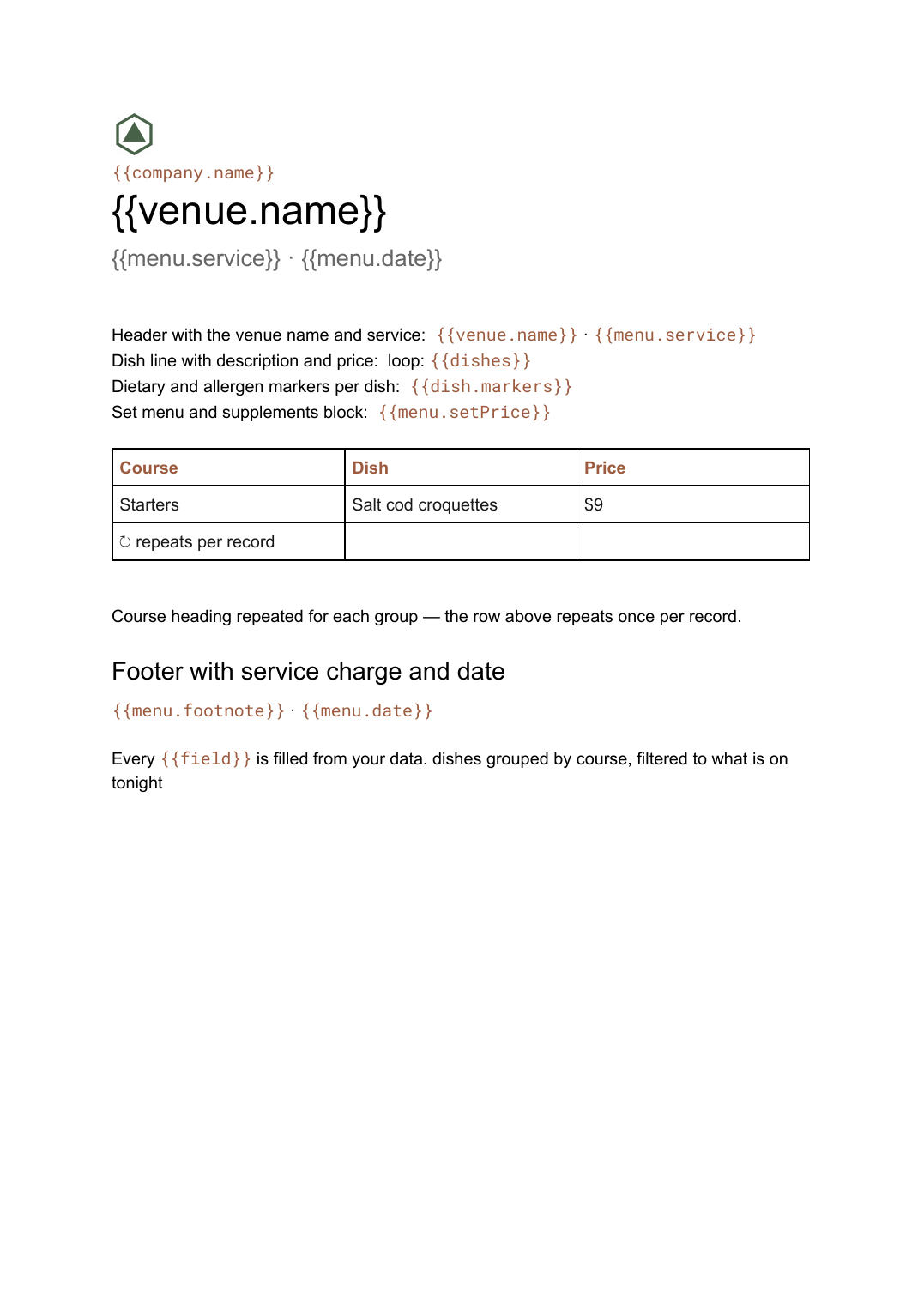
- Header with the venue name and service {{venue.name}} · {{menu.service}}
- Course heading repeated for each group loop: {{courses}}
- Dish line with description and price loop: {{dishes}}
- Dietary and allergen markers per dish {{dish.markers}}
- Set menu and supplements block {{menu.setPrice}}
- Footer with service charge and date {{menu.footnote}} · {{menu.date}}
How this template fills itself
Connect Airtable, Google Sheets, a SQL database, a CSV or a REST API, map each field to a placeholder, and generate. One run can produce a single document or one per matching record.
Dishes · Google Sheets
Template: Google Slides or Docs
{{venue.name}}
{{menu.service}} · {{menu.date}}
loop: {{courses}} → heading
loop: {{dishes}} → line
{{dish.price}}
dishes grouped by course, filtered to what is on tonight
Generated output
DocsPDFThe Harbour Room
Dinner · 16 Sep 2026
4 course headings
19 dish lines
$26
Who uses this template
Restaurants and bars
Reprint the menu when a dish or a price changes, without reformatting the whole page each time.
Read the guideMulti-site groups
Generate a menu per site from one dish list, with each venue's own prices and availability.
Read the guideCaterers and event venues
Produce a menu per event from the dishes chosen for it, printed the morning of service.
Read the guideA menu is a grouped list: courses in a fixed order, dishes under each, a price at the end of every line. It changes more often than anyone plans for — a supplier is short, a price moves, a dish comes off — and each change usually means someone reflowing a page at four in the afternoon. Because the number of dishes per course varies, this is a Google Doc.
Keep dishes as rows and courses as an order
Hold every dish as a row carrying its course, description, price and any dietary markers, plus a flag for whether it is on today. The document then nests two loops: courses on the outside, dishes on the inside. Taking a dish off is a checkbox rather than a deletion, so it comes back next week without being retyped, and a group with several sites generates one menu per site from the same list at each site’s own prices.
Related templates
All product & catalogs →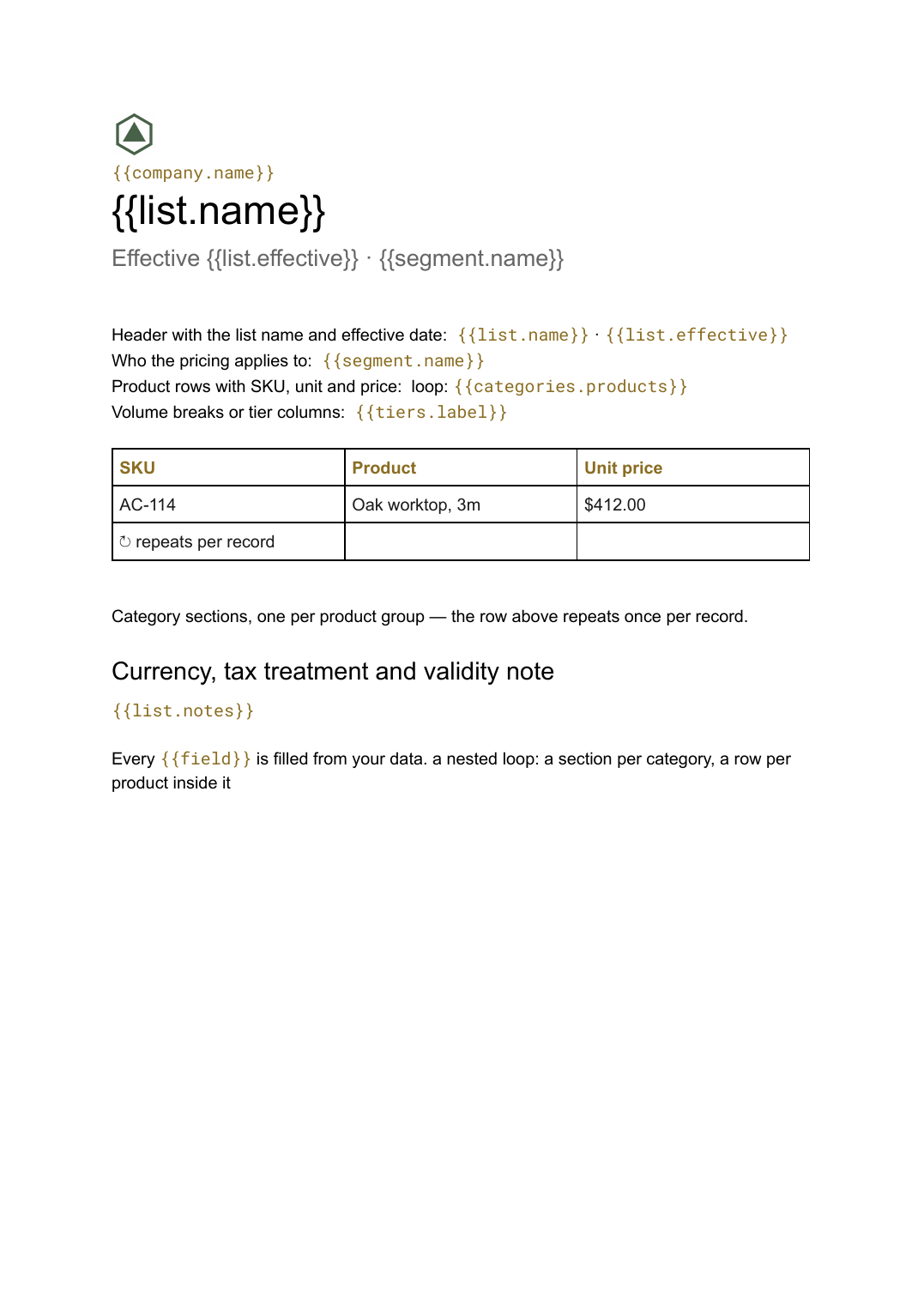 Google Docs
 Price list template
A grouped list of products and prices, generated from your catalogue so every version you send is current.
View template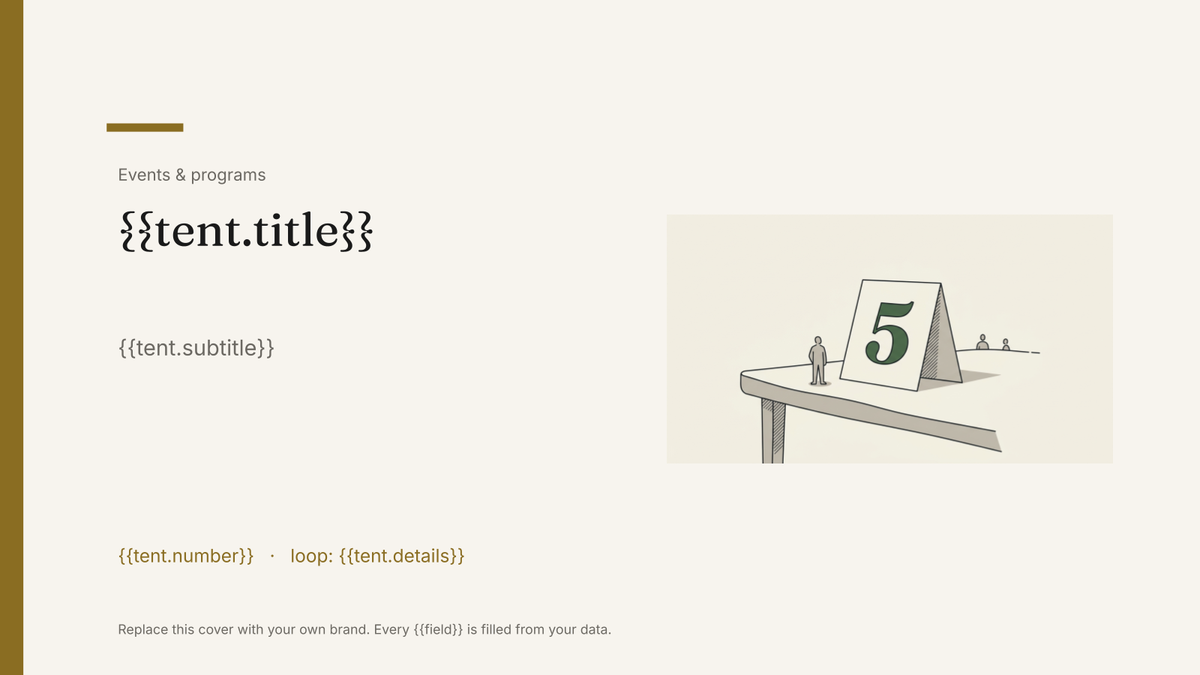 Google Slides
 Table tent template
A folded card that stands on a table, generated one per table, guest or dish from your event data.
View template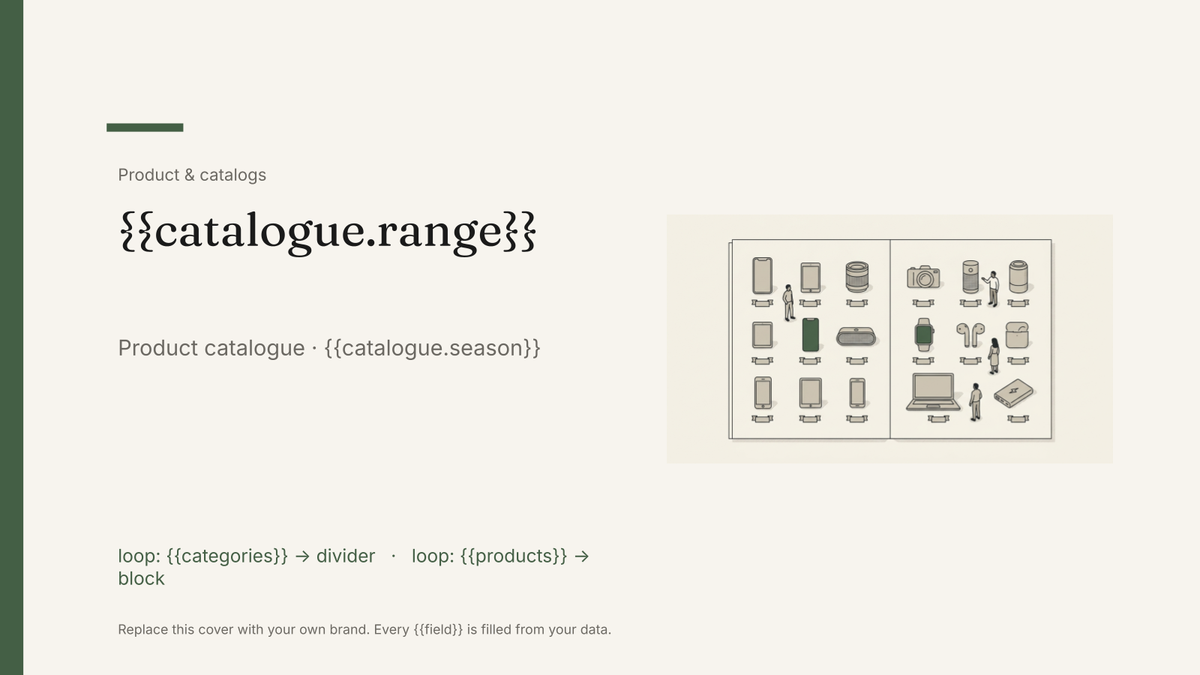 Google Slides
 Product catalog template
A designed catalogue that repeats a product block per row of your product list, generated from your product data.
View template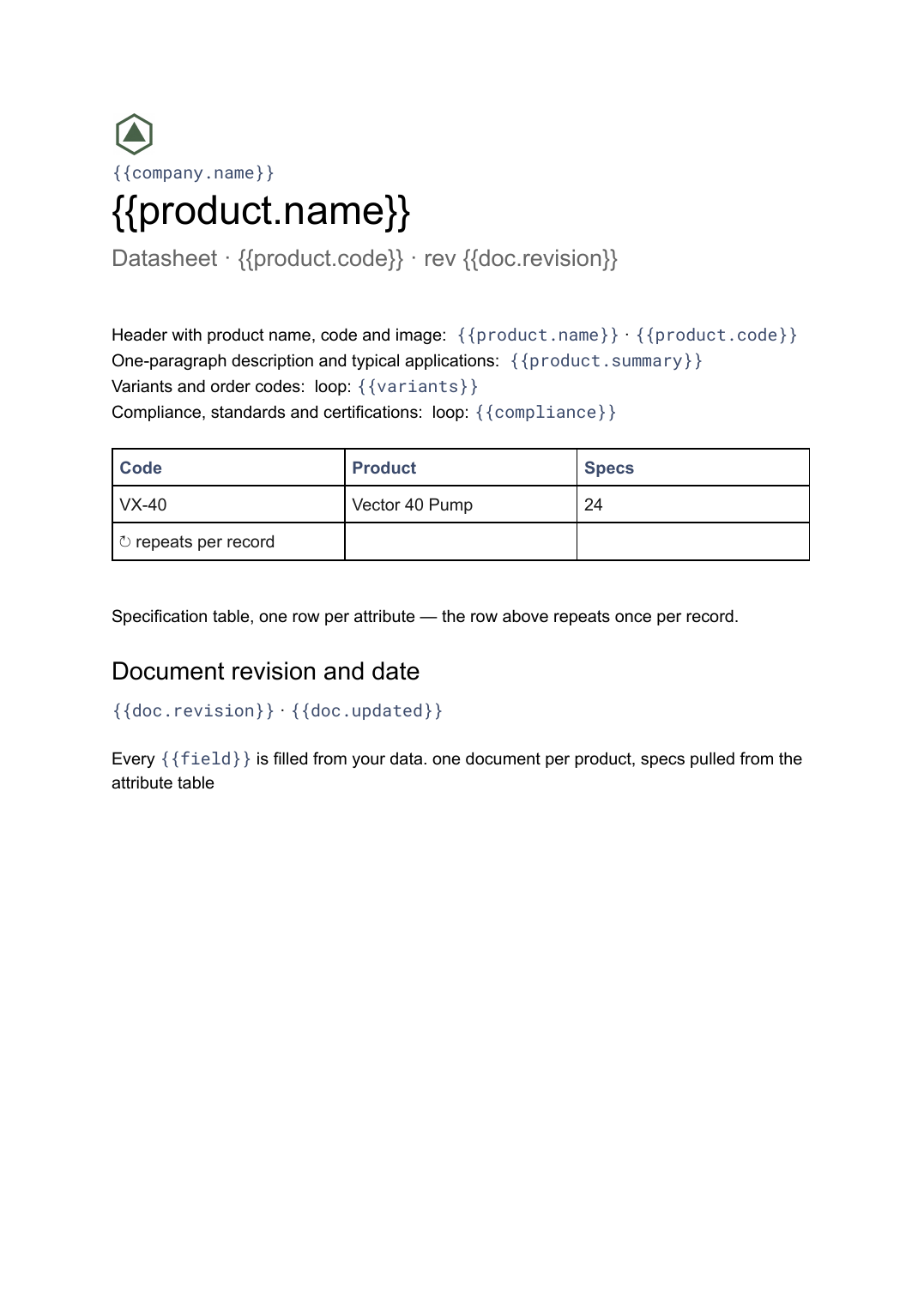 Google Docs
 Datasheet template
A single-product technical sheet with a specification table, generated one document per product from your product data.
View templateCommon questions, answered
How does the grouping by course work? +
Can each site have its own prices? +
Can it show allergens and dietary markers? +
Can I use my own menu design? +
Generate this document from your data
Start on the free plan, connect a data source, and export a real Google Docs document. No watermark, no credit card.