Table tent template
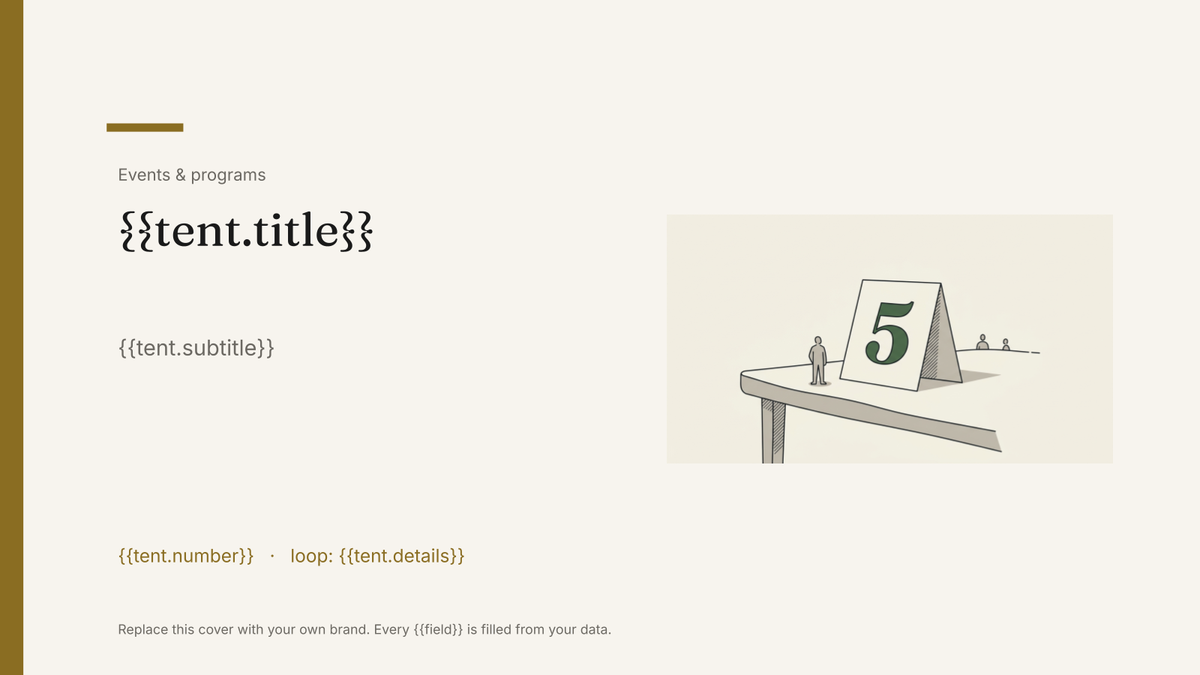
A folded card that stands on a table, generated one per table, guest or dish from your event data.
Free plan, no credit card. Bring your own design or start from this layout.
What’s in this template
Every block is bound to a field in your data. The layout stays exactly as designed; only the values change from one run to the next.
- Front face with the main label {{tent.title}}
- Secondary line for the room, host or course {{tent.subtitle}}
- Table or station number {{tent.number}}
- Detail line such as guest names or allergens loop: {{tent.details}}
- Mirrored back face so both sides read the same {{tent.title}}
- Event branding and fold line {{event.name}}
How this template fills itself
Connect Airtable, Google Sheets, a SQL database, a CSV or a REST API, map each field to a placeholder, and generate. One run can produce a single document or one per matching record.
Tables · Airtable
Template: Google Slides or Docs
{{tent.title}}
{{tent.subtitle}}
{{tent.number}}
loop: {{tent.details}}
{{event.name}}
one card per table row, with the back face mirroring the front
Generated output
SlidesPDFData platforms
Hosted by Marta Nunes
Table 4
8 seats · vegetarian menu
DataConf 2026
Who uses this template
Event and conference organisers
Print table numbers, discussion themes and hosts for every table from the seating plan.
Read the guideRestaurants and catering teams
Produce a card per dish or station from the menu list, reprinting only what changed.
Read the guideSales and trade show teams
Generate stand and demo station cards from the same sheet that plans the floor.
Read the guideA table tent is a folded card that has to be read from both sides of a table, so the design is fixed and the content is short. What varies is the number of them: one per table, one per station, one per dish. Google Slides suits it because the card is drawn once at its flat size and each row of your list produces a copy with different words on it.
Mirror the faces and print the set
Lay the slide out as the flat card — front face on the top half, a mirrored back face below the fold — so the card reads correctly whichever side of the table you sit on. Then treat the seating plan or menu as the source: a row per card, with title, subtitle, number and any detail lines. When a host changes or a dish comes off the menu, you edit the row and reprint that one card. Keeping the detail lines short matters, because a fixed layout will not reflow to make room for a paragraph.
Related templates
All events & programs →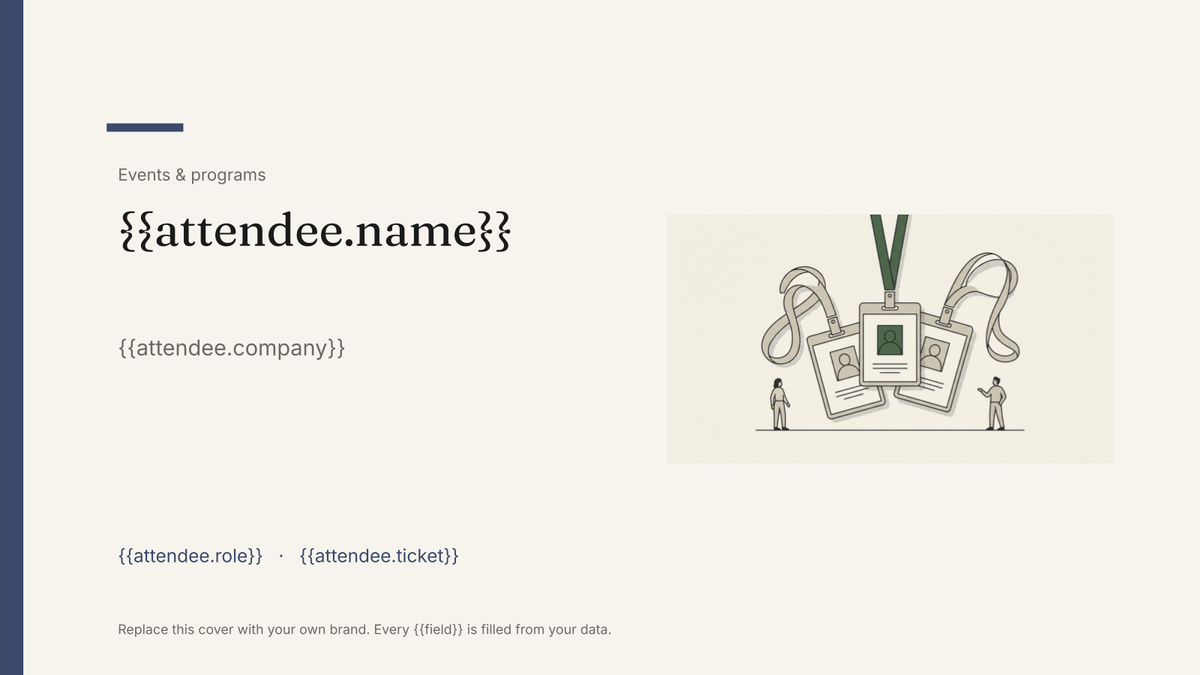 Google Slides
 Attendee name badge template
A printed conference badge with name, organisation and ticket type, generated one per attendee from the registration list.
View template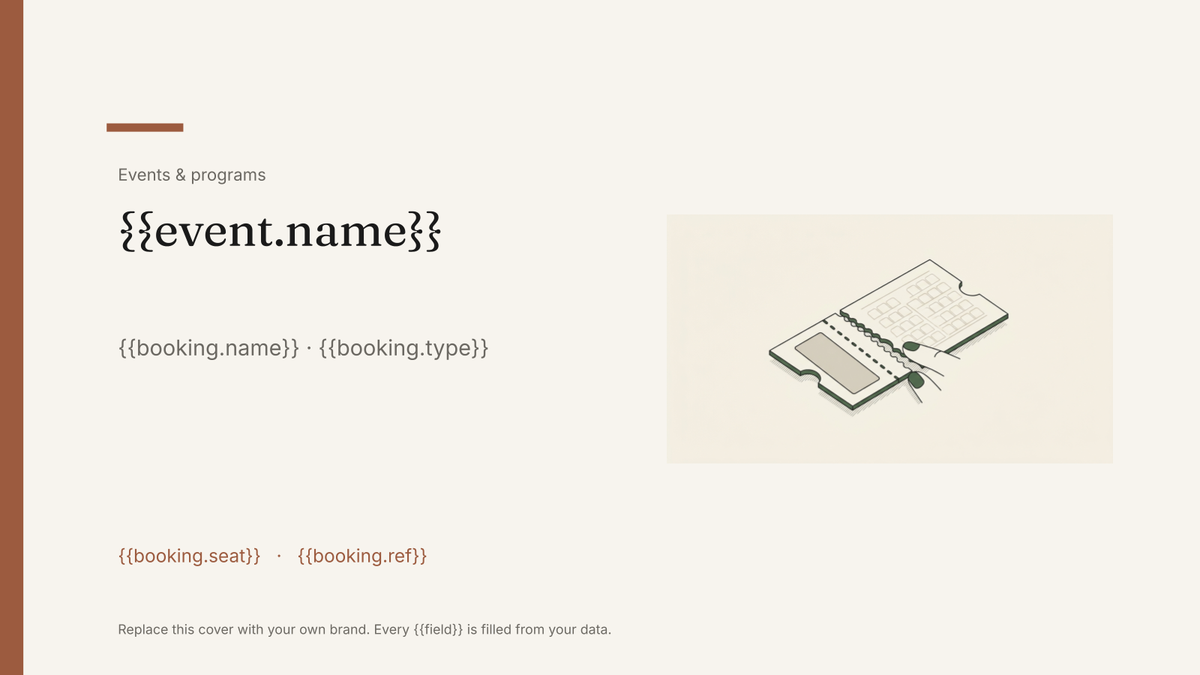 Google Slides
 Event ticket template
A printable ticket carrying the event, seat and booking reference, generated one per booking from your registration data.
View template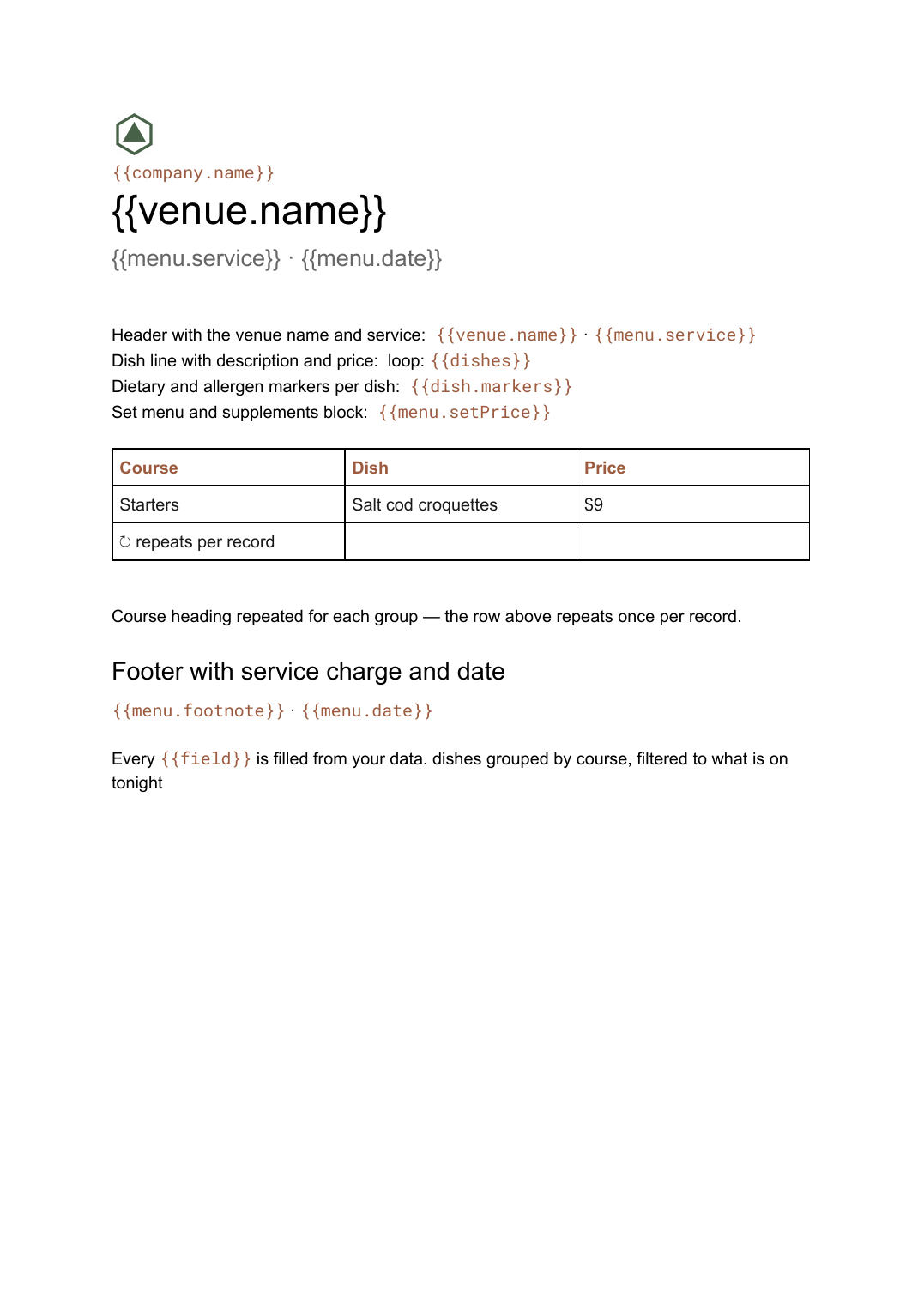 Google Docs
 Menu template for Google Docs
A restaurant menu grouped by course with dishes, descriptions and prices, generated from your dish list whenever it changes.
View template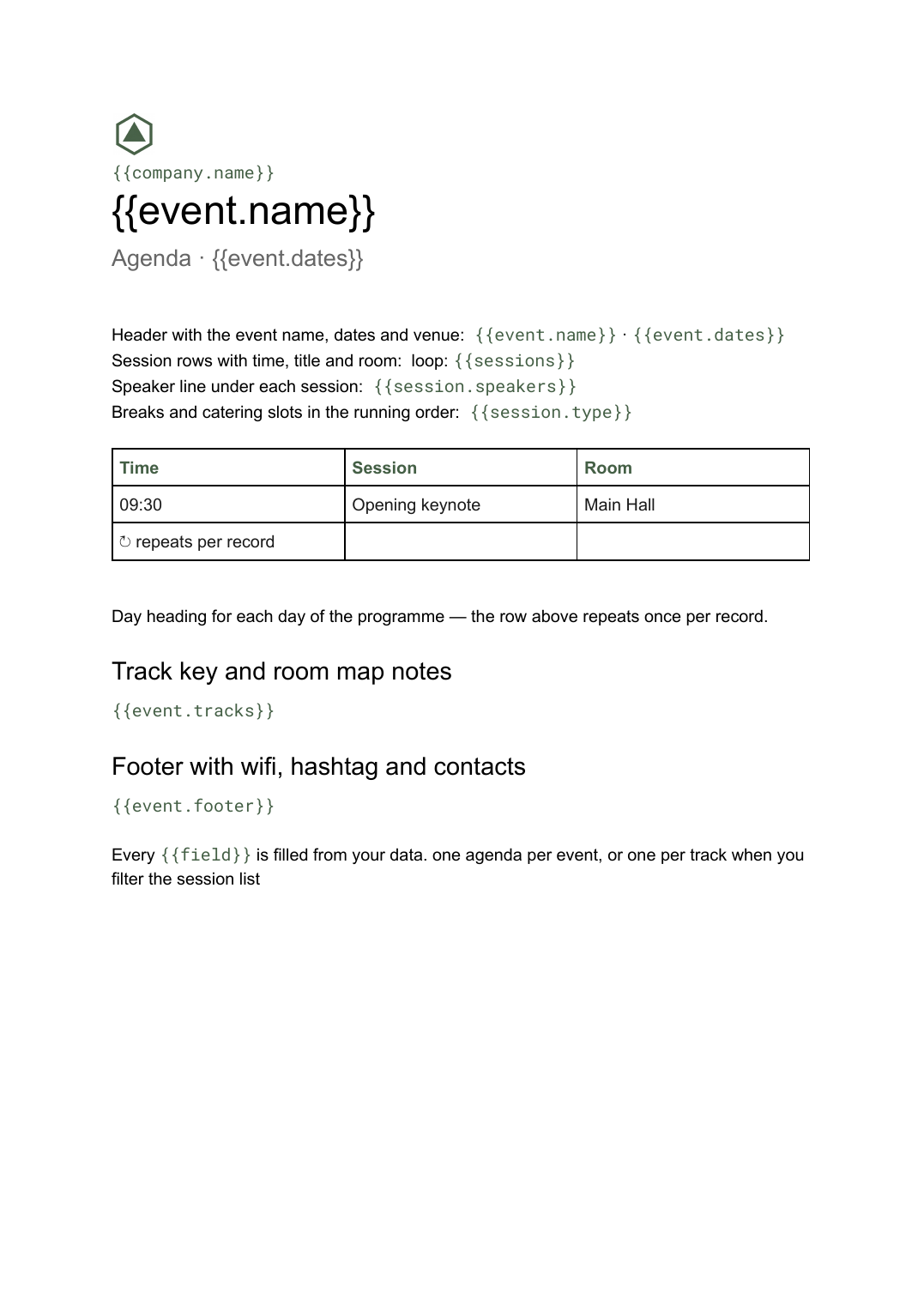 Google Docs
 Conference agenda template
A running order of sessions with times, rooms and speakers, generated per event or per track from your session list.
View templateCommon questions, answered
Can I generate one card per table in a single run? +
How does the folded card print on both sides? +
Can I use my own table tent design? +
What data does it need? +
Generate this document from your data
Start on the free plan, connect a data source, and export a real Google Slides document. No watermark, no credit card.