Work order template
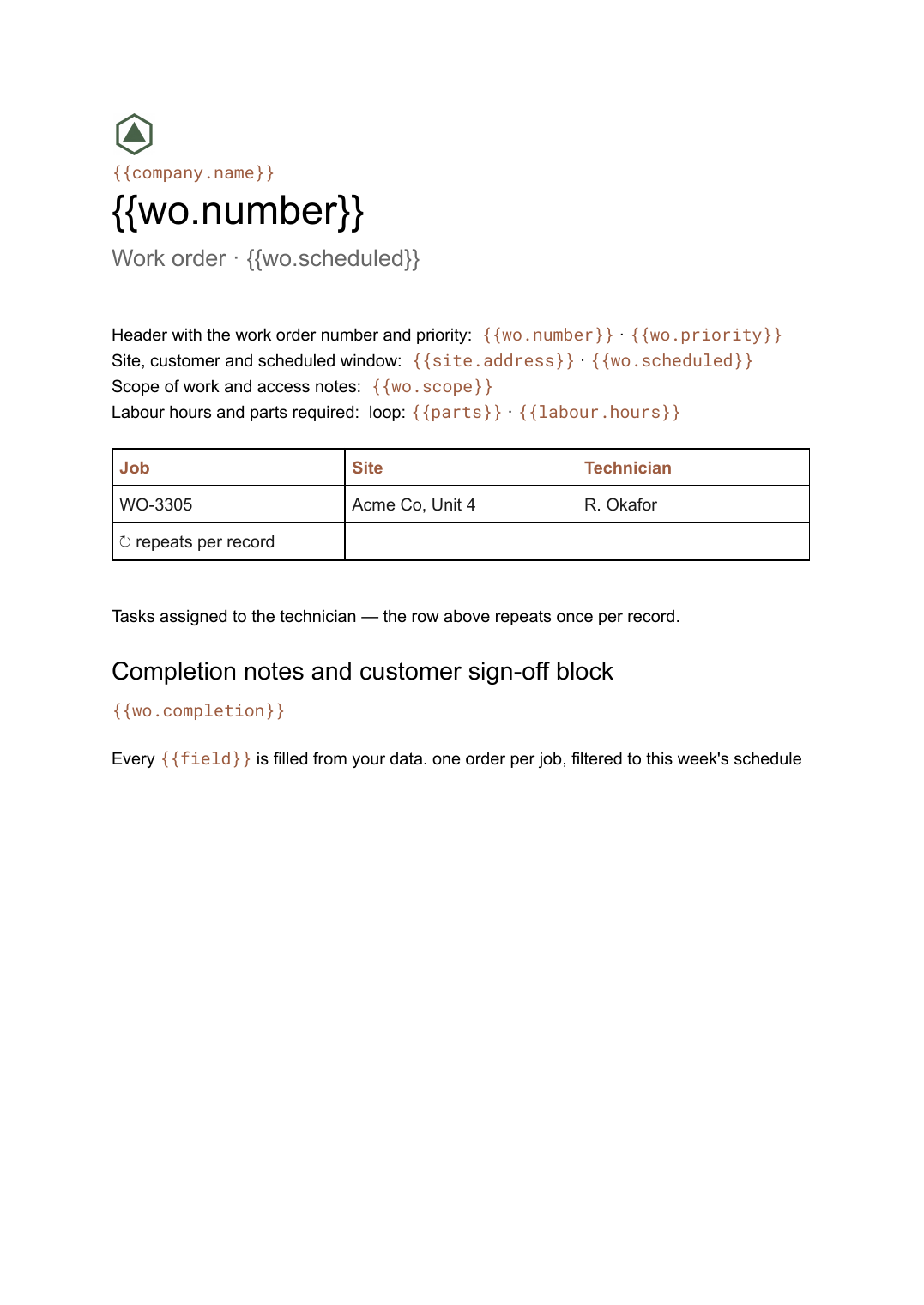
An authorisation for a job to be carried out, with labour and parts lines and a sign-off block, generated one per job from your scheduling data.
Free plan, no credit card. Bring your own design or start from this layout.
What’s in this template
Every block is bound to a field in your data. The layout stays exactly as designed; only the values change from one run to the next.
- Header with the work order number and priority {{wo.number}} · {{wo.priority}}
- Site, customer and scheduled window {{site.address}} · {{wo.scheduled}}
- Scope of work and access notes {{wo.scope}}
- Tasks assigned to the technician loop: {{tasks}}
- Labour hours and parts required loop: {{parts}} · {{labour.hours}}
- Completion notes and customer sign-off block {{wo.completion}}
How this template fills itself
Connect Airtable, Google Sheets, a SQL database, a CSV or a REST API, map each field to a placeholder, and generate. One run can produce a single document or one per matching record.
Jobs · Airtable
Template: Google Slides or Docs
{{wo.number}}
Work order · {{wo.scheduled}}
{{site.address}}
loop: {{tasks}} → row
loop: {{parts}} → row
one order per job, filtered to this week's schedule
Generated output
DocsPDFWO-3305
Work order · 16 Sep 2026, 09:00–12:00
Acme Co, Unit 4
5 tasks assigned
4 parts required
Who uses this template
Field service and maintenance firms
Give each technician a job sheet for the day, generated from the schedule rather than typed up the night before.
Read the guideFacilities teams
Authorise reactive and planned work in a consistent document that names the site, the scope and who approved it.
Read the guideTrades and contractors
Turn an approved quote into a work order carrying the same tasks and materials, without retyping them.
Read the guideA work order authorises work rather than billing for it. It goes to whoever is doing the job, names the site, the scope and the scheduled window, and lists the tasks and parts the job is expected to need. Because task and parts lists vary wildly between a filter change and a full service, this is a Google Doc: both tables grow and the pages break themselves.
The sign-off block is what has to survive
A work order usually comes back with handwriting on it, so leave real space for completion notes, hours actually worked and a customer signature. Everything above that block should come from the schedule — job number, site, technician, tasks, parts — and nothing should be typed twice. Generating the week’s orders in one filtered run also means the paperwork always matches the schedule, since a rescheduled job produces a new document rather than being amended in a printout someone is already carrying.
Related templates
All billing & operations →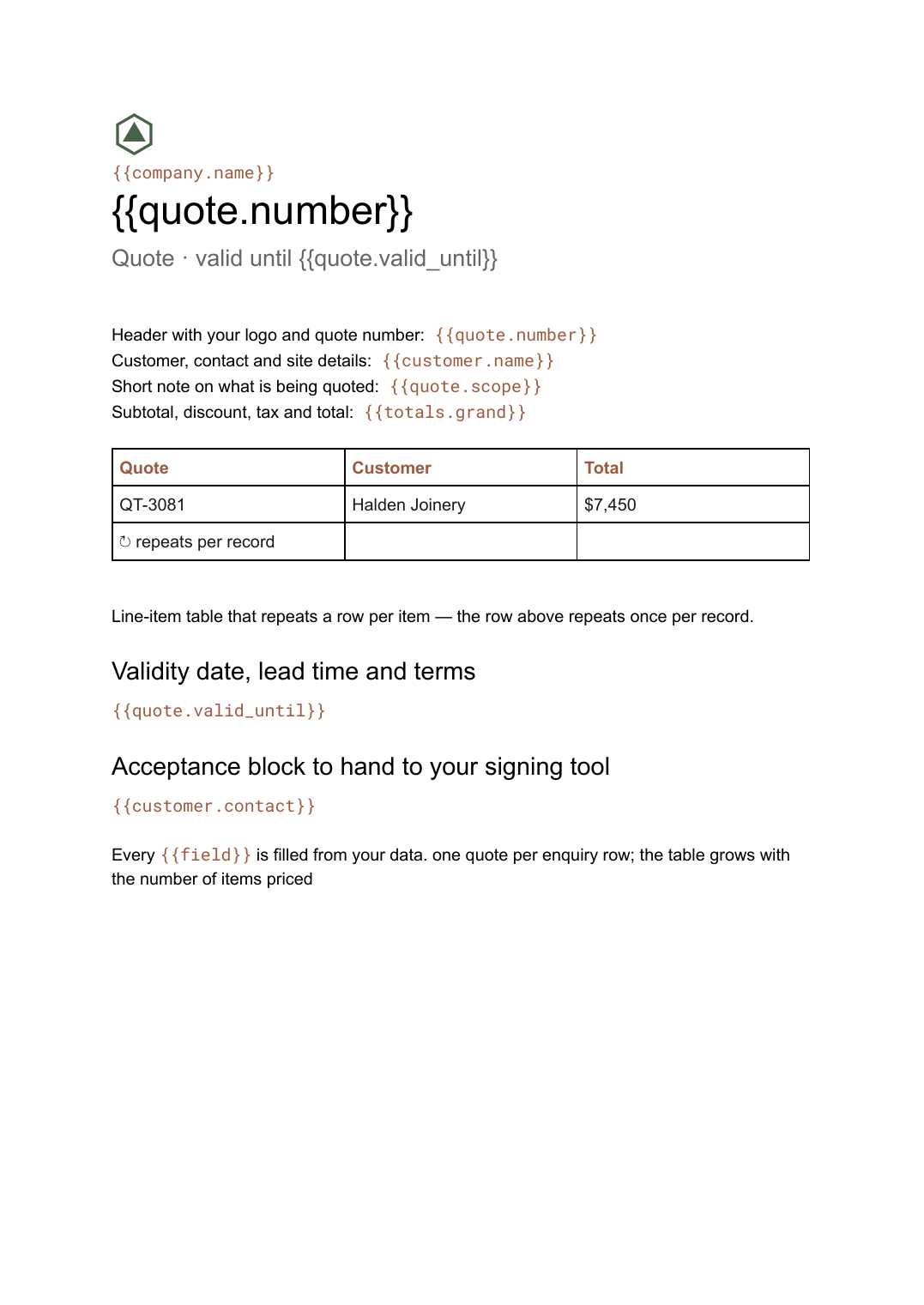 Google Docs
 Quote template
A priced quotation with a line-item table and a validity date, generated one per enquiry from your pricing data.
View template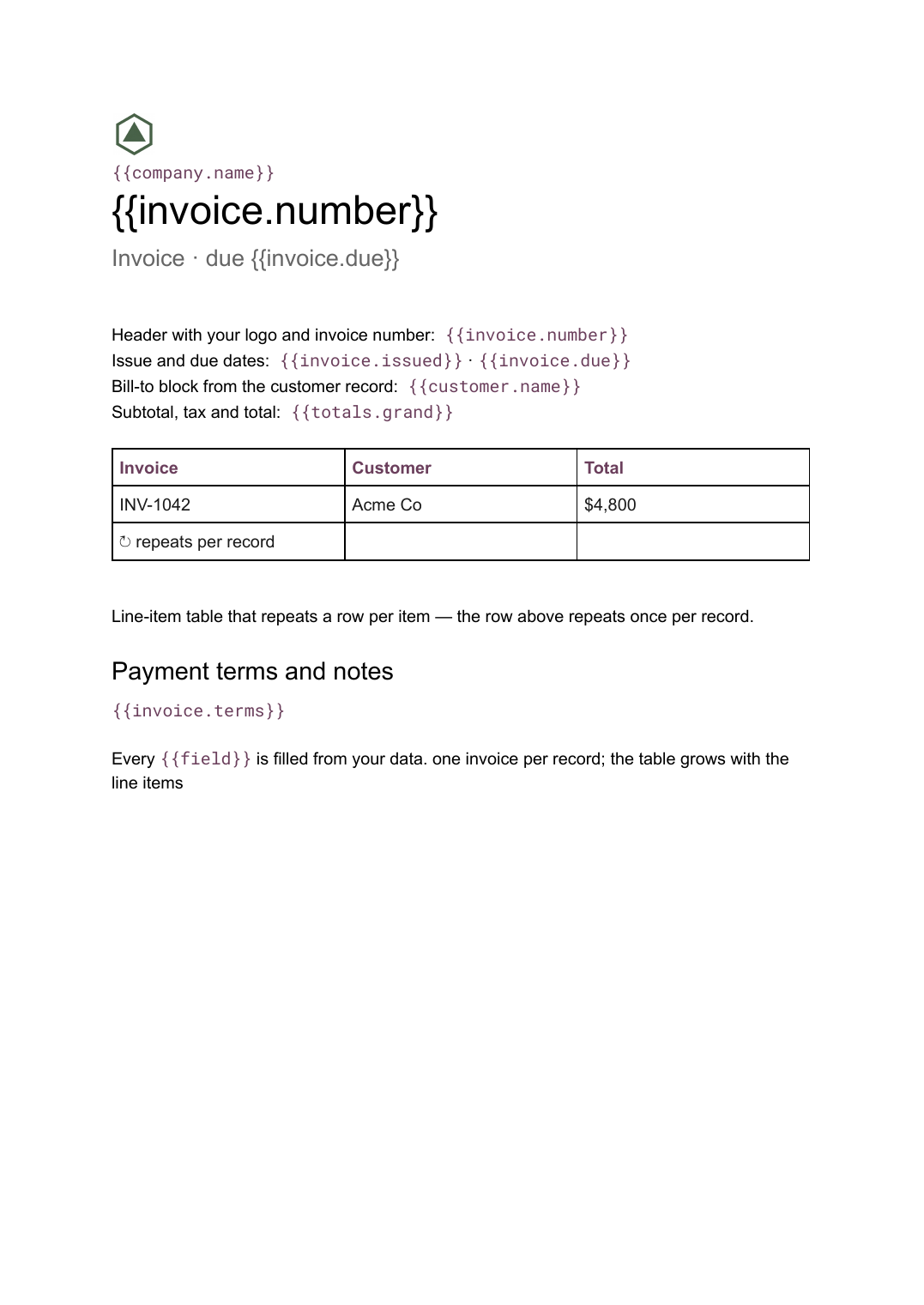 Google Docs
 Invoice template for Google Docs
A billing document with a line-item table that grows with the job, generated one per record from your billing data.
View template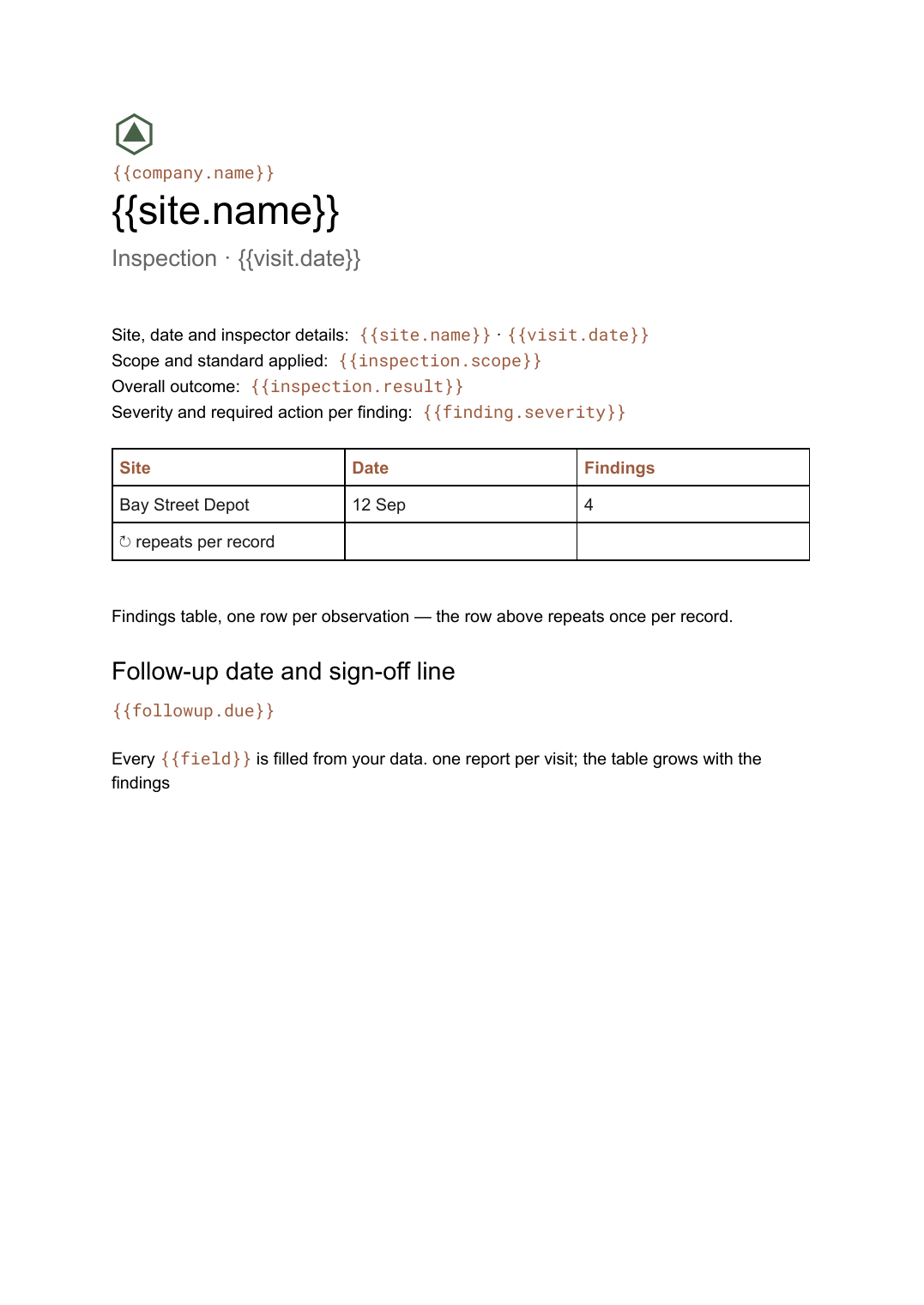 Google Docs
 Inspection report template
A site inspection record with a findings table that grows with what was found, generated one report per visit.
View template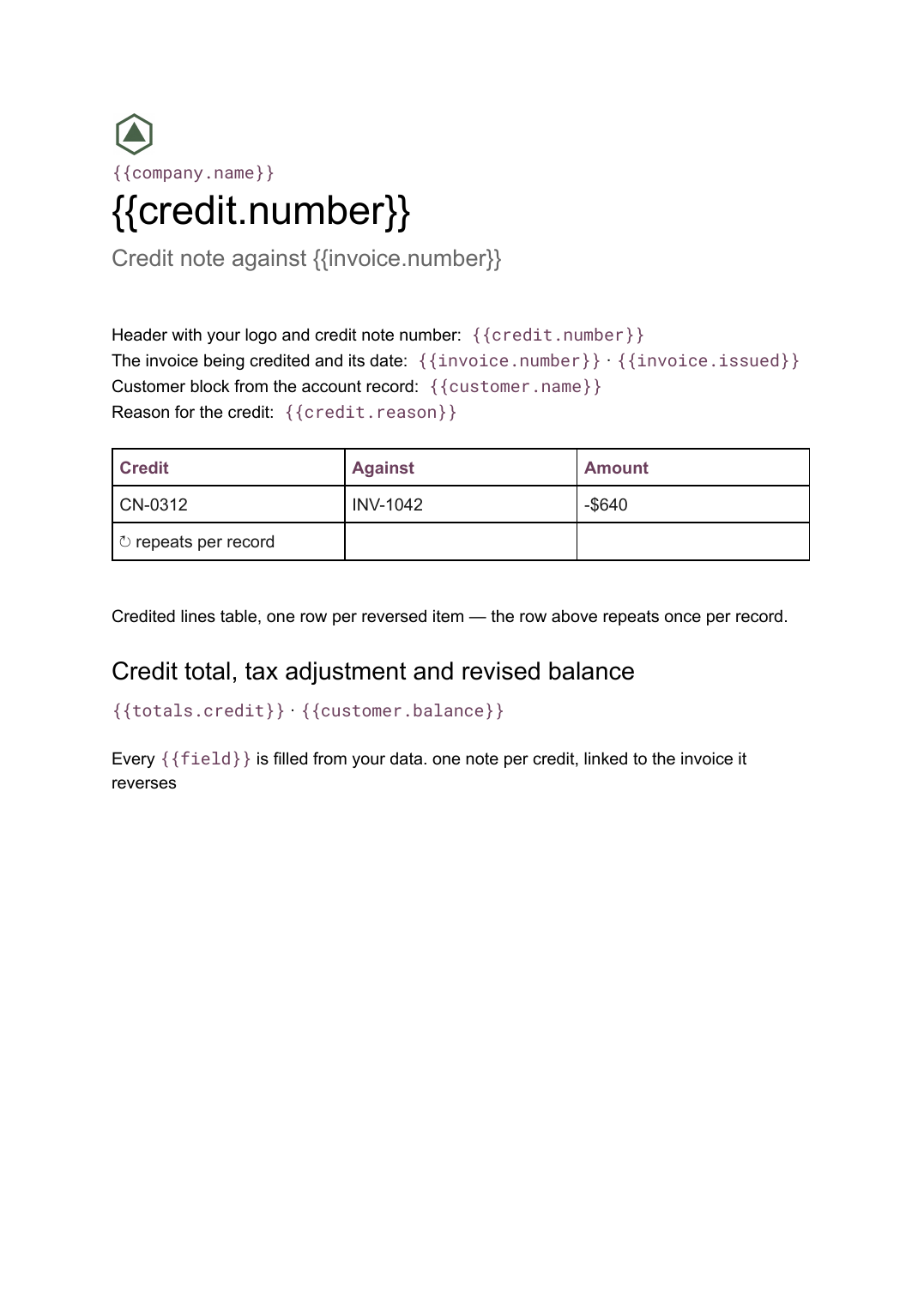 Google Docs
 Credit note template
A document that cancels part or all of an invoice, naming the lines credited and the reason, generated one per credit from your billing data.
View templateCommon questions, answered
How is a work order different from an invoice or a quote? +
Can each technician get only their own jobs? +
Can it hold both tasks and parts? +
Can I use my own work order design? +
Generate this document from your data
Start on the free plan, connect a data source, and export a real Google Docs document. No watermark, no credit card.