Free checklist template for Google Docs
A grouped checklist with checkboxes, notes and sign-off, generated one per job, inspection or client from your task data.
Free to copy, no sign-up: the file opens in your own Google Drive. Updated November 13, 2026.
What’s in the checklist template
Every block has a placeholder showing where your details go. Type over them by hand, or bind each one to a field in your data and let it fill itself.
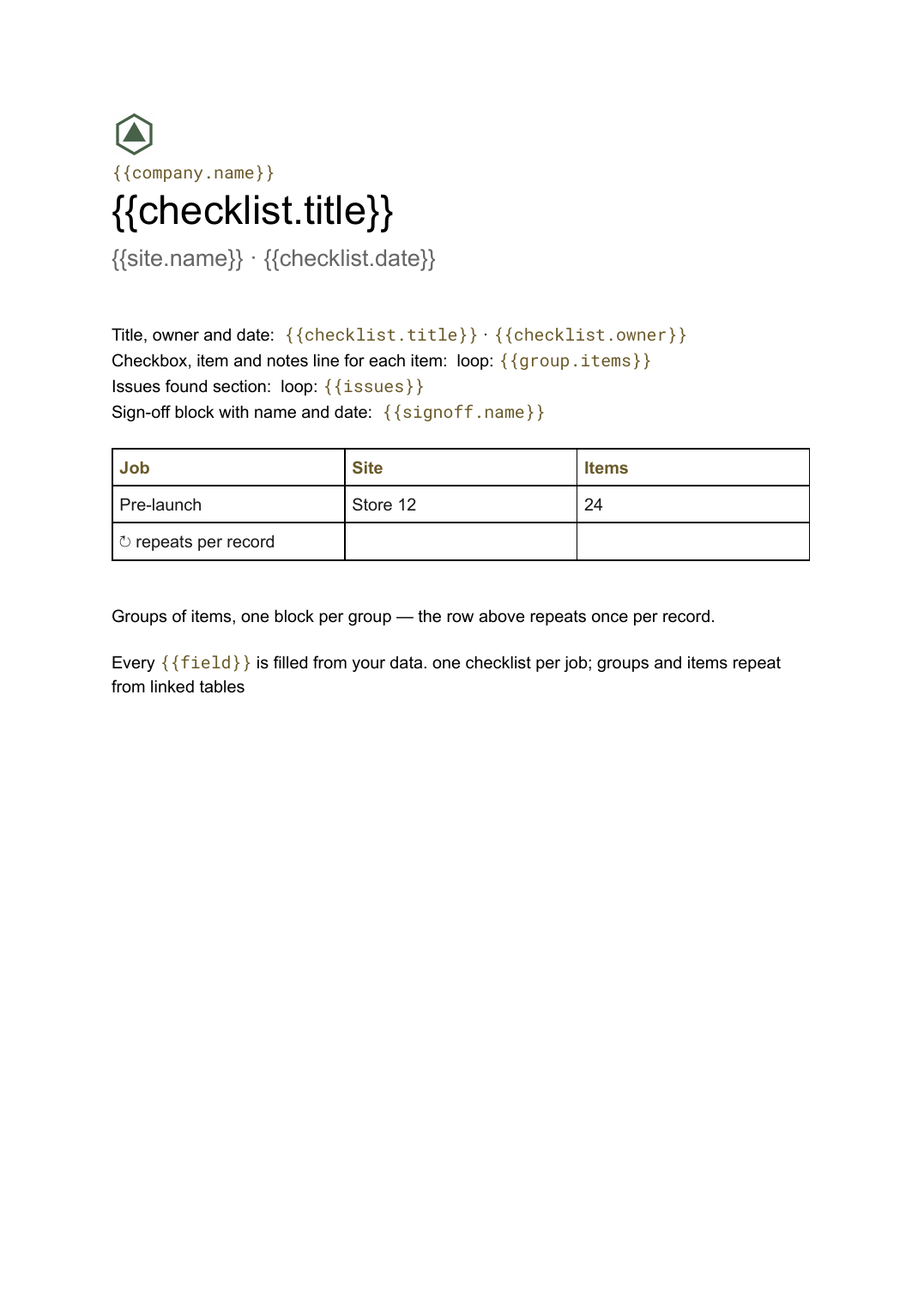
- Title, owner and date {{checklist.title}} · {{checklist.owner}}
- Groups of items, one block per group loop: {{groups}}
- Checkbox, item and notes line for each item loop: {{group.items}}
- Issues found section loop: {{issues}}
- Sign-off block with name and date {{signoff.name}}
How to use this checklist template in Google Docs
- 01
Copy the template to your Google Drive
Press "Copy to my Google Docs". Google asks to make a copy, and the copy is yours to edit; the original is never changed. All you need is a free Google account.
- 02
Replace the placeholders with your details
Text in double braces, like {{checklist.title}}, marks where your own values go. Work down the page: title, owner and date; groups of items, one block per group; checkbox, item and notes line for each item, and so on.
- 03
Make it match your brand
Swap the logo, colours and fonts in Google Docs as you would in any document. The layout is built to hold when the text changes.
- 04
Download it as a PDF, or share the link
File, then Download, then PDF Document gives you a file to send or print. Download as Word (.docx) works too if someone needs it.
- 05
Making these regularly? Fill it from your data
Connect Airtable, Google Sheets or a CSV to SourceToDocs and it fills a copy of this template for every row, so you stop retyping.
A checklist is only useful if it is the right checklist for this job, and the only way to keep forty variants right is to stop keeping forty documents. This template keeps one layout and lets the task table decide which groups and items appear for each job.
Groups and items from one list
Keep an items table with a group field and an applies-to field. Generate one checklist per job and only the matching items appear, grouped, with checkboxes. The issues section fills from findings when they exist and disappears when they do not.
Fill this checklist template from Airtable, Google Sheets or a CSV
Connect an Airtable base, a Google Sheets spreadsheet or a CSV file, map each field to a placeholder, and generate. One run can produce a single document or one per matching row, delivered to your Google Drive.
Jobs · Airtable
Template: Google Slides or Docs
{{checklist.title}}
{{site.name}} · {{checklist.date}}
loop: {{groups}} → section
loop: {{group.items}} → row
{{signoff.name}}
one checklist per job; groups and items repeat from linked tables
Generated output
DocsPDFPre-launch
Store 12 · 3 Nov 2026
6 groups
24 items
Signed off
Who uses this checklist template
Operations and facilities
Opening, closing and handover checklists per site from one master list.
Read the guideInspections and compliance
A checklist per inspection with the issues section filled from findings.
Read the guideRelated templates
All business documents →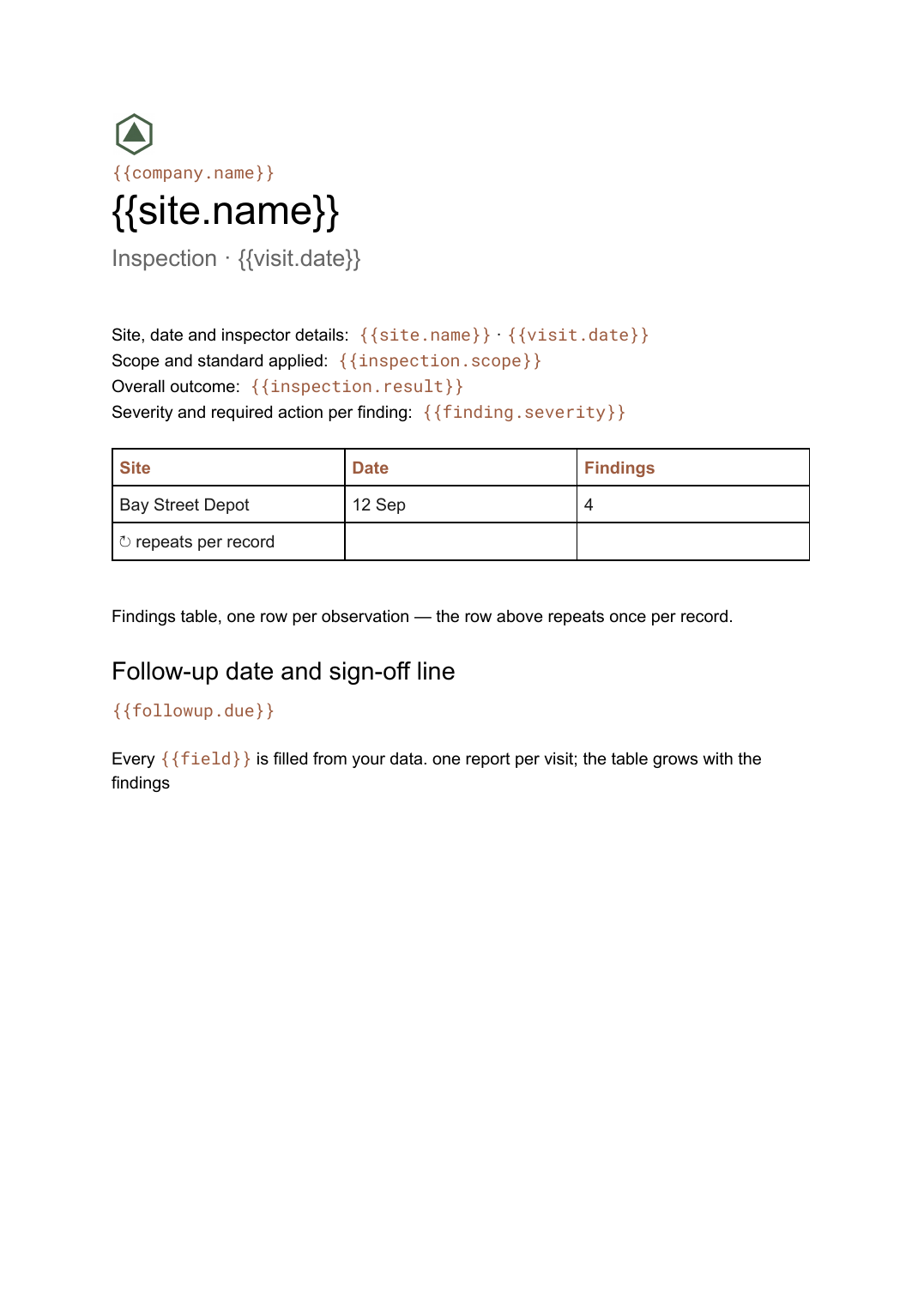 Google Docs
Inspection report template
A site inspection record with a findings table that grows with what was found, generated one report per visit.
View template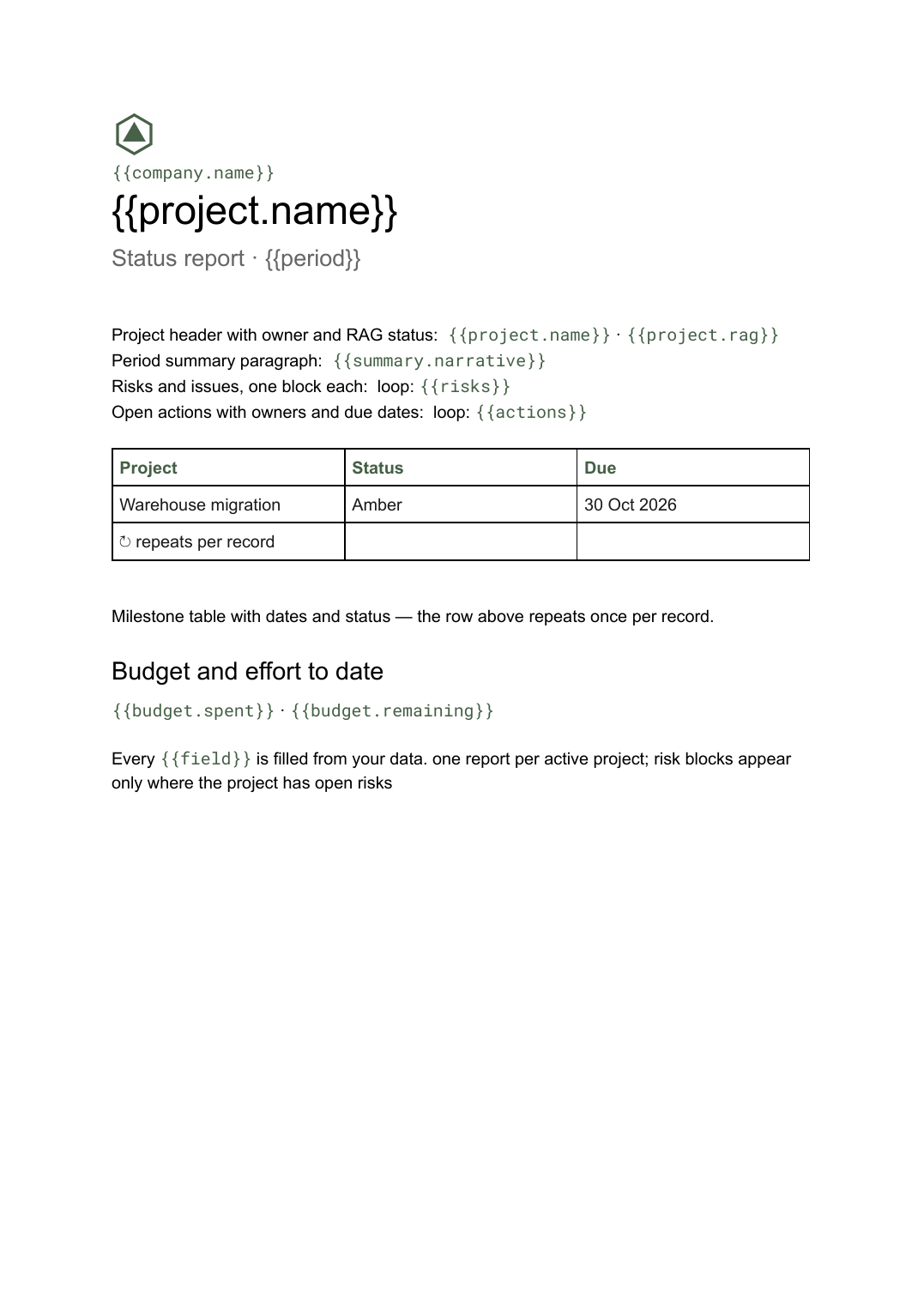 Google Docs
Project status report template
A per-project status write-up covering progress, milestones, risks and open actions, generated one per project from your tracker.
View template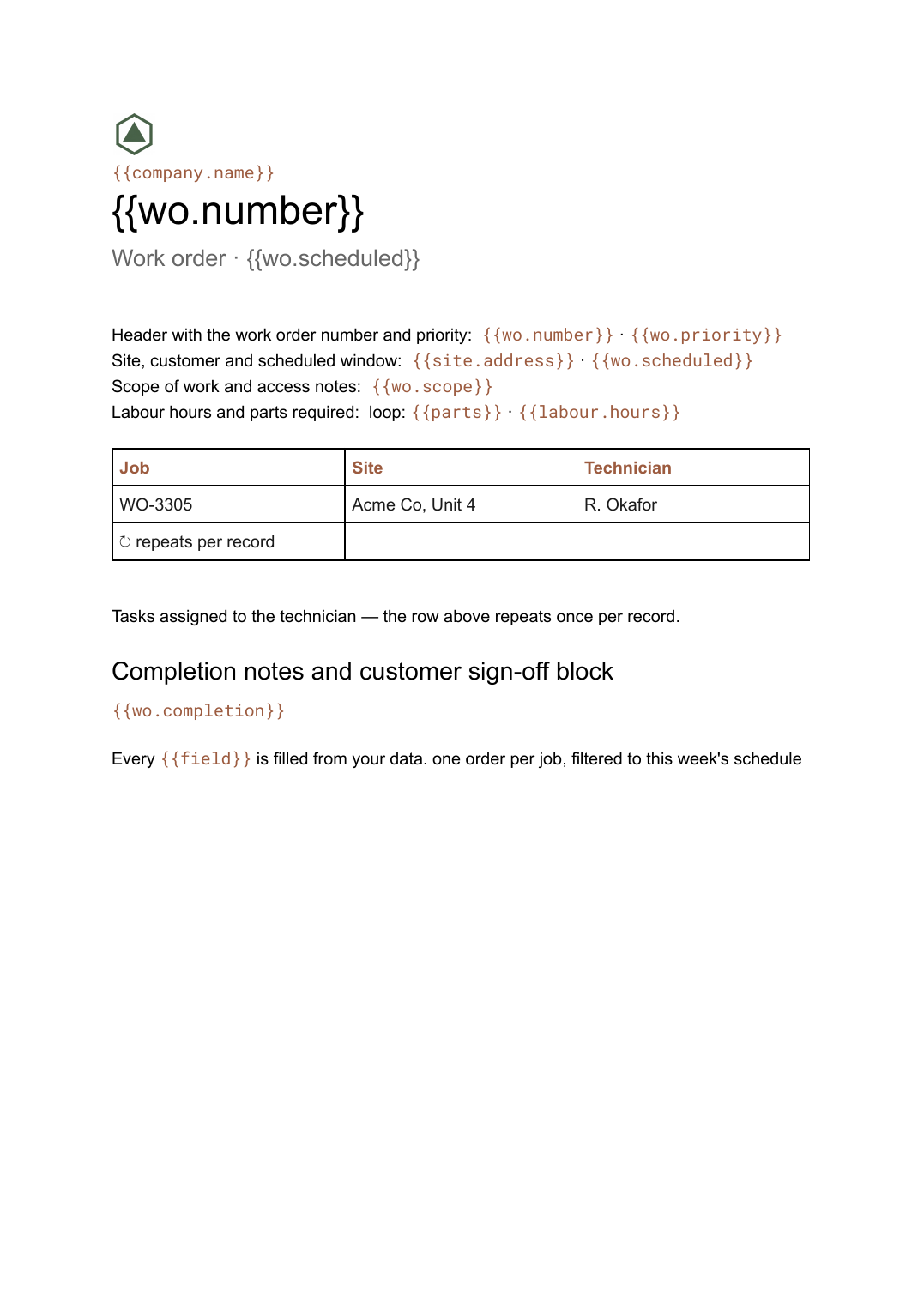 Google Docs
Work order template
An authorisation for a job to be carried out, with labour and parts lines and a sign-off block, generated one per job from your scheduling data.
View template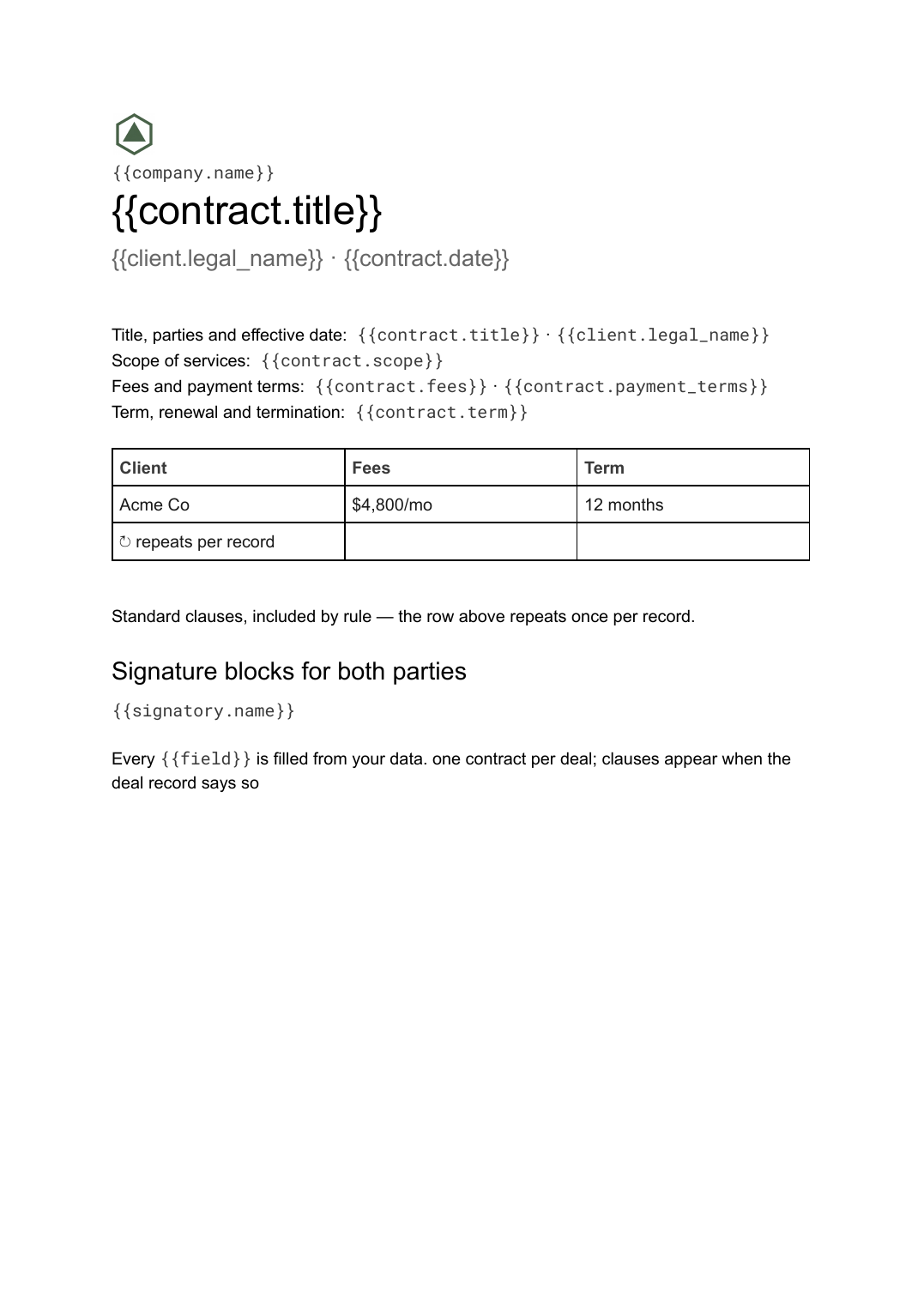 Google Docs
Contract template
A service agreement with parties, scope, fees, term, standard clauses and signature blocks, generated one per deal with conditional clauses from your records.
View templateCommon questions, answered
Can the items come from a table? +
Can people tick it in the Doc? +
One checklist per job? +
Is this checklist template free? +
Can I download this checklist template as a PDF or Word file? +
Generate this document from your data
Start on the free plan, connect Airtable, Google Sheets or a CSV, and export a real Google Docs file. No watermark, no credit card.