Inspection report template
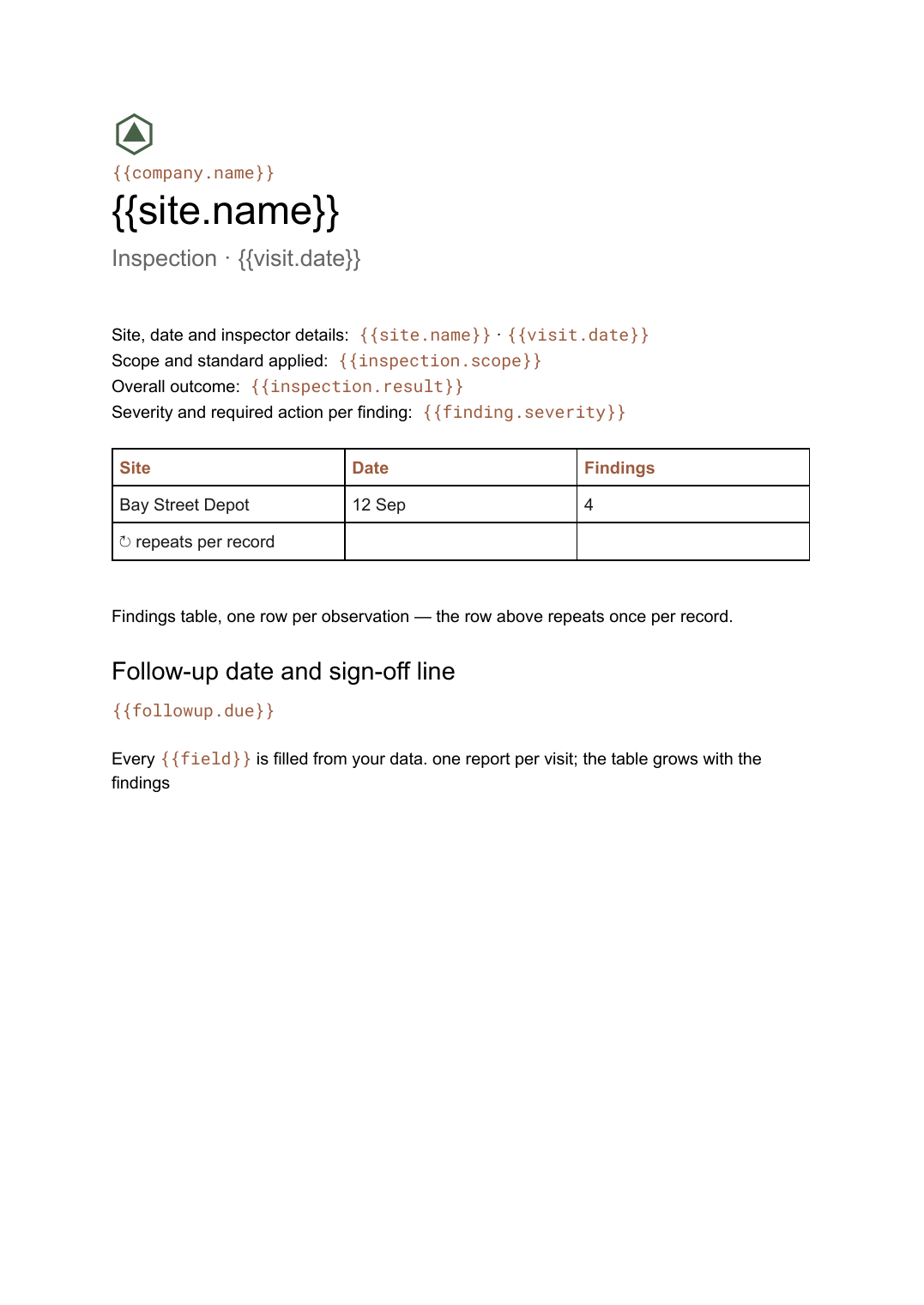
A site inspection record with a findings table that grows with what was found, generated one report per visit.
Free plan, no credit card. Bring your own design or start from this layout.
What’s in this template
Every block is bound to a field in your data. The layout stays exactly as designed; only the values change from one run to the next.
- Site, date and inspector details {{site.name}} · {{visit.date}}
- Scope and standard applied {{inspection.scope}}
- Overall outcome {{inspection.result}}
- Findings table, one row per observation loop: {{findings}}
- Severity and required action per finding {{finding.severity}}
- Follow-up date and sign-off line {{followup.due}}
How this template fills itself
Connect Airtable, Google Sheets, a SQL database, a CSV or a REST API, map each field to a placeholder, and generate. One run can produce a single document or one per matching record.
Inspections · Airtable
Template: Google Slides or Docs
{{site.name}}
Inspection · {{visit.date}}
{{inspection.result}}
loop: {{findings}} → row
{{followup.due}}
one report per visit; the table grows with the findings
Generated output
DocsPDFBay Street Depot
Inspection · 12 Sep 2026
Pass with actions
4 findings recorded
Follow-up due 26 Sep
Who uses this template
Facilities and safety teams
Turn the findings logged on a site visit into a filed report before the inspector has left the car park.
Read the guideContractors and trades
Issue a consistent record after every job so the client sees the same format each visit.
Read the guideQuality and compliance functions
Keep the findings register as the single record and let the report be a view of it.
Read the guideAn inspection report is a record of a specific visit, and its length is decided entirely by what the inspector found. That single fact settles the format: it has to be a document that flows, not a slide with a fixed frame, because a clean site and a failing one produce very different amounts of content from the same template.
Keep the findings register, not the reports
The mistake is treating each report as the record. Log findings as rows against a visit, with severity, action and owner as fields, and the document becomes a view of that register rather than the place the information lives. Then a follow-up visit can filter to the open items, a monthly summary can count them by severity, and correcting a typo means fixing one row and regenerating rather than editing a file someone has already filed.
Related templates
All reports →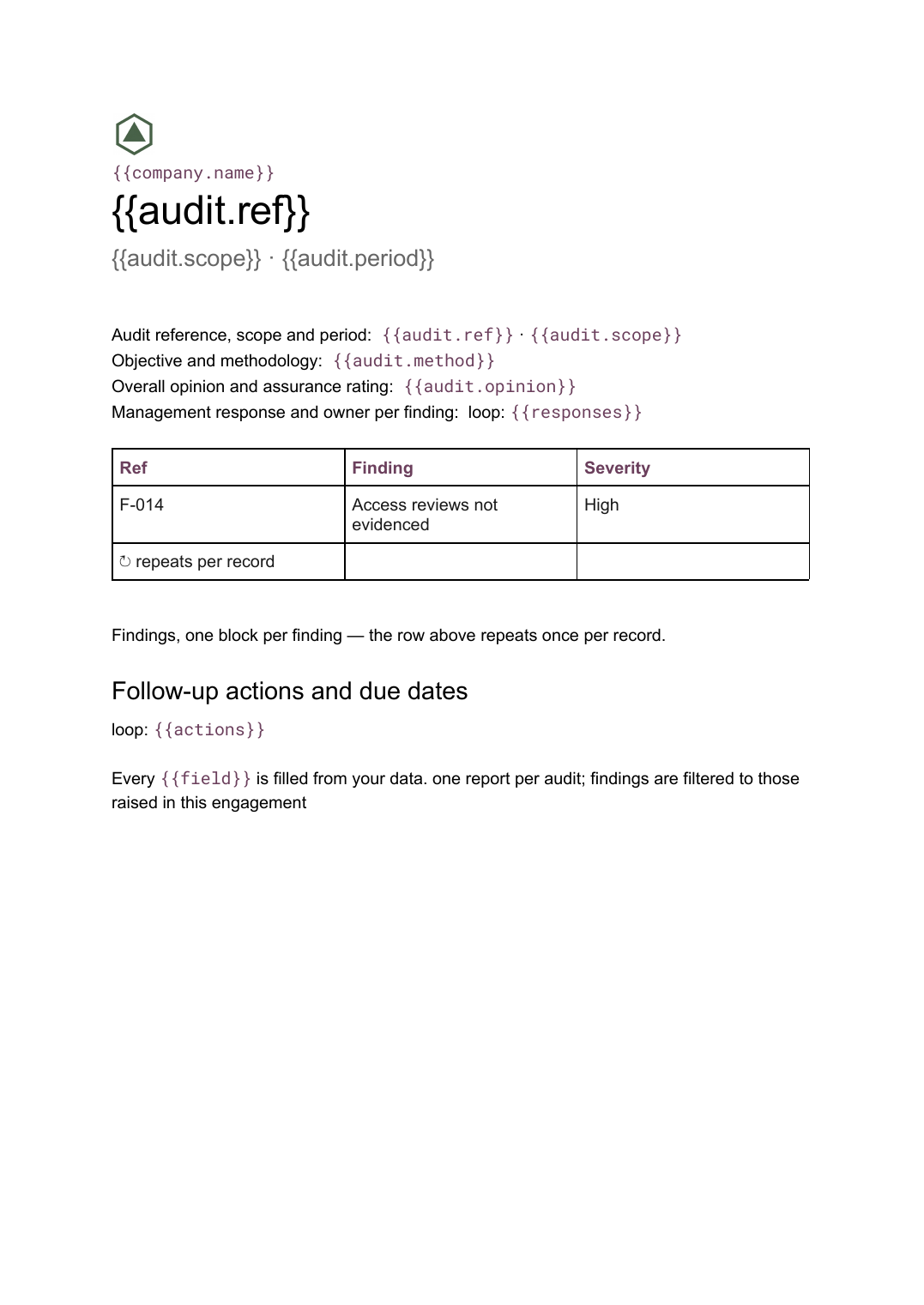 Google Docs
 Audit report template
A per-audit report setting out scope, findings with severity and management responses, generated from your findings register.
View template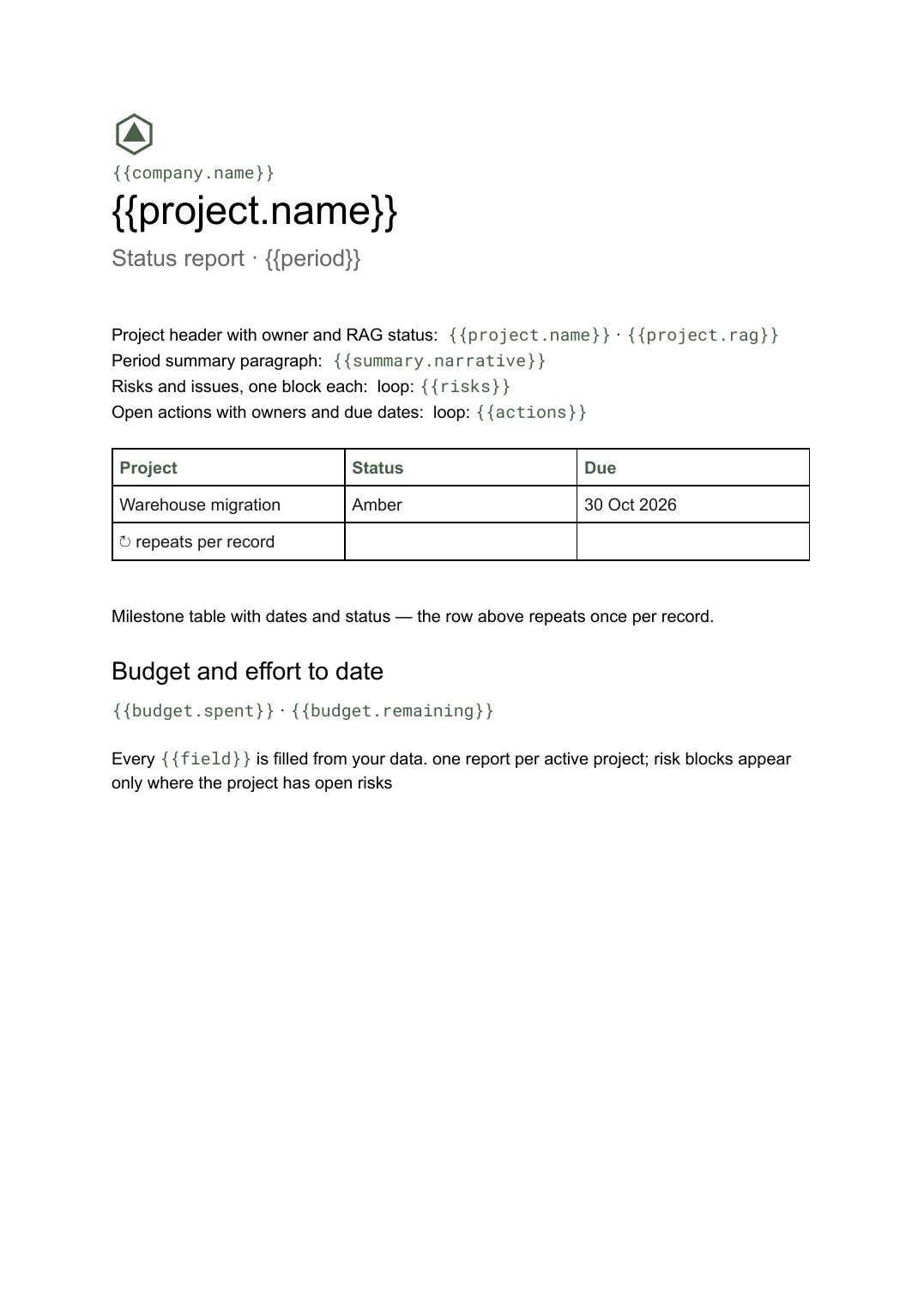 Google Docs
 Project status report template
A per-project status write-up covering progress, milestones, risks and open actions, generated one per project from your tracker.
View template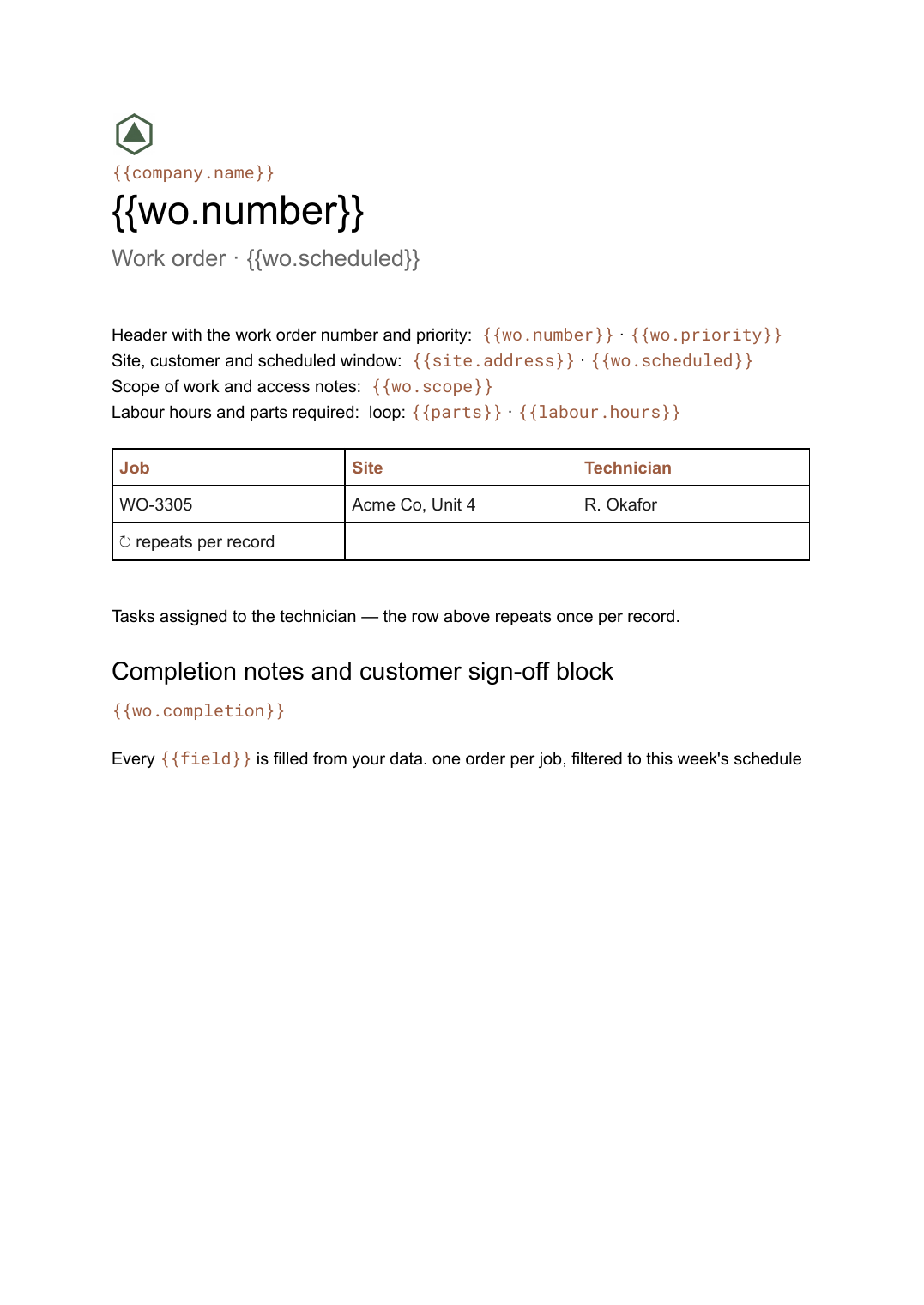 Google Docs
 Work order template
An authorisation for a job to be carried out, with labour and parts lines and a sign-off block, generated one per job from your scheduling data.
View template Google Slides
 Agency client report template
A white-label monthly performance report, generated one per client account from your campaign data.
View templateCommon questions, answered
Why is this a Google Docs template rather than a slide? +
Where do the findings come from? +
Can I generate a report for every inspection in a batch? +
Can I use our own inspection form layout? +
Generate this document from your data
Start on the free plan, connect a data source, and export a real Google Docs document. No watermark, no credit card.