Audit report template
A per-audit report setting out scope, findings with severity and management responses, generated from your findings register.
Free plan, no credit card. Bring your own design or start from this layout.
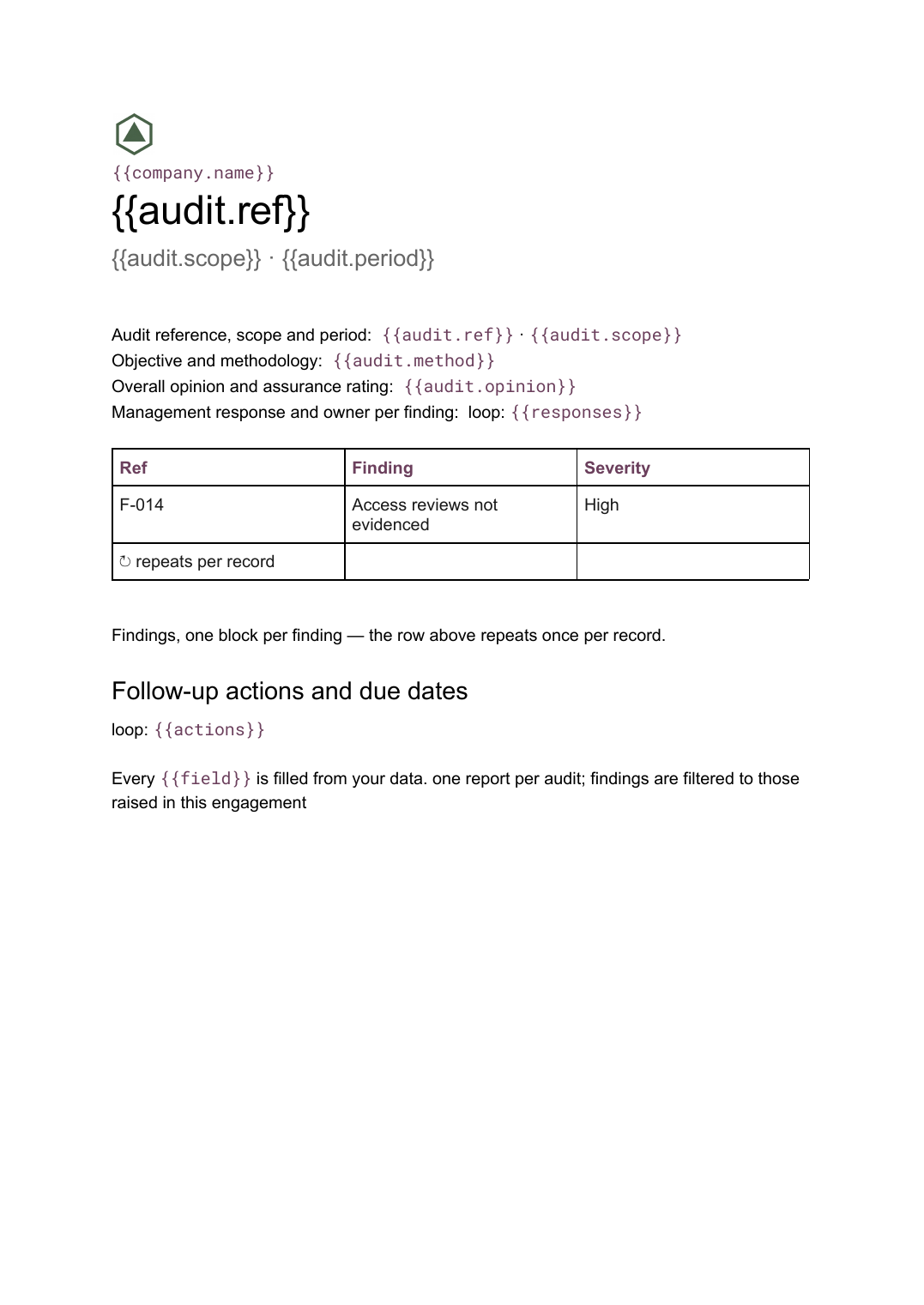
What’s in this template
Every block is bound to a field in your data. The layout stays exactly as designed; only the values change from one run to the next.
- Audit reference, scope and period {{audit.ref}} · {{audit.scope}}
- Objective and methodology {{audit.method}}
- Overall opinion and assurance rating {{audit.opinion}}
- Findings, one block per finding loop: {{findings}}
- Management response and owner per finding loop: {{responses}}
- Follow-up actions and due dates loop: {{actions}}
How this template fills itself
Connect Airtable, Google Sheets, a SQL database, a CSV or a REST API, map each field to a placeholder, and generate. One run can produce a single document or one per matching record.
Findings · SQL database
Template: Google Slides or Docs
{{audit.ref}}
{{audit.scope}} · {{audit.period}}
{{audit.opinion}}
loop: {{findings}} → finding block
loop: {{actions}} → table row
one report per audit; findings are filtered to those raised in this engagement
Generated output
DocsPDFIA-2026-07
Procurement controls · H1 2026
Partial assurance
3 findings: 1 high, 1 medium, 1 low
6 follow-up actions
Who uses this template
Internal audit teams
Issue every engagement in the same house format straight from the findings register.
Read the guideCompliance and risk
Keep the report, the register and the follow-up tracker showing the same findings at the same severity.
Read the guideAccounting and advisory firms
Produce client-facing reports across a portfolio of engagements without rekeying the fieldwork.
Read the guideAn audit report is a controlled document. Most of it — the objective, the methodology, the rating definitions — is standing text that must not drift between engagements, and the rest is findings, which vary in number and length. That combination of fixed boilerplate and variable content is exactly what a Google Docs template holds well.
Treat the findings register as the source of record
The risk in audit reporting is divergence: the register says medium, the issued report says high, and the follow-up tracker has neither. Generating the report from the register removes that by construction, because there is only one place a finding exists. Keep severity, recommendation, owner and due date as fields, and let the report print them; when a finding is cleared or downgraded during the management response, change the record and regenerate rather than editing a file that has already been circulated. The follow-up section then falls out of the same data, filtered to actions still open.
Related templates
All reports →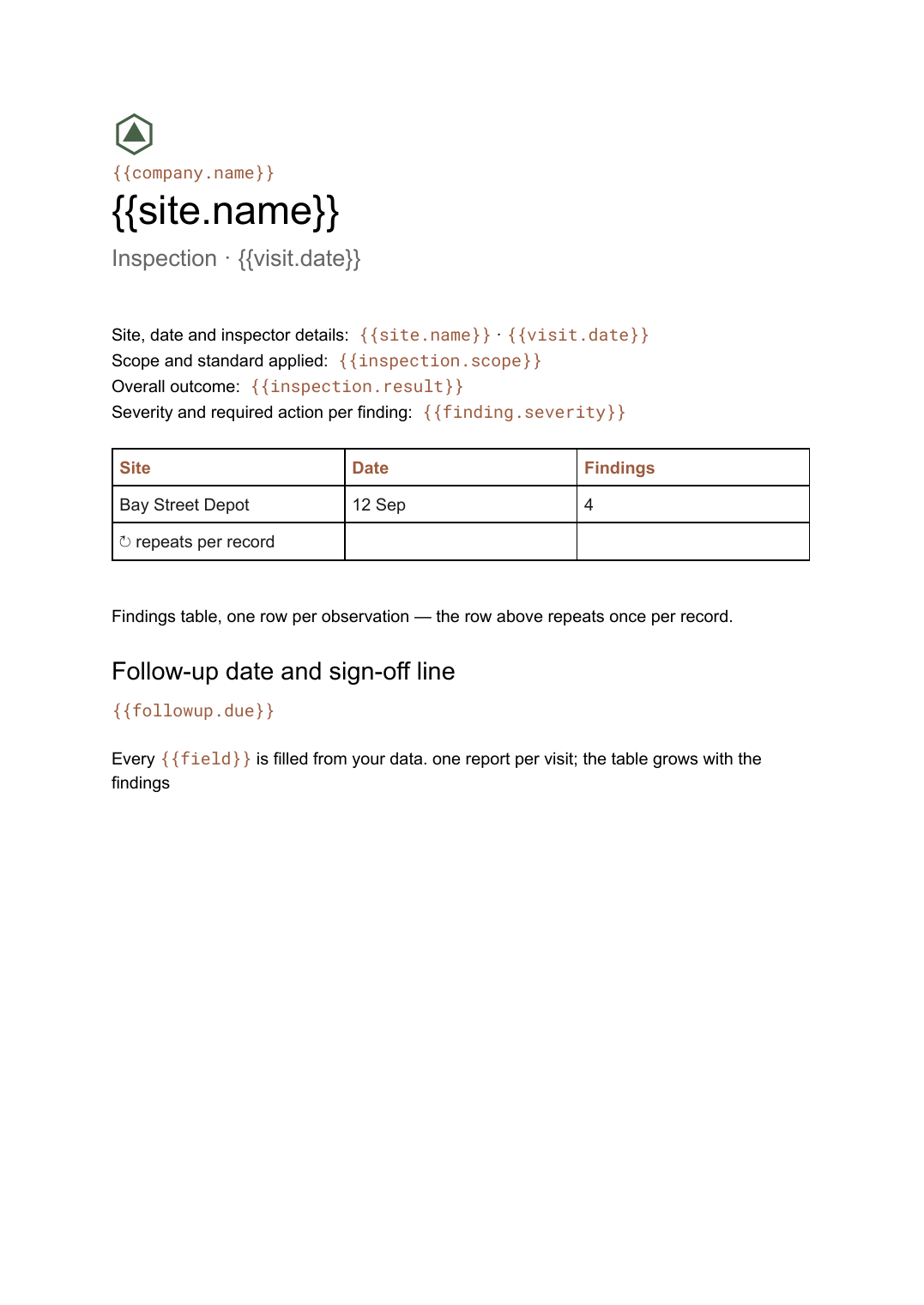 Google Docs
 Inspection report template
A site inspection record with a findings table that grows with what was found, generated one report per visit.
View template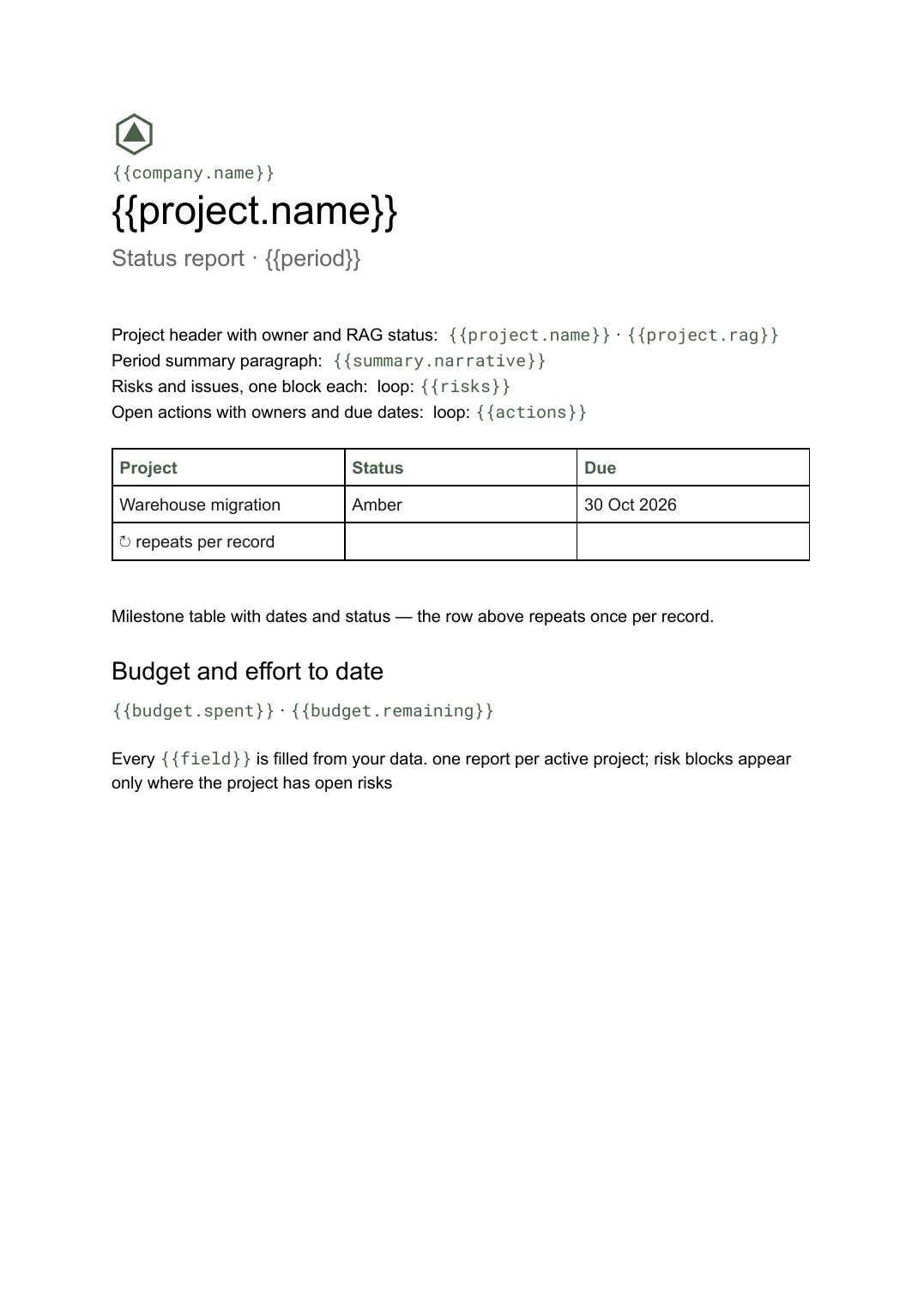 Google Docs
 Project status report template
A per-project status write-up covering progress, milestones, risks and open actions, generated one per project from your tracker.
View template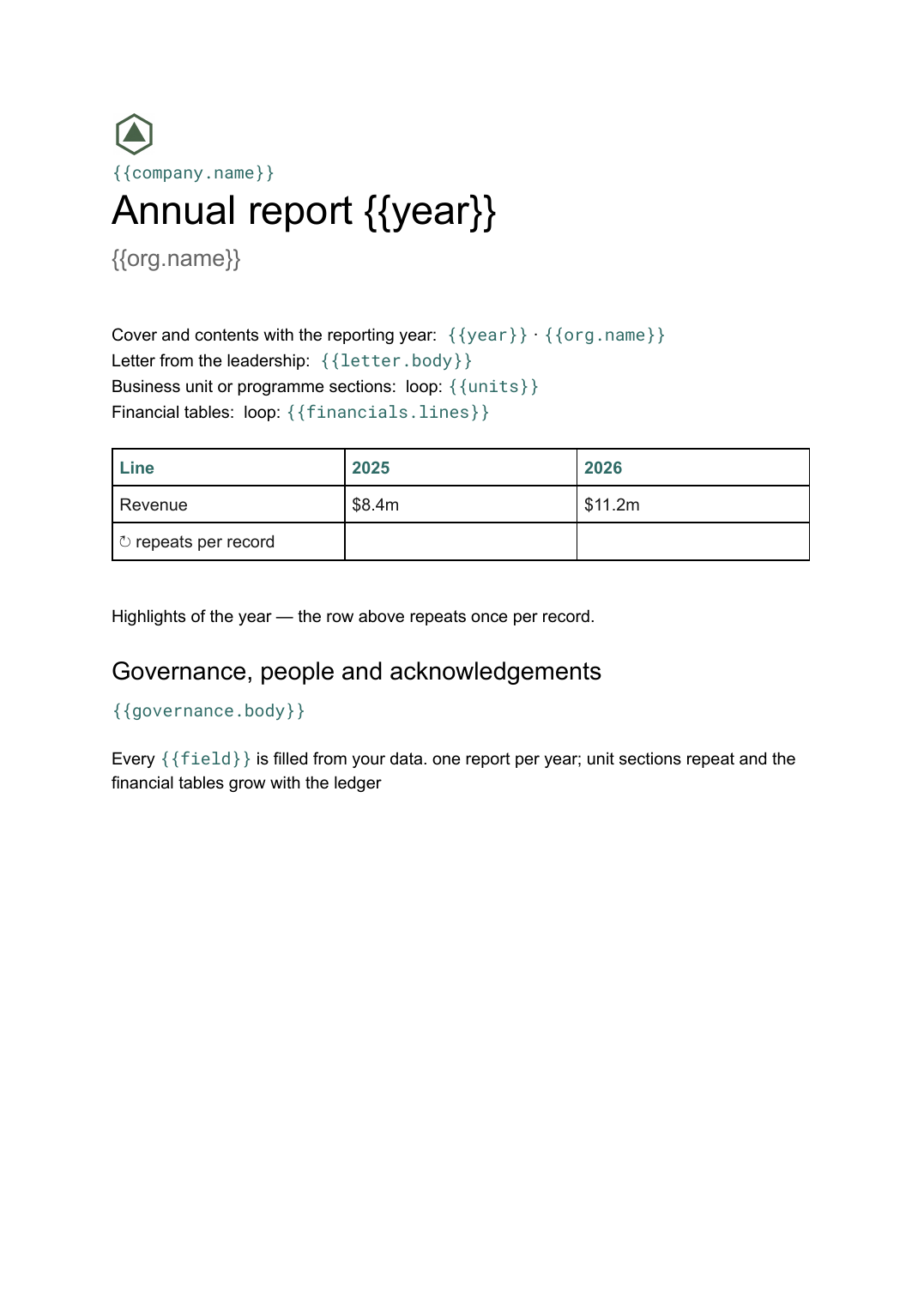 Google Docs
 Annual report template
A year-end report combining narrative sections and financial tables, generated from the year's figures held in your systems.
View template Google Slides
 Agency client report template
A white-label monthly performance report, generated one per client account from your campaign data.
View templateCommon questions, answered
Where do the findings come from? +
How are management responses handled? +
Can I generate reports for several audits at once? +
Can I use our own audit report format? +
Generate this document from your data
Start on the free plan, connect a data source, and export a real Google Docs document. No watermark, no credit card.