Report templates
Reports are the documents teams rebuild most often and enjoy least. Each template below is designed to be filled from a data source on a schedule: the layout stays exactly as designed, the numbers and narrative change every run.
12 templates · background reading: Report automation
 Google Slides
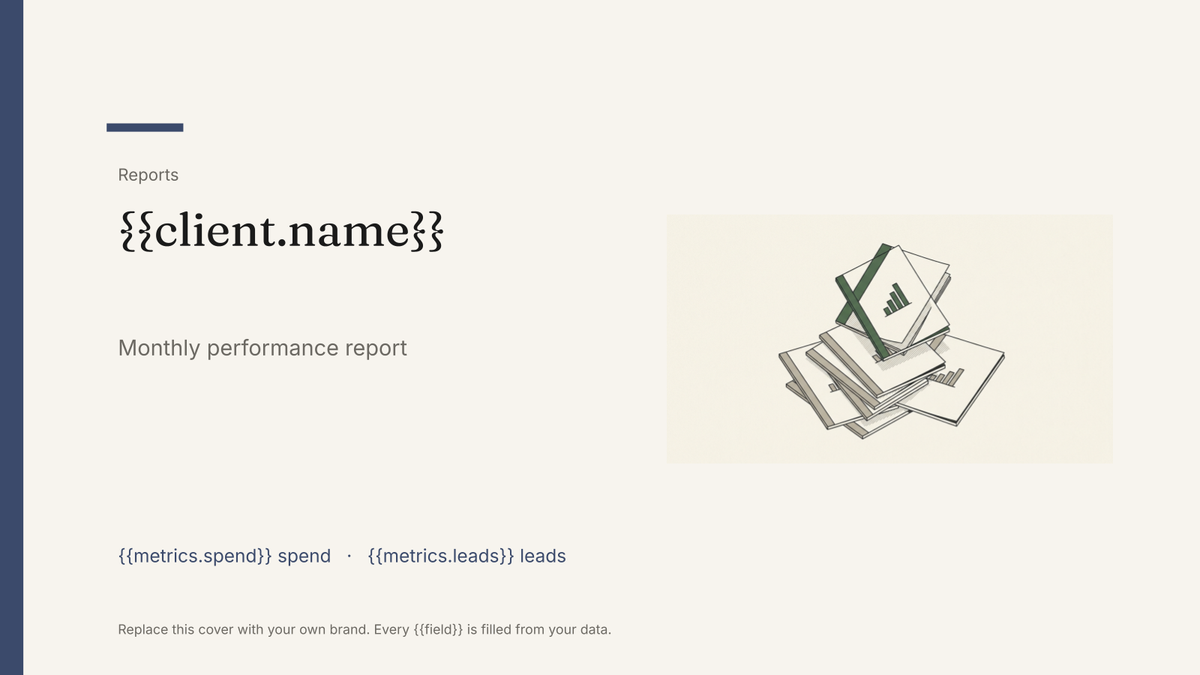
 Agency client report template
A white-label monthly performance report, generated one per client account from your campaign data.
View template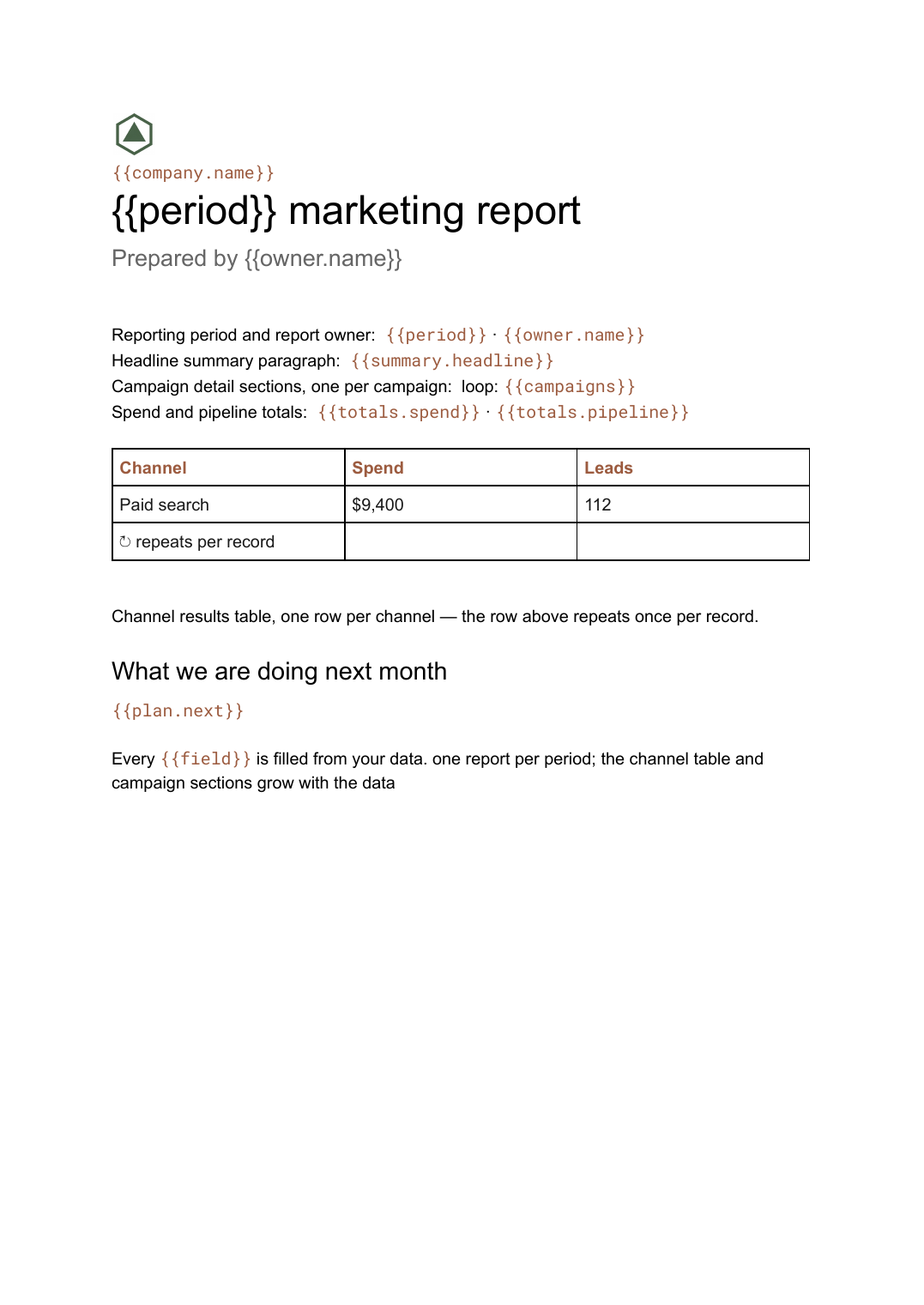 Google Docs
 Monthly marketing report template
A month-by-month marketing performance write-up with channel tables and campaign sections, generated per period from your campaign data.
View template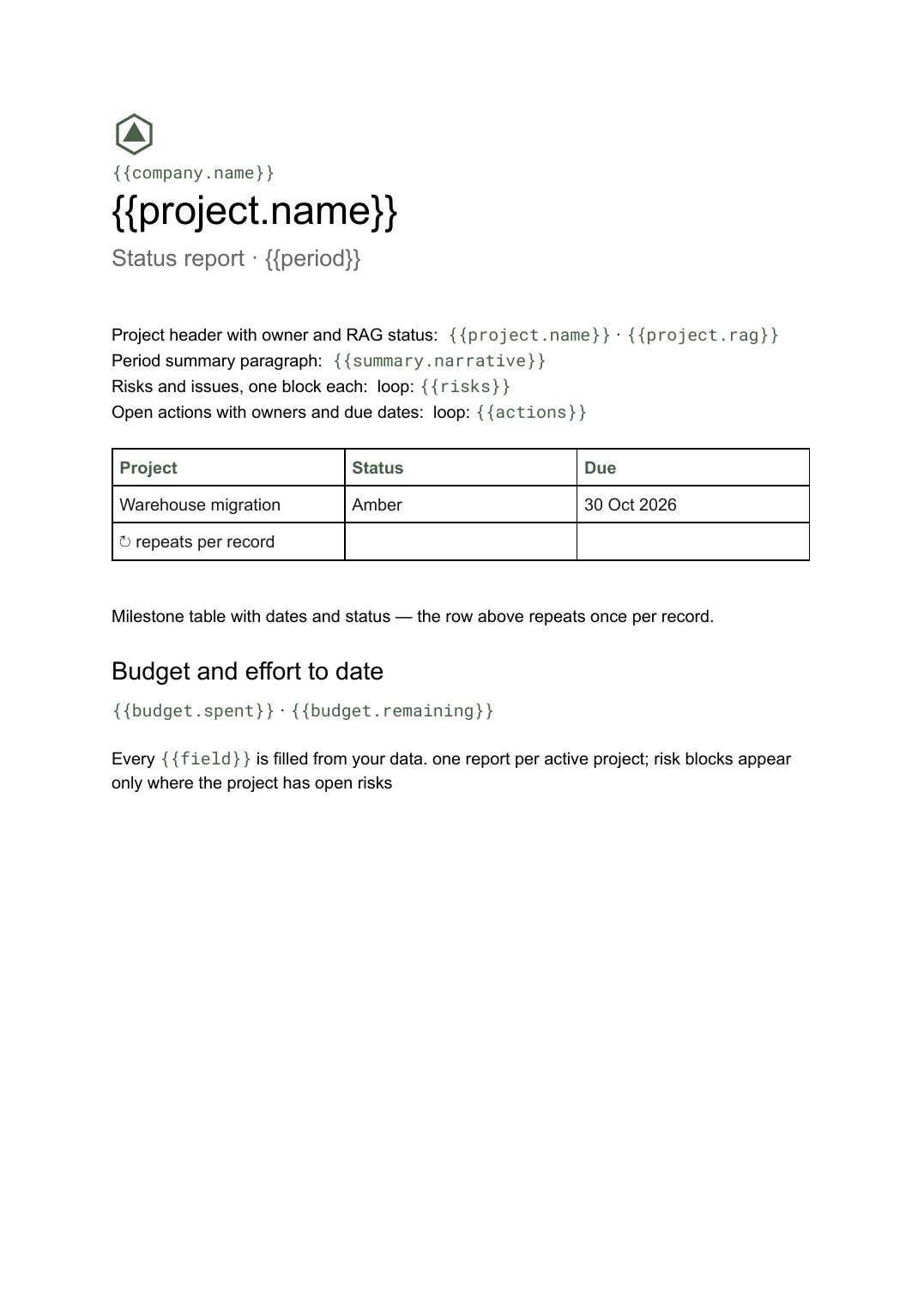 Google Docs
 Project status report template
A per-project status write-up covering progress, milestones, risks and open actions, generated one per project from your tracker.
View template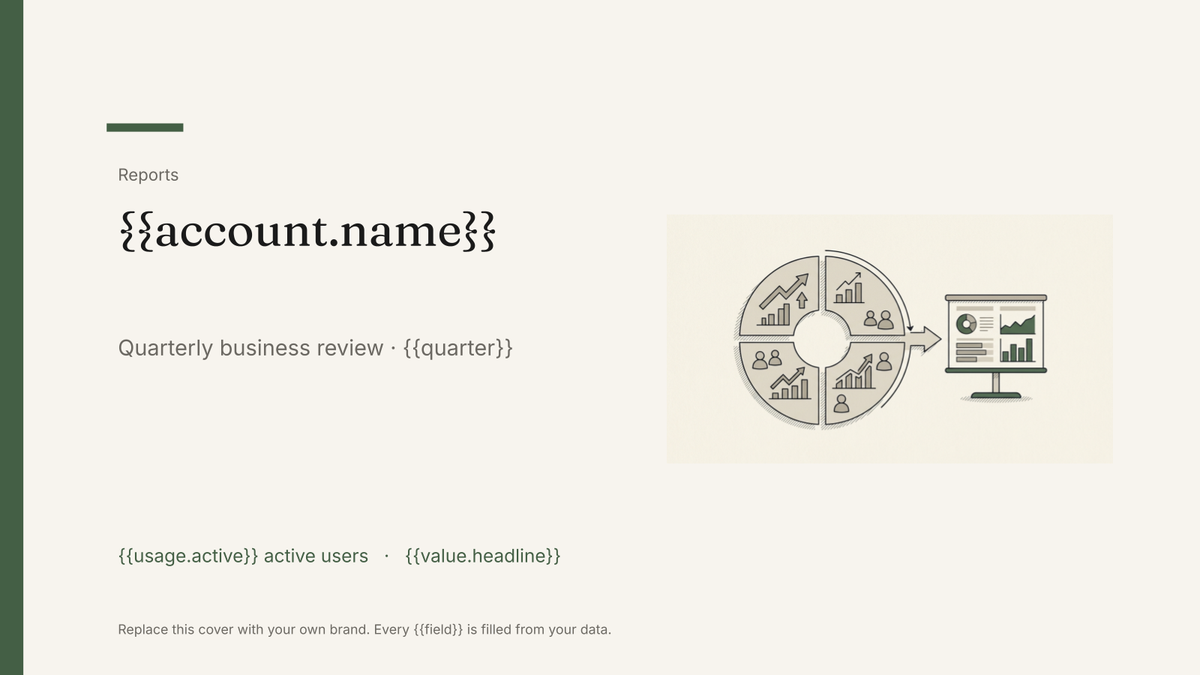 Google Slides
 QBR deck template
A quarterly business review deck covering value delivered, adoption and next-quarter plans, generated one per account from your customer data.
View template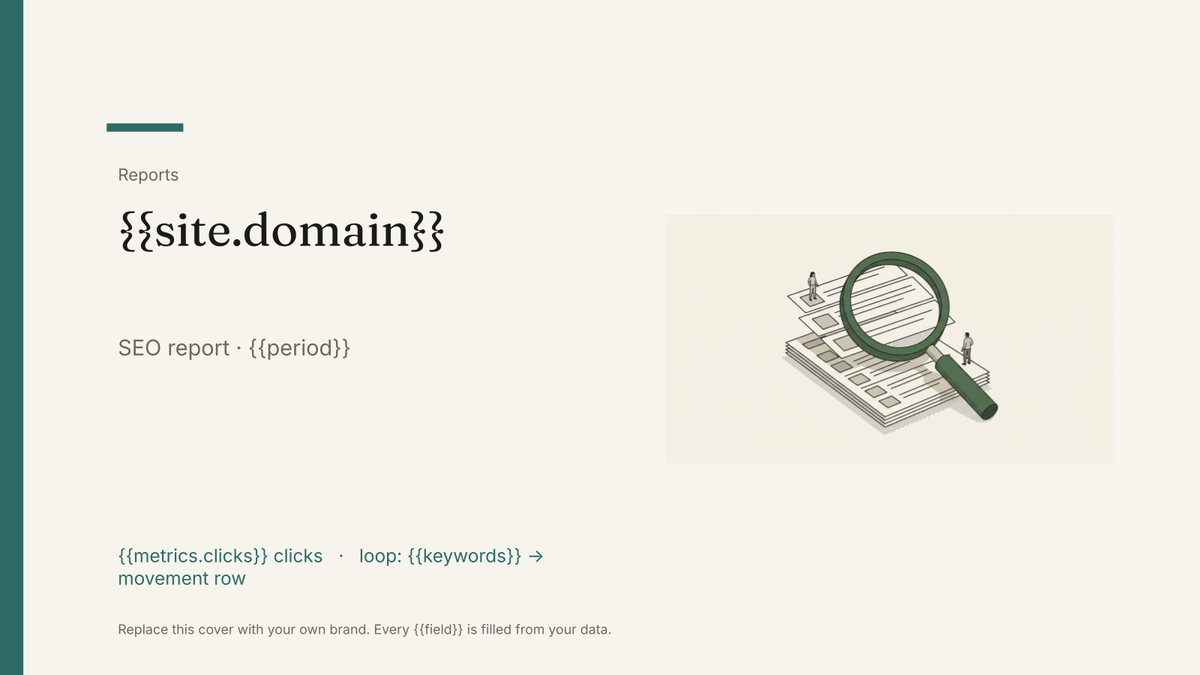 Google Slides
 SEO report template
A monthly search performance report with ranking, traffic and technical blocks, generated one per site from your SEO data.
View template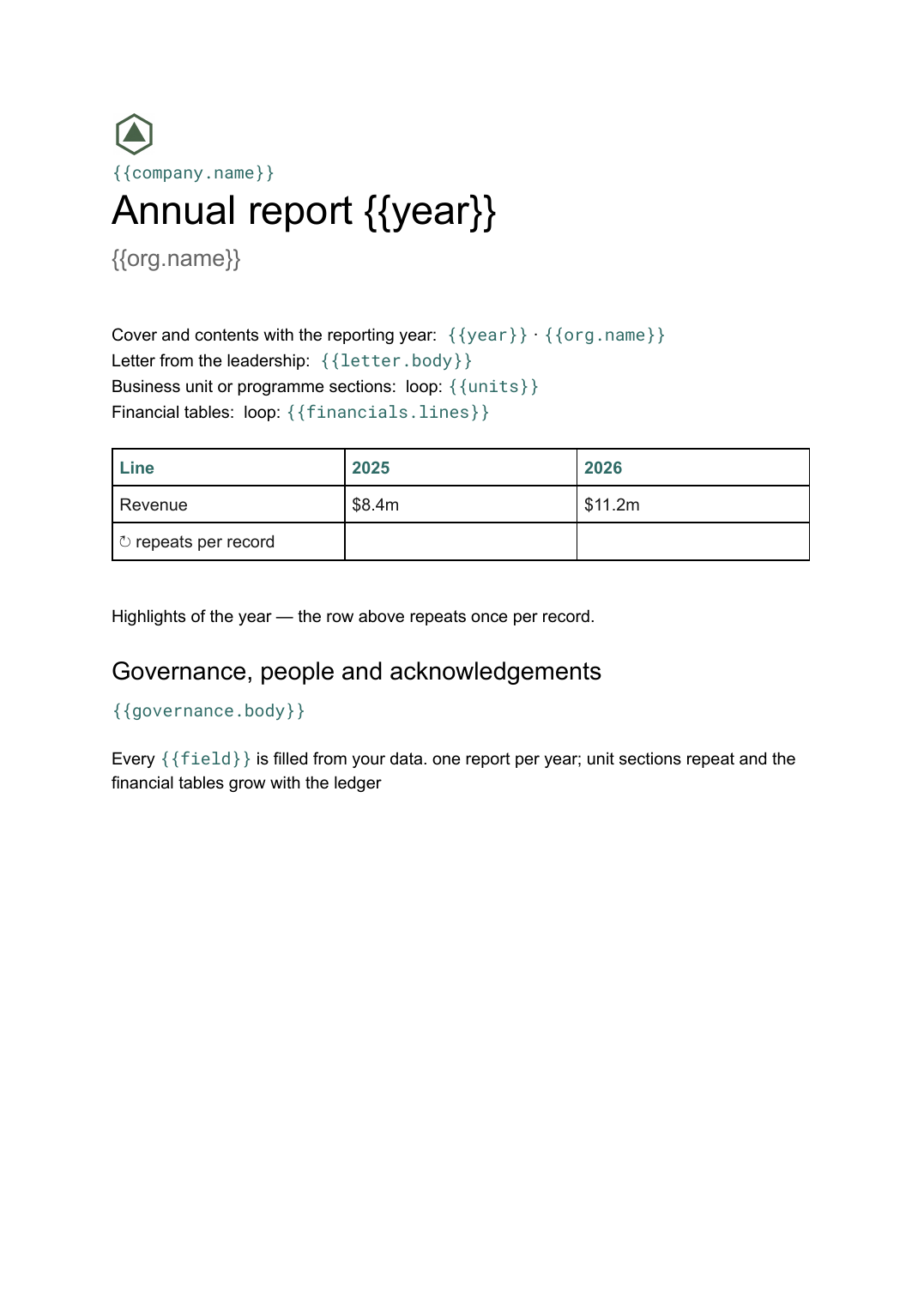 Google Docs
 Annual report template
A year-end report combining narrative sections and financial tables, generated from the year's figures held in your systems.
View template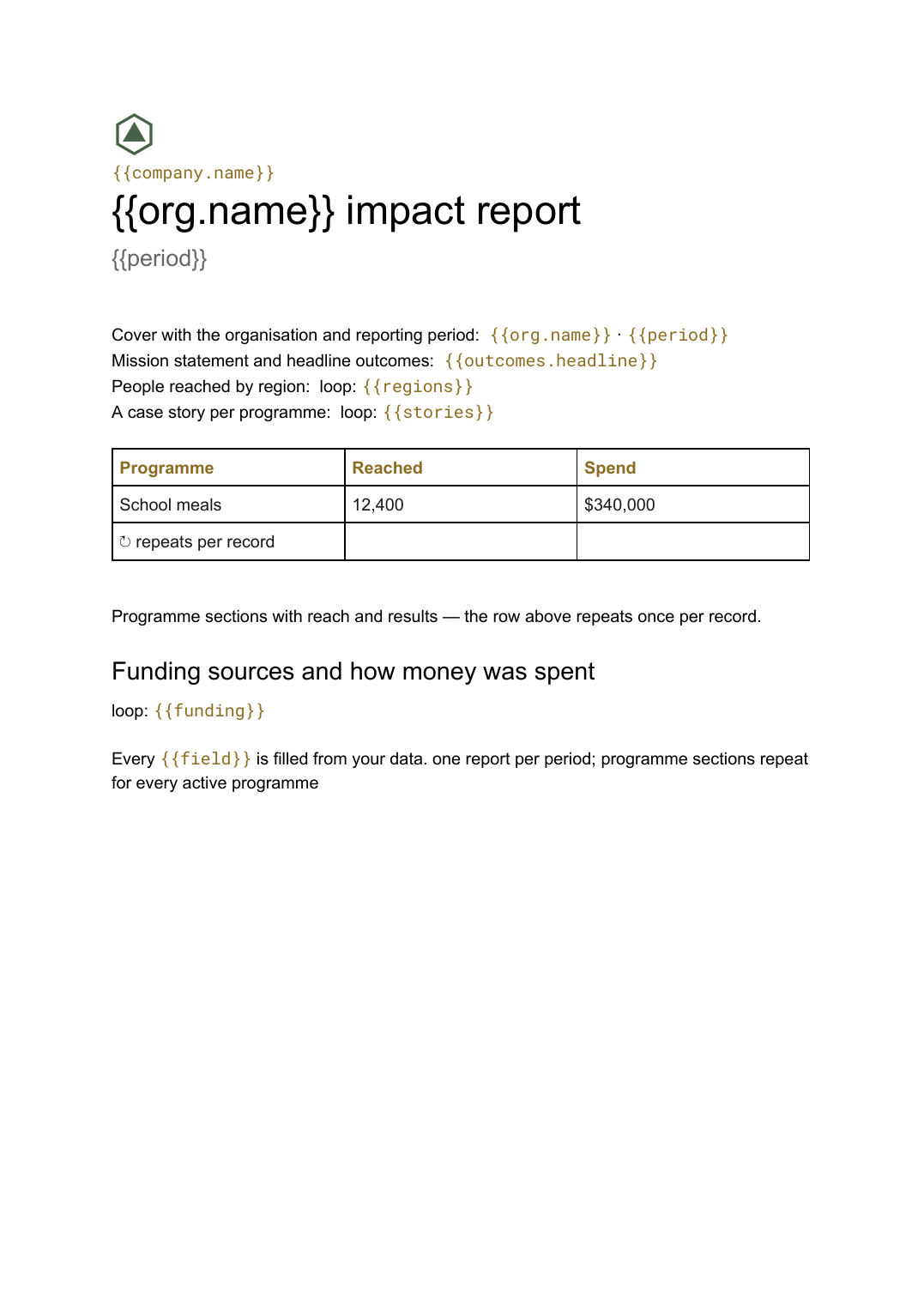 Google Docs
 Impact report template
A programme-by-programme account of outcomes and reach, generated from the monitoring data your team already collects.
View template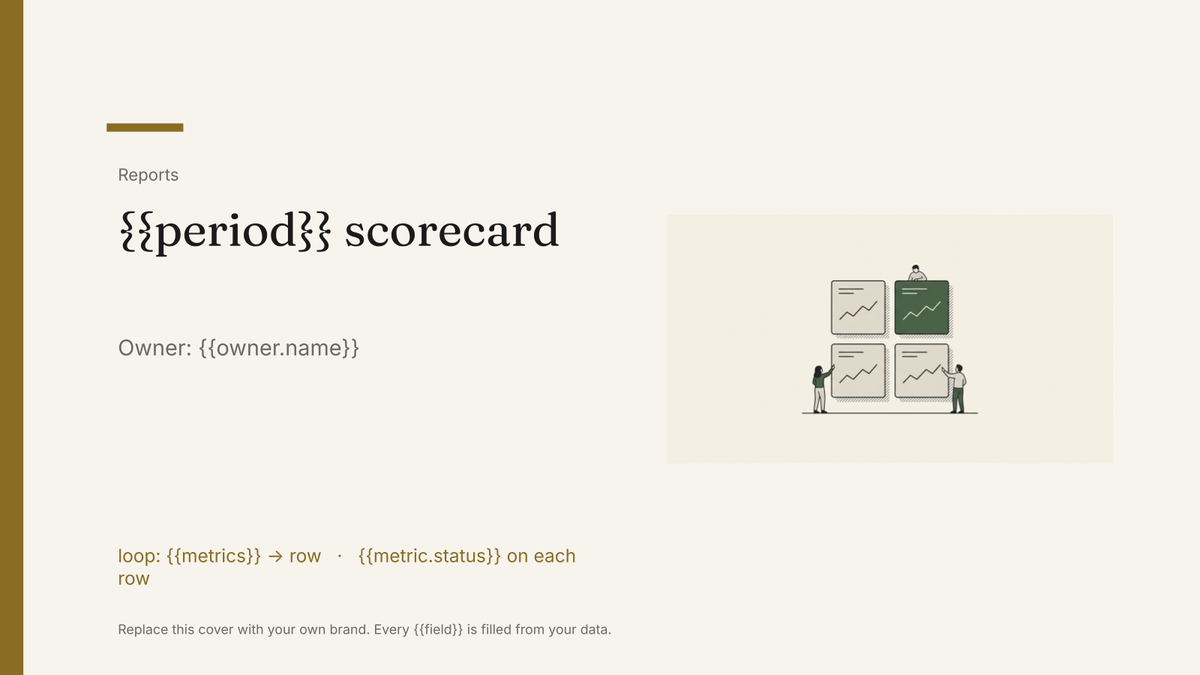 Google Slides
 KPI scorecard template
A one-page KPI scorecard showing target, actual and variance per metric, generated each period from your reporting data.
View template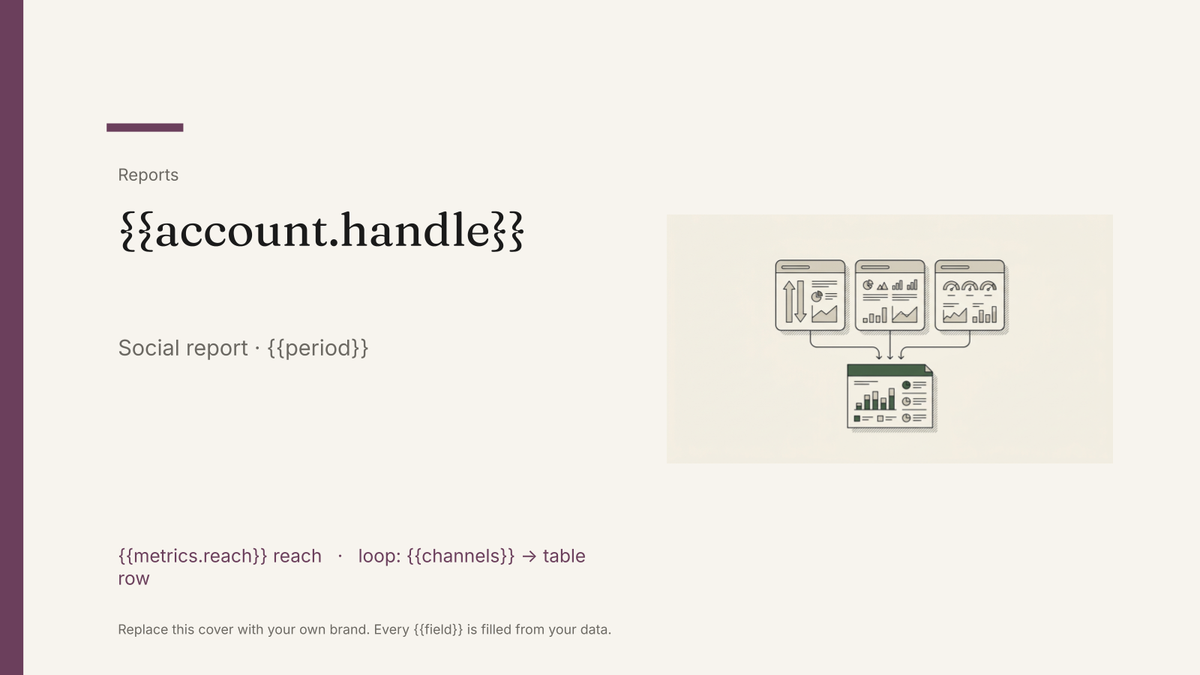 Google Slides
 Social media report template
A per-channel social performance report with reach, engagement and top-post blocks, generated one per account from your platform data.
View template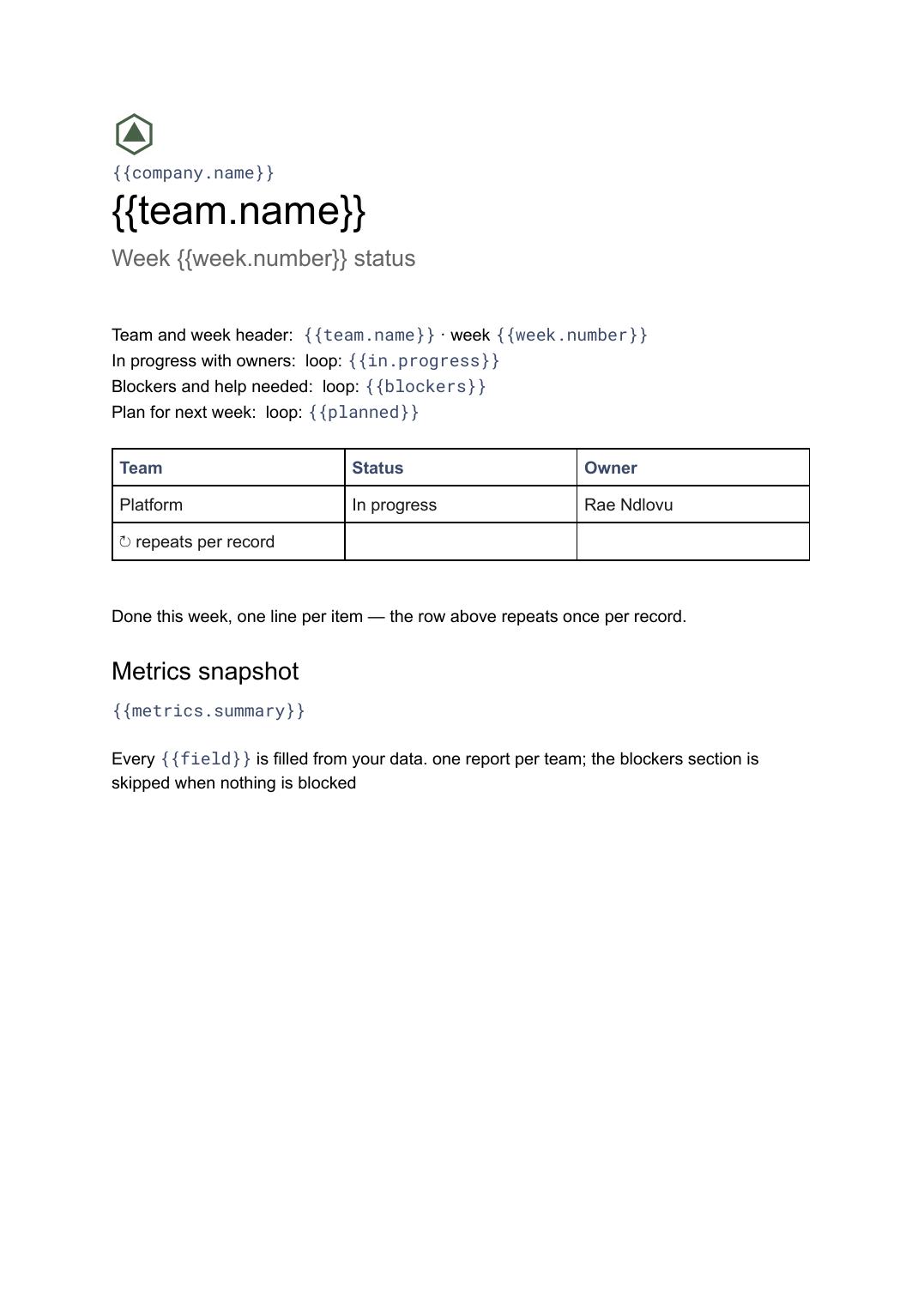 Google Docs
 Weekly status report template
A short weekly write-up of progress, blockers and next steps, generated one per team or project from your task tracker.
View template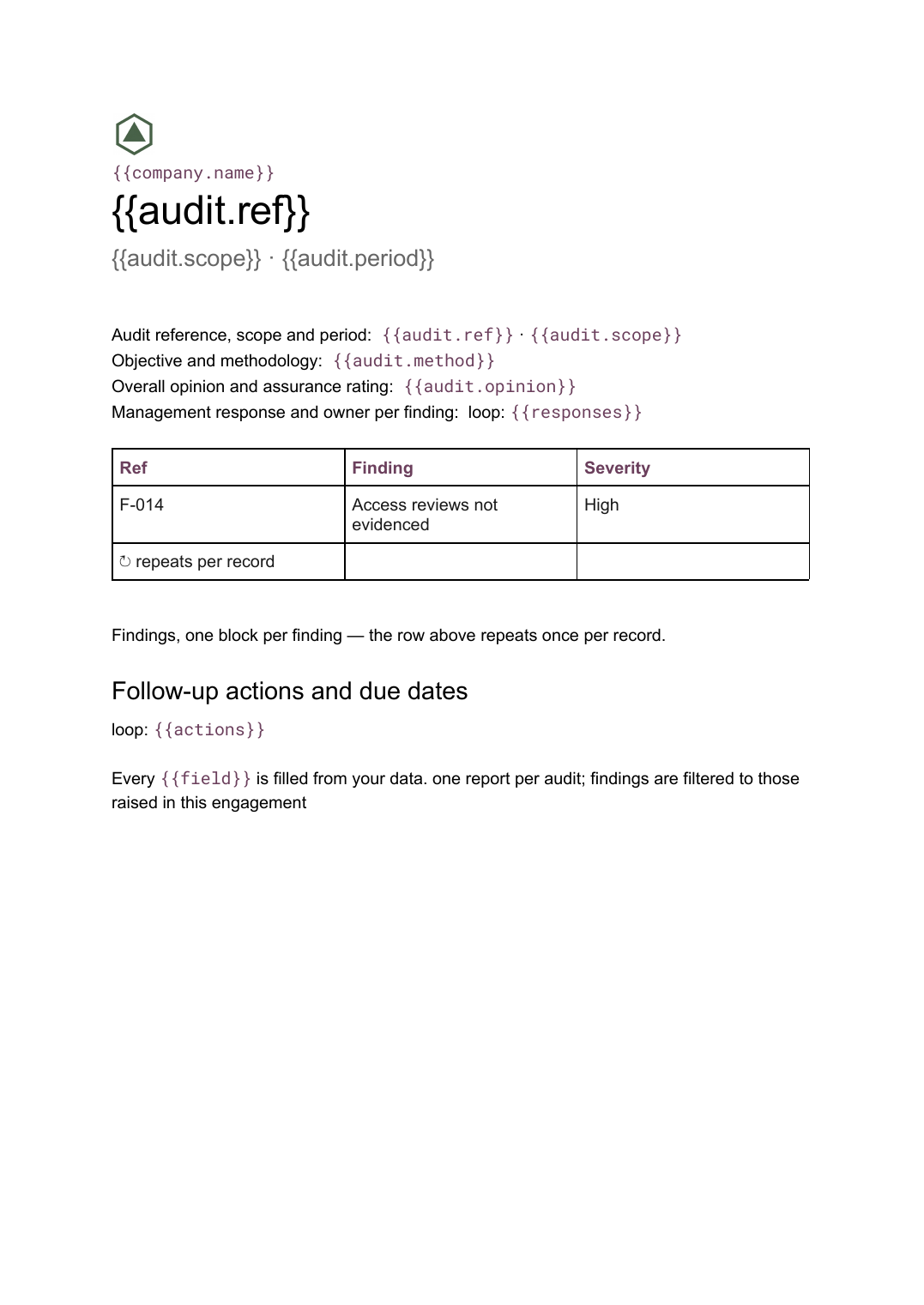 Google Docs
 Audit report template
A per-audit report setting out scope, findings with severity and management responses, generated from your findings register.
View template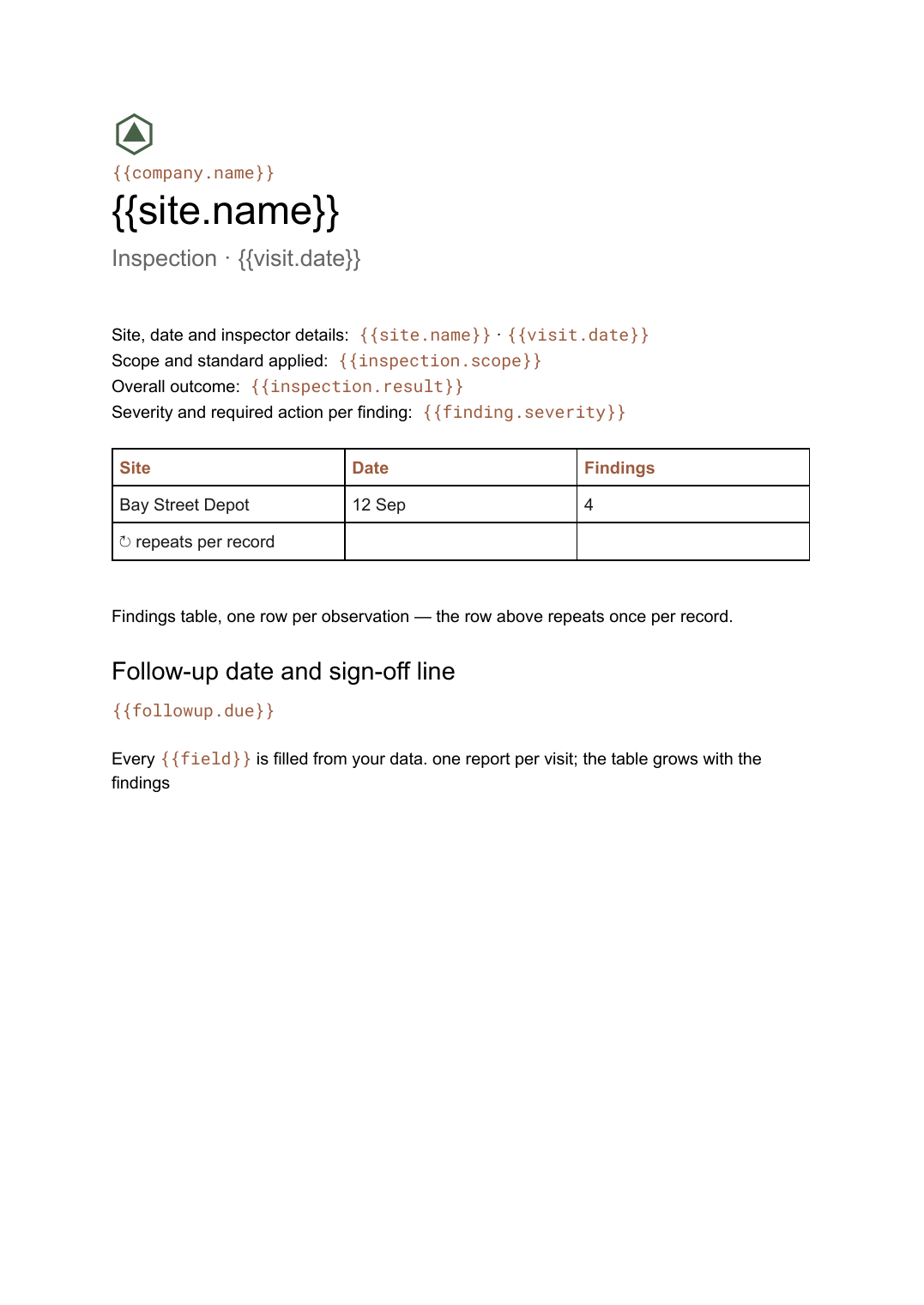 Google Docs
 Inspection report template
A site inspection record with a findings table that grows with what was found, generated one report per visit.
View templateCommon questions, answered
Can a report template pull numbers from my data automatically? +
Should a recurring report be a deck or a document? +
Can I produce one report per client in a single run? +
Start with a template, keep your own design
Connect your data, map the fields, and generate. Free plan, no watermark, no credit card.
Get Started →