Multi-day itinerary template
A day-by-day schedule of travel, sessions and logistics, generated per trip or per attendee from your schedule data.
Free plan, no credit card. Bring your own design or start from this layout.
What’s in this template
Every block is bound to a field in your data. The layout stays exactly as designed; only the values change from one run to the next.
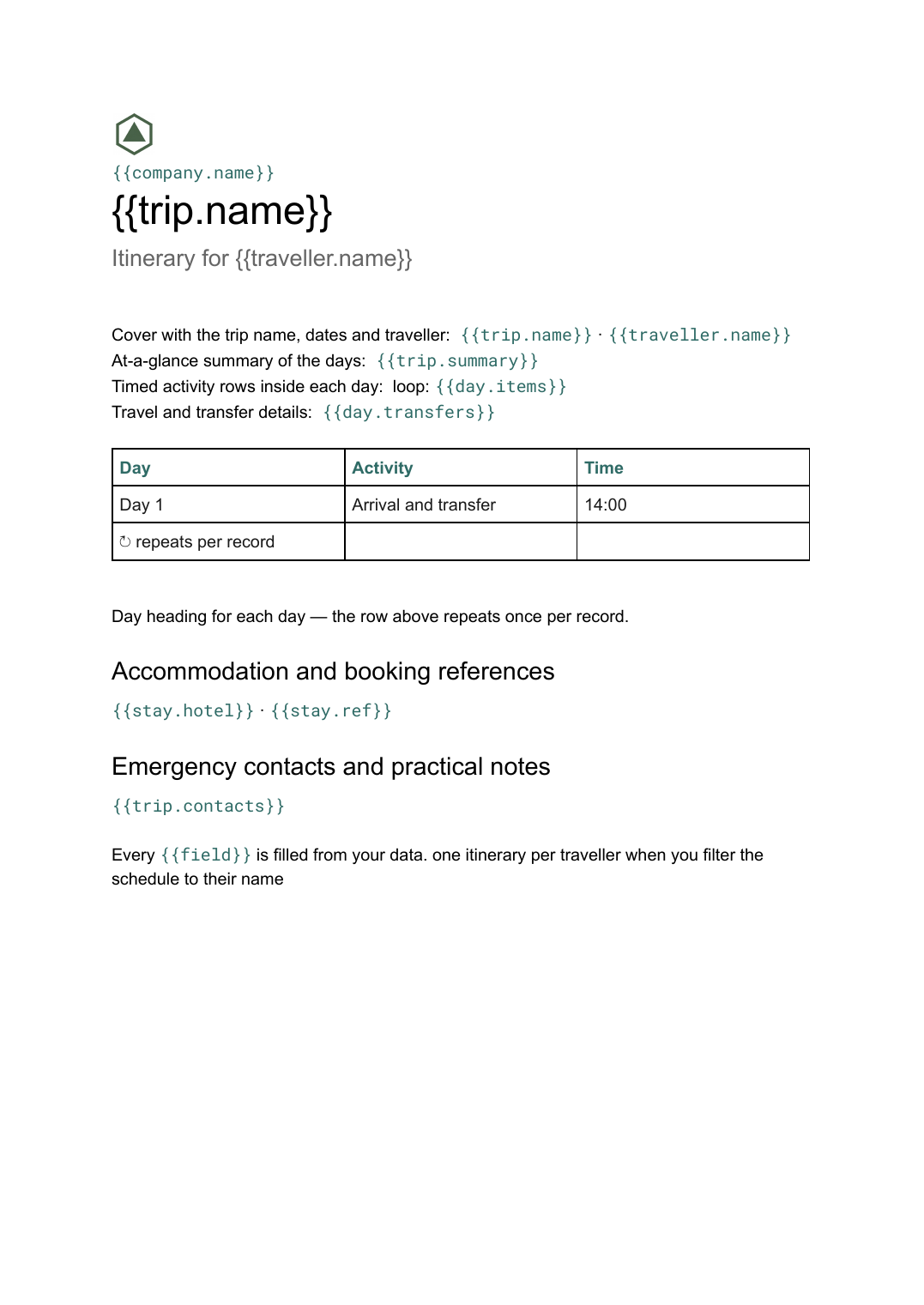
- Cover with the trip name, dates and traveller {{trip.name}} · {{traveller.name}}
- At-a-glance summary of the days {{trip.summary}}
- Day heading for each day loop: {{days}}
- Timed activity rows inside each day loop: {{day.items}}
- Travel and transfer details {{day.transfers}}
- Accommodation and booking references {{stay.hotel}} · {{stay.ref}}
- Emergency contacts and practical notes {{trip.contacts}}
How this template fills itself
Connect Airtable, Google Sheets, a SQL database, a CSV or a REST API, map each field to a placeholder, and generate. One run can produce a single document or one per matching record.
Itineraries · Google Sheets
Template: Google Slides or Docs
{{trip.name}}
Itinerary for {{traveller.name}}
loop: {{days}} → day heading
loop: {{day.items}} → time and activity
{{stay.hotel}} · {{stay.ref}}
one itinerary per traveller when you filter the schedule to their name
Generated output
DocsPDFIberia site tour
Itinerary for Marta Nunes
Day 1 — Monday 4 May
14:00 · Arrival and transfer
Hotel Infante · ref 8842-QK
Who uses this template
Events and travel coordinators
Send every attendee their own itinerary rather than one master schedule they have to read around.
Read the guideOperations and executive assistants
Turn a schedule spreadsheet into a printed itinerary per trip without retyping flight and hotel details.
Read the guideTour and hospitality businesses
Generate a branded itinerary for each booking straight from the booking record.
Read the guideA multi-day itinerary is the document that tells one person where to be, in order, for several days running. Everything about it is variable: the number of days, how full each one is, whether there are transfers, and which parts apply to which traveller. That is why it is a Google Doc — days and activity tables grow with the plan, and pages break themselves.
One row per activity, then let it group
The itineraries that generate cleanly are backed by a flat schedule: a row per activity with a date, a time, a description, a location and the person or group it belongs to. The template loops days and then activities inside each day, so nothing is maintained twice. Filter that schedule to one traveller and you get their itinerary rather than the master plan, which is what stops people arriving at the wrong session. Keep booking references in the data too; they are the fields most often retyped and most often wrong.
Related templates
All events & programs →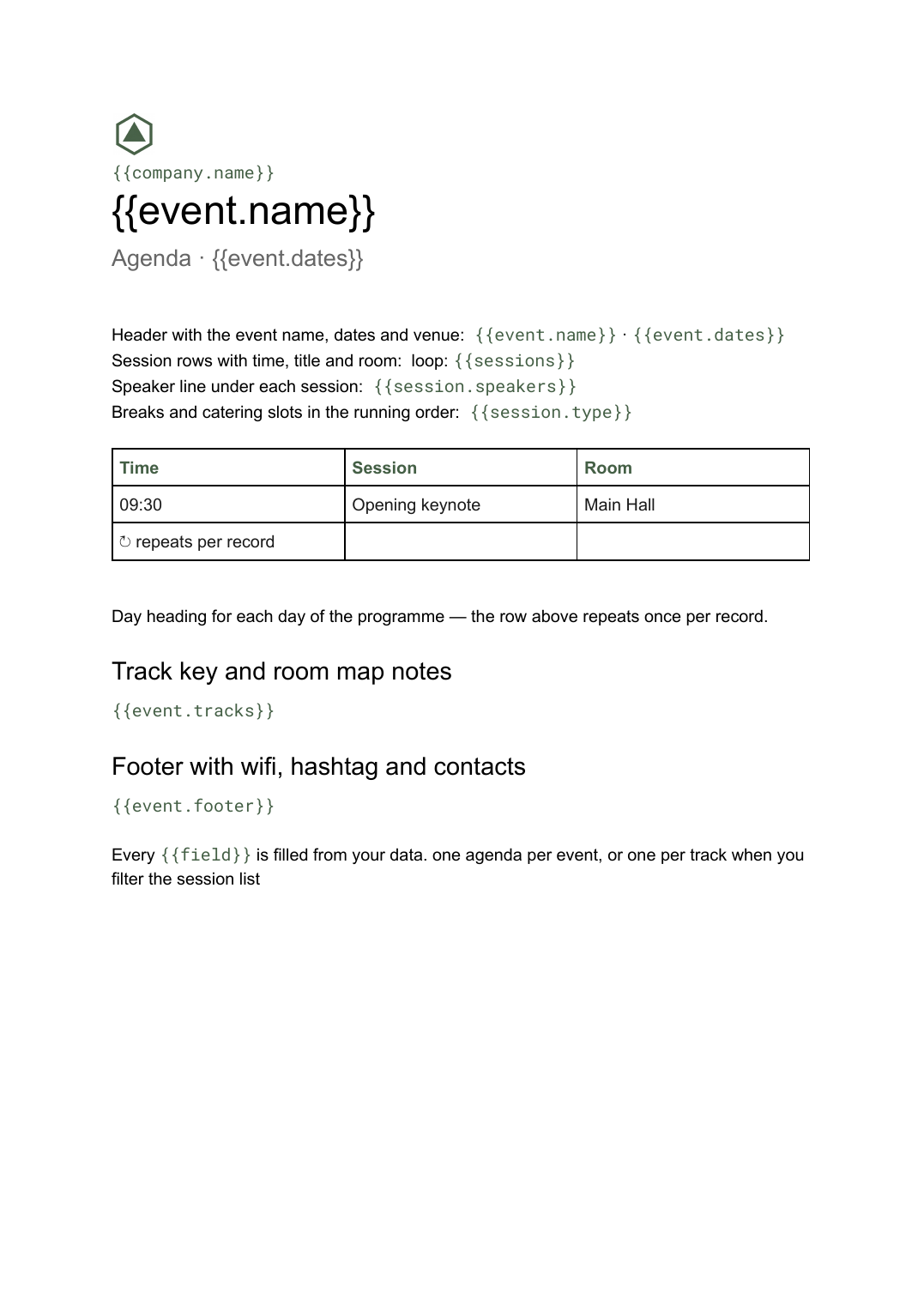 Google Docs
 Conference agenda template
A running order of sessions with times, rooms and speakers, generated per event or per track from your session list.
View template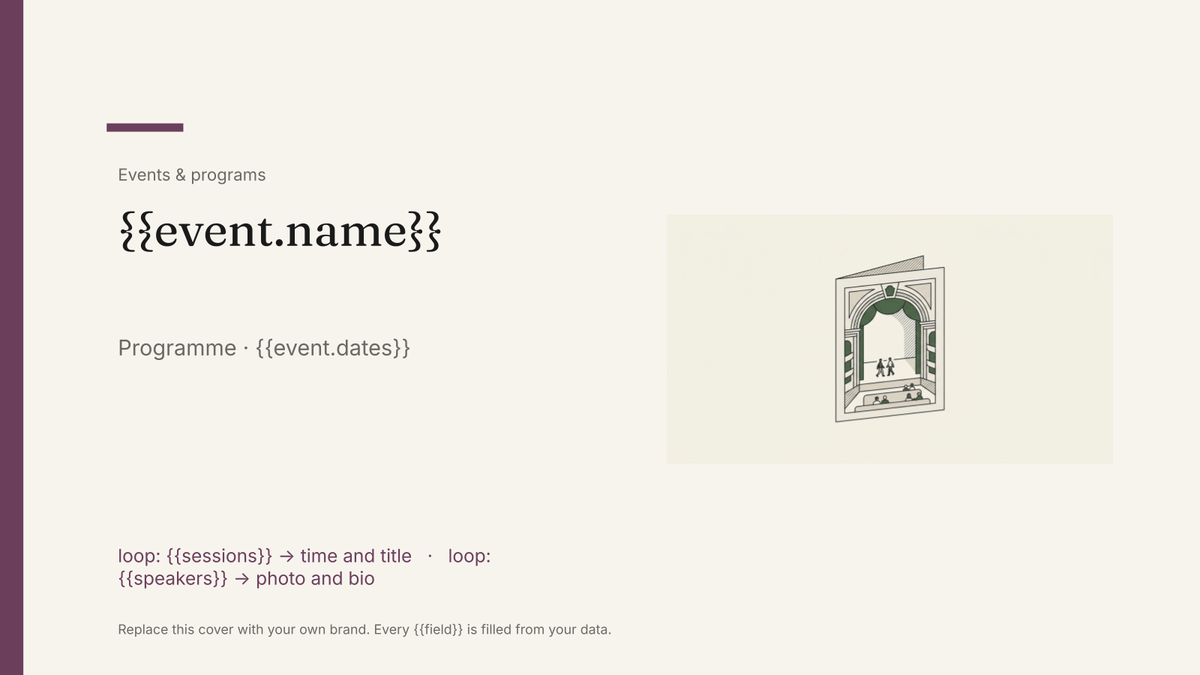 Google Slides
 Event program template
A designed programme booklet for an event, generated per event from the session and speaker list.
View template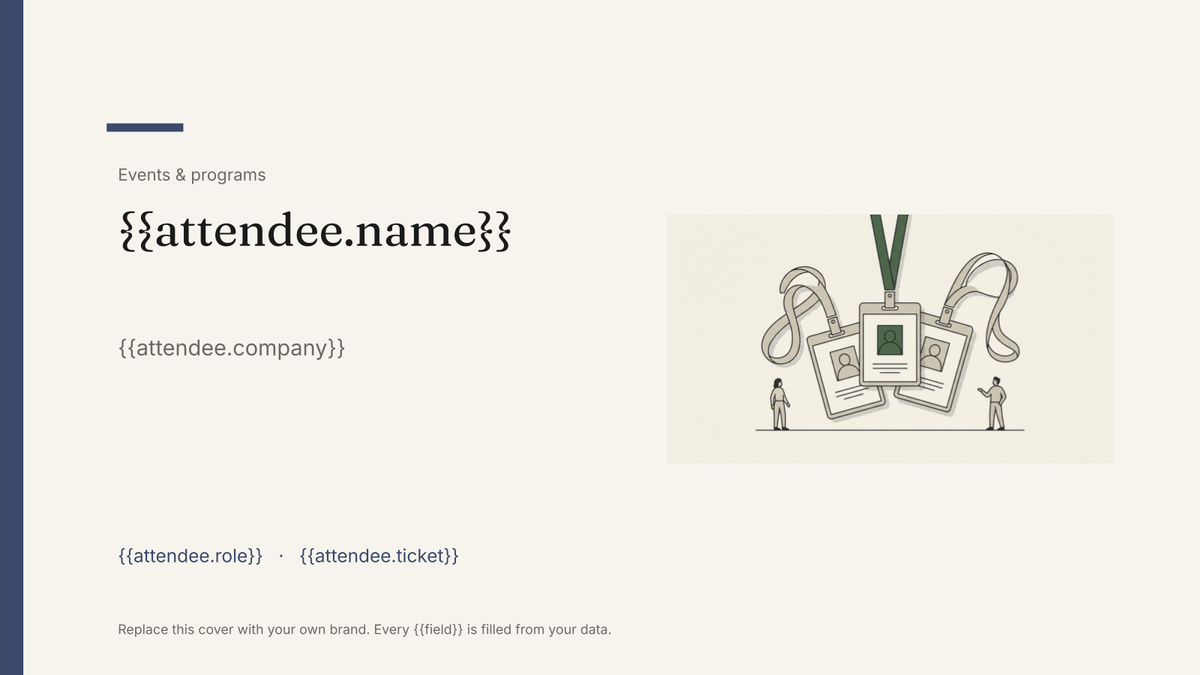 Google Slides
 Attendee name badge template
A printed conference badge with name, organisation and ticket type, generated one per attendee from the registration list.
View template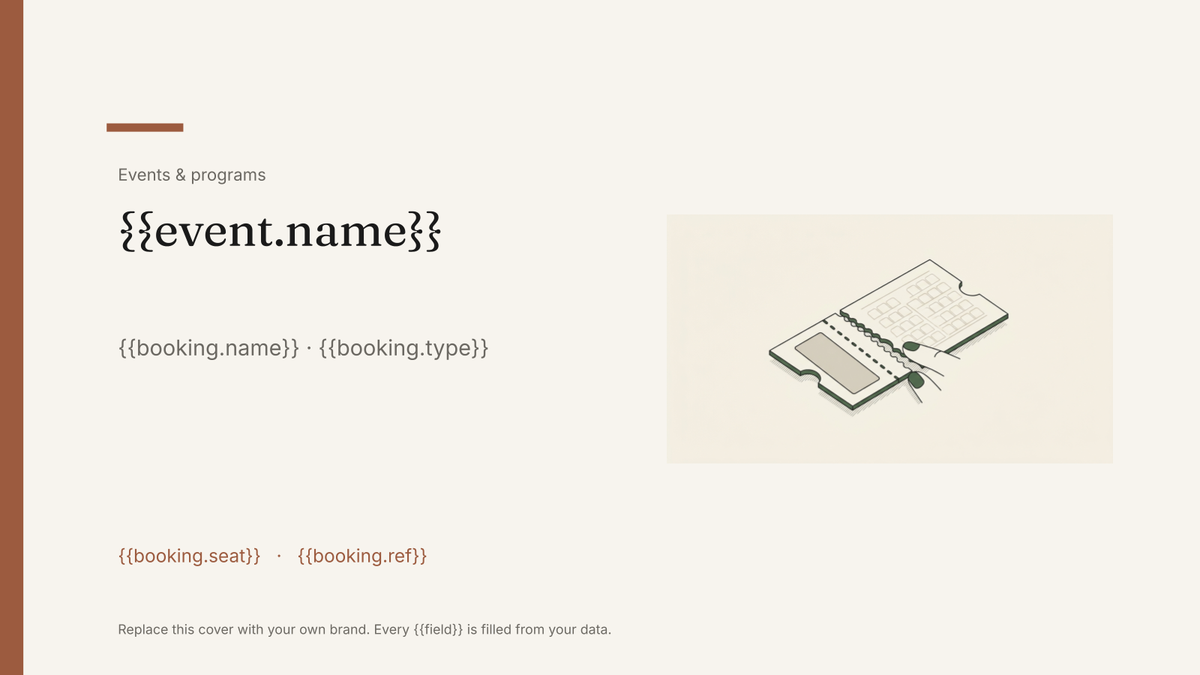 Google Slides
 Event ticket template
A printable ticket carrying the event, seat and booking reference, generated one per booking from your registration data.
View templateCommon questions, answered
Can I generate a personalised itinerary for each attendee? +
How should the schedule data be organised? +
Why a Google Doc rather than a designed slide? +
Can I use my own itinerary design? +
Generate this document from your data
Start on the free plan, connect a data source, and export a real Google Docs document. No watermark, no credit card.