QBR deck template
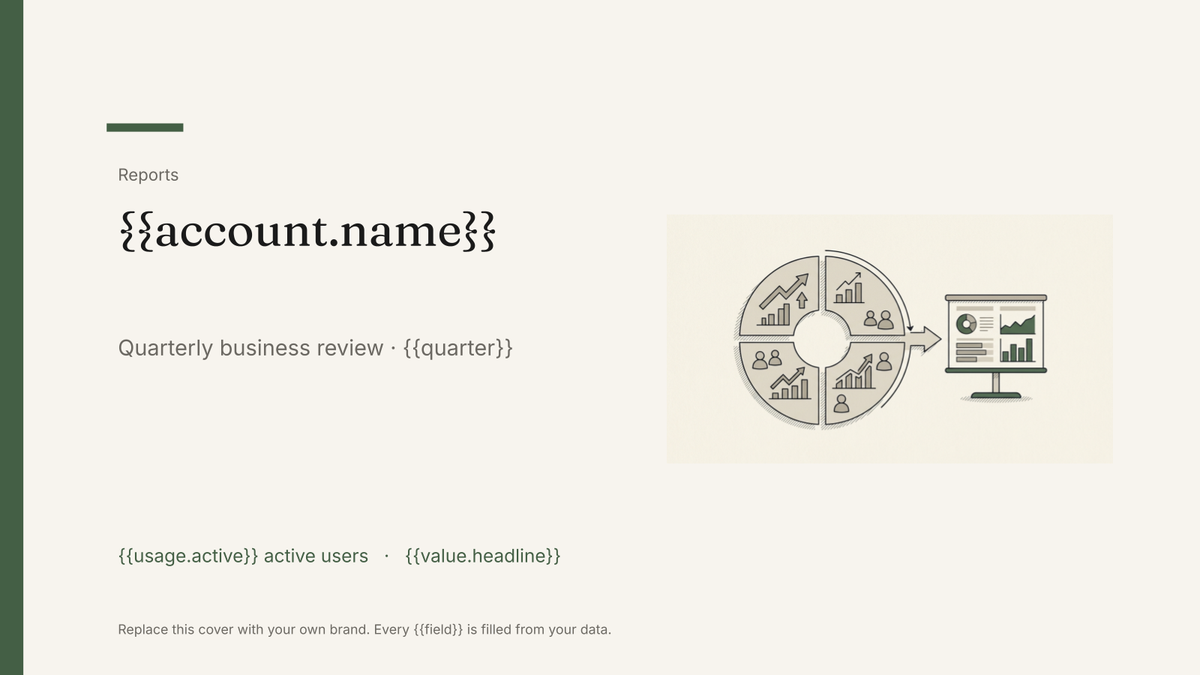
A quarterly business review deck covering value delivered, adoption and next-quarter plans, generated one per account from your customer data.
Free plan, no credit card. Bring your own design or start from this layout.
What’s in this template
Every block is bound to a field in your data. The layout stays exactly as designed; only the values change from one run to the next.
- Cover with the account name and quarter {{account.name}} · {{quarter}}
- Value delivered this quarter {{value.headline}}
- Usage and adoption metrics {{usage.active}} · {{usage.growth}}
- Support and delivery summary loop: {{support.themes}}
- Roadmap and asks for next quarter {{plan.next}}
- Commercials and renewal date {{contract.renewal}}
How this template fills itself
Connect Airtable, Google Sheets, a SQL database, a CSV or a REST API, map each field to a placeholder, and generate. One run can produce a single document or one per matching record.
Accounts · CRM via REST API
Template: Google Slides or Docs
{{account.name}}
Quarterly business review · {{quarter}}
{{usage.active}} active users
{{value.headline}}
Renews {{contract.renewal}}
one deck per account in this quarter's review cohort
Generated output
SlidesPDFAcme Co
Quarterly business review · Q3 2026
198 active users
Onboarded two new teams and cut ticket volume by a third.
Renews 31 Jan 2027
Who uses this template
Customer success teams
Run reviews across a whole book of accounts without each CSM rebuilding a deck the week before the call.
Read the guideAccount management and sales
Walk into a renewal conversation with the account's own usage and support history already on the slides.
Read the guideAgencies with retained clients
Turn the quarterly check-in into a consistent, branded review rather than an ad-hoc call.
Read the guideA quarterly business review is a presented document. It is talked through on a call, so it needs a fixed number of slides in a known order, and the value of the format is that the customer sees the same structure each quarter and can follow the trend. That is a designed layout with changing content, which is why it belongs in Google Slides.
The bottleneck is the cohort, not the deck
One QBR is an afternoon’s work and nobody automates it. The problem is the sixty due in the same fortnight, which is when reviews start getting skipped for smaller accounts or recycled from last quarter with the dates changed. Generating from the accounts table inverts that: every account in the cohort gets a deck built from its own usage and support history, and the CSM’s preparation becomes reading and adding judgement rather than assembling slides. Accounts that were previously too small to review get a real one, which is usually where the renewal risk was hiding.
Related templates
All reports → Google Slides
 Agency client report template
A white-label monthly performance report, generated one per client account from your campaign data.
View template Google Slides
 KPI scorecard template
A one-page KPI scorecard showing target, actual and variance per metric, generated each period from your reporting data.
View template Google Slides
 Board deck template
The presented version of the board pack, built in Google Slides and generated each cycle from your KPI and financial data.
View template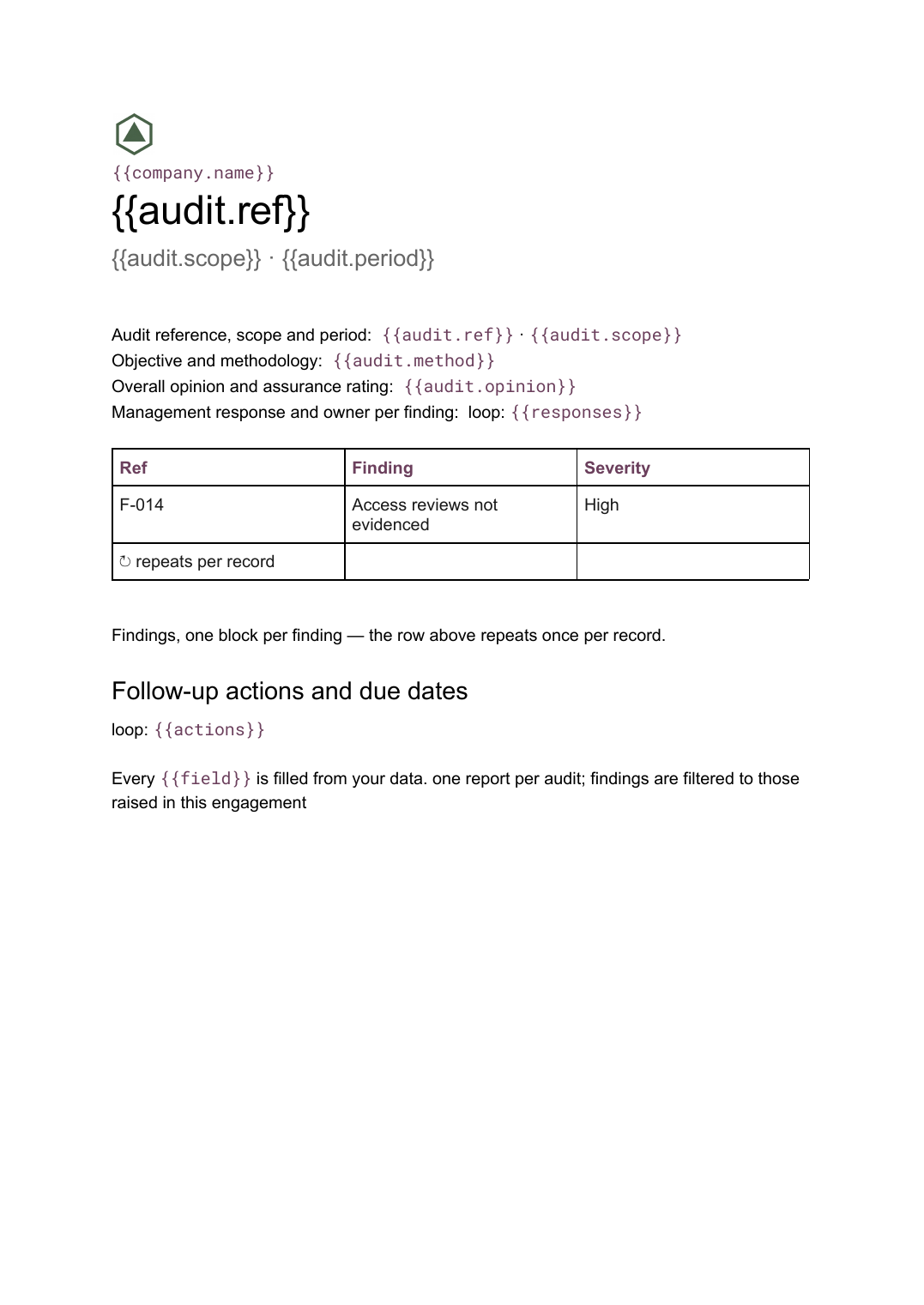 Google Docs
 Audit report template
A per-audit report setting out scope, findings with severity and management responses, generated from your findings register.
View templateCommon questions, answered
Can I generate a QBR deck for every account in the cohort? +
Where does the account data come from? +
What about the parts a CSM should write themselves? +
Can I use our own QBR deck design? +
Generate this document from your data
Start on the free plan, connect a data source, and export a real Google Slides document. No watermark, no credit card.