SEO report template
A monthly search performance report with ranking, traffic and technical blocks, generated one per site from your SEO data.
Free plan, no credit card. Bring your own design or start from this layout.
What’s in this template
Every block is bound to a field in your data. The layout stays exactly as designed; only the values change from one run to the next.
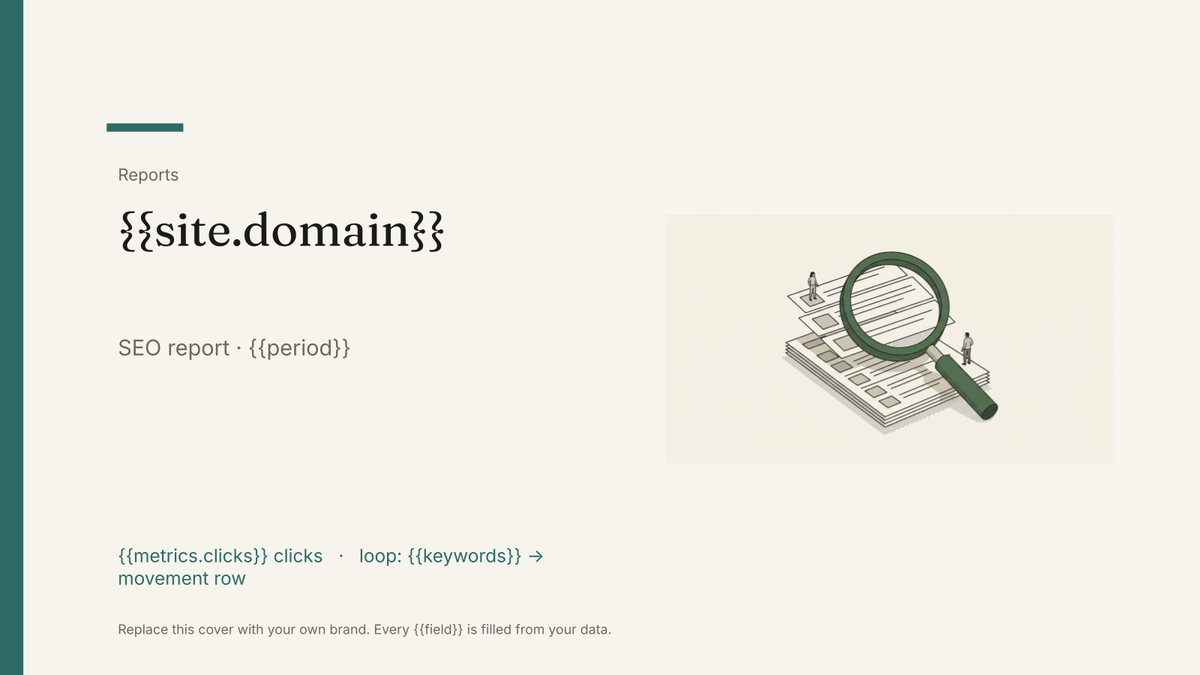
- Cover with the site and reporting period {{site.domain}} · {{period}}
- Visibility headline tiles {{metrics.clicks}} · {{metrics.impressions}}
- Keyword movement table, gains and drops loop: {{keywords}}
- Landing page performance loop: {{pages}}
- Technical and backlink notes {{notes.technical}}
- Priorities for next month {{plan.actions}}
How this template fills itself
Connect Airtable, Google Sheets, a SQL database, a CSV or a REST API, map each field to a placeholder, and generate. One run can produce a single document or one per matching record.
Keywords · Google Sheets
Template: Google Slides or Docs
{{site.domain}}
SEO report · {{period}}
{{metrics.clicks}} clicks
loop: {{keywords}} → movement row
{{plan.actions}}
one deck per site; the keyword table is filtered to the twenty biggest movers
Generated output
SlidesPDFacme.com
SEO report · August 2026
24,310 clicks
20 keywords, 12 improved
Rewrite the pricing page title tags.
Who uses this template
SEO agencies
Send every client the same designed report on the same day without an analyst rebuilding each deck.
Read the guideIn-house SEO leads
Report search performance to stakeholders in a fixed format that makes month-on-month movement obvious.
Read the guideFreelance consultants
Produce a report that looks like a studio made it, from the exports you already pull each month.
Read the guideAn SEO report is the same six questions every month: is visibility up, which keywords moved, which pages earn the traffic, what broke technically, what did we do, what next. The answers change constantly and the structure never does, which is exactly the shape a designed template handles well.
Decide what the keyword table is filtered to
The single decision that makes or breaks this report is which rows reach the slide. A tracker holding two thousand keywords cannot be printed, so the loop needs a filter with a rule behind it: the twenty biggest movers, or the terms tied to commercial pages, or everything inside the top three pages of results. Set that rule in the data — a view, a query, a flag on the record — rather than picking rows by hand each month. Then the deck is honest by construction, the same rule applies to every site you report on, and nobody has to defend why a keyword appeared one month and vanished the next.
Related templates
All reports →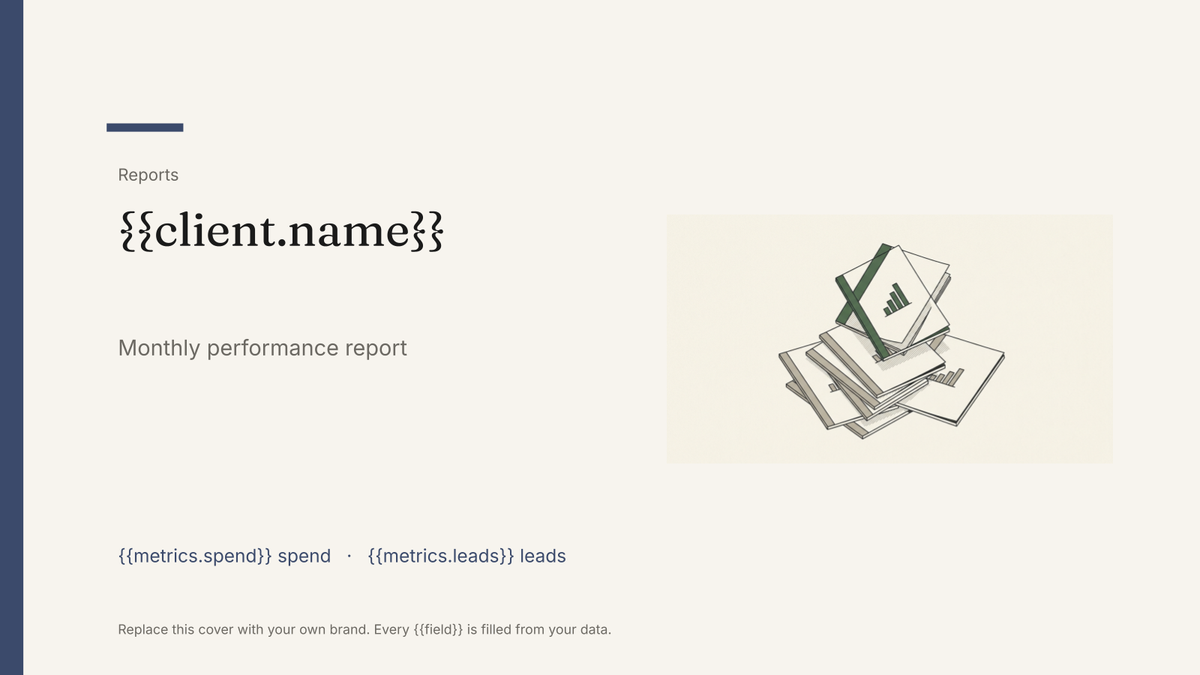 Google Slides
 Agency client report template
A white-label monthly performance report, generated one per client account from your campaign data.
View template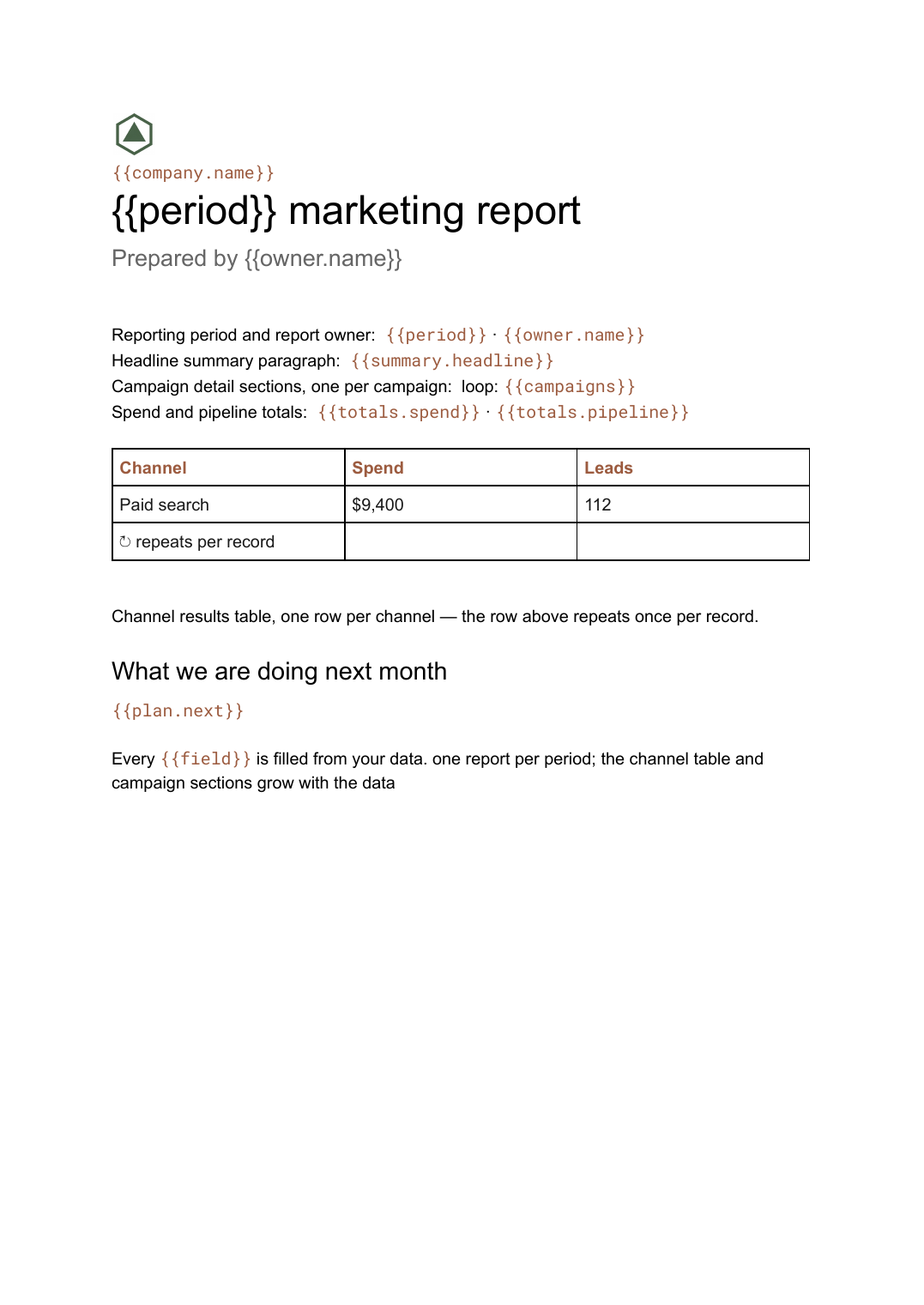 Google Docs
 Monthly marketing report template
A month-by-month marketing performance write-up with channel tables and campaign sections, generated per period from your campaign data.
View template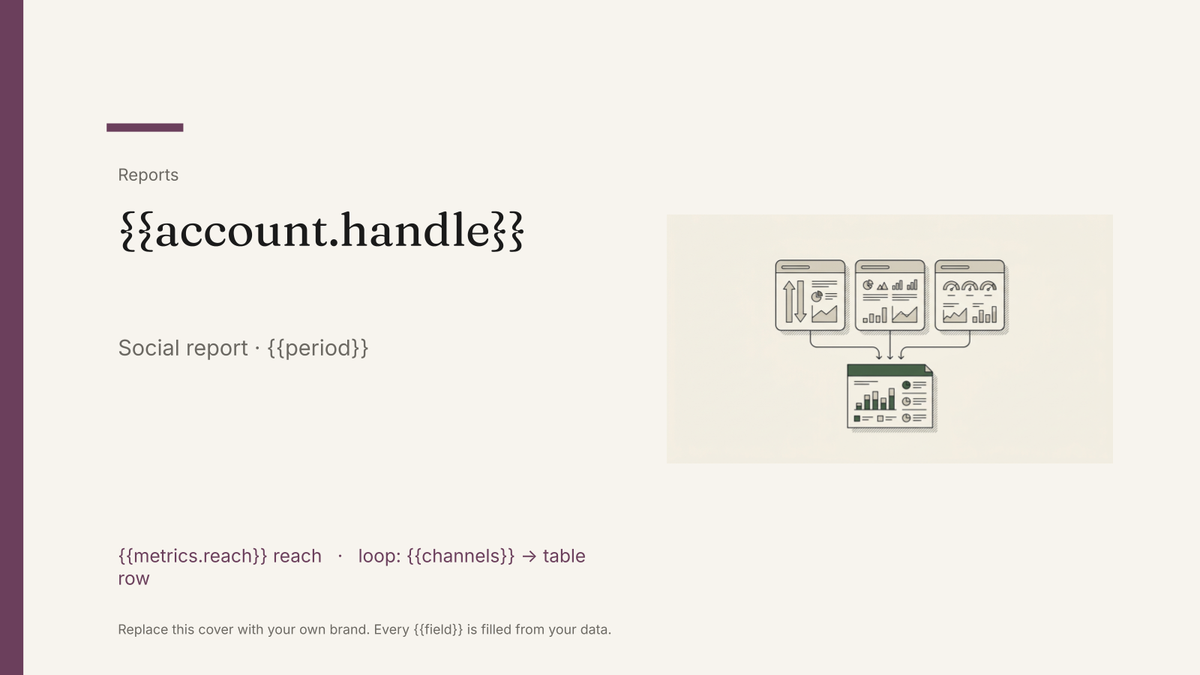 Google Slides
 Social media report template
A per-channel social performance report with reach, engagement and top-post blocks, generated one per account from your platform data.
View template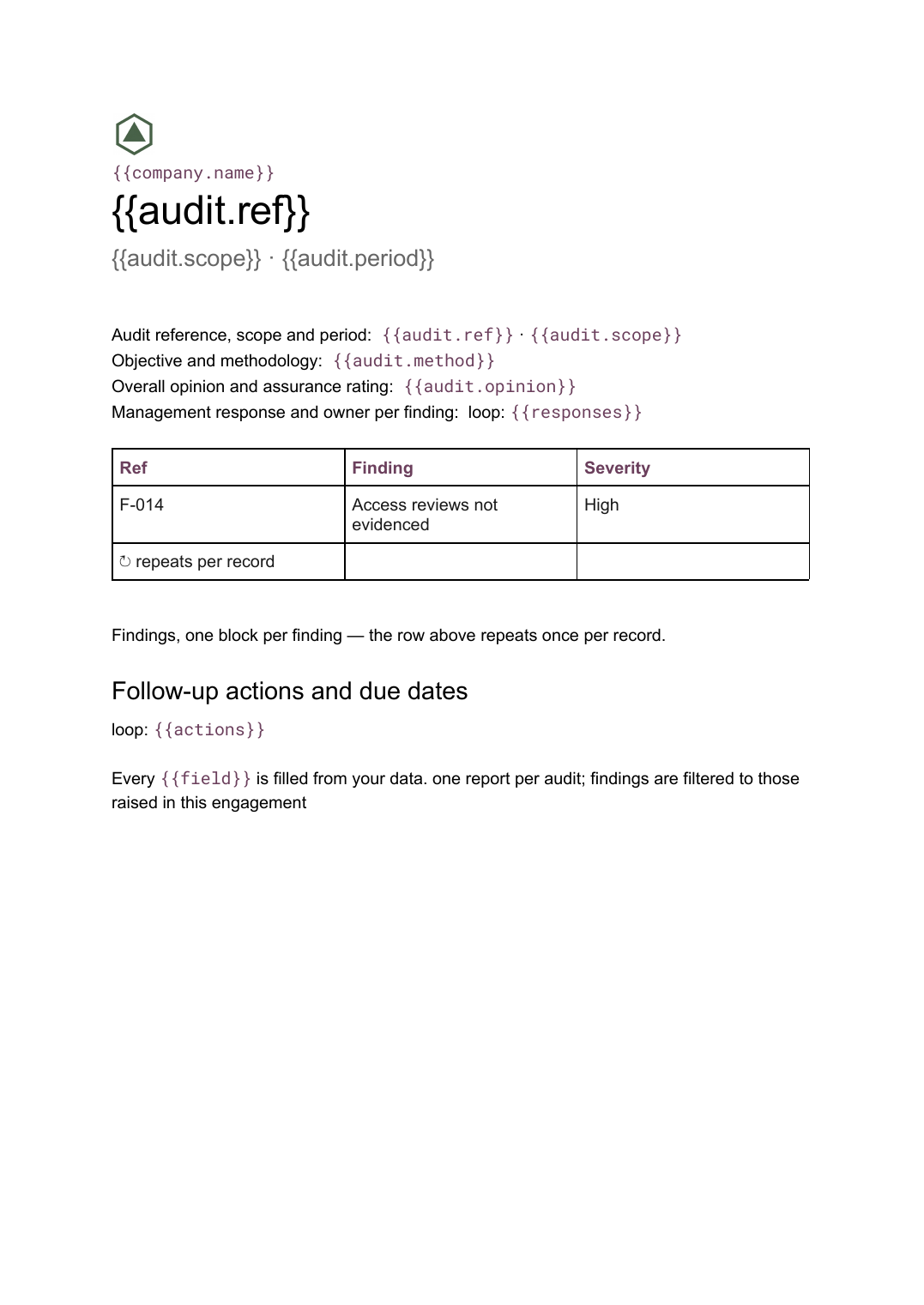 Google Docs
 Audit report template
A per-audit report setting out scope, findings with severity and management responses, generated from your findings register.
View templateCommon questions, answered
Why Slides for an SEO report? +
Where does the keyword and traffic data come from? +
Can I report on all my sites in one run? +
Can I use my own deck design? +
Generate this document from your data
Start on the free plan, connect a data source, and export a real Google Slides document. No watermark, no credit card.