Free timeline template for Google Slides
A horizontal project timeline with phases and milestones, plus one detail slide per phase, generated from your project plan.
Free to copy, no sign-up: the file opens in your own Google Drive. Updated November 13, 2026.
What’s in the timeline template
Every block has a placeholder showing where your details go. Type over them by hand, or bind each one to a field in your data and let it fill itself.
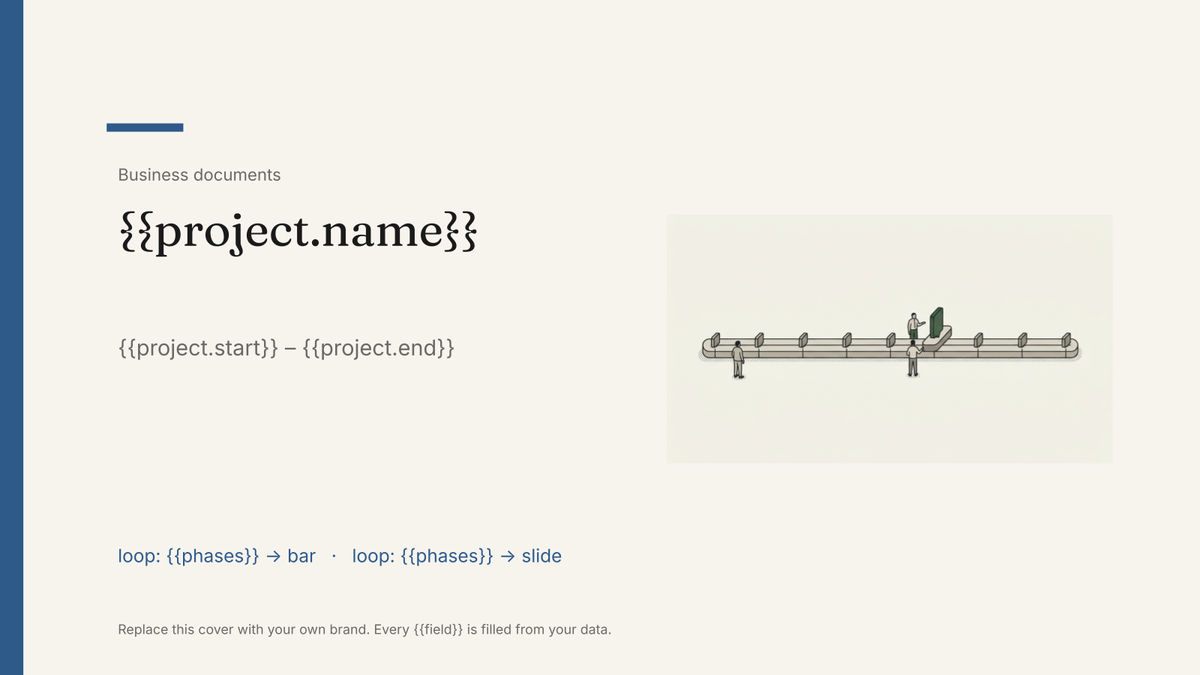
- Title slide with project name and dates {{project.name}} · {{project.start}}–{{project.end}}
- Horizontal timeline with phases and milestones loop: {{phases}}
- One detail slide per phase loop: {{phases}}
- Milestone list with owners and dates loop: {{milestones}}
- Risks and dependencies slide loop: {{risks}}
How to use this timeline template in Google Slides
- 01
Copy the template to your Google Drive
Press "Copy to my Google Slides". Google asks to make a copy, and the copy is yours to edit; the original is never changed. All you need is a free Google account.
- 02
Replace the placeholders with your details
Text in double braces, like {{project.name}}, marks where your own values go. Work down the slides: title slide with project name and dates; horizontal timeline with phases and milestones; one detail slide per phase, and so on.
- 03
Make it match your brand
Swap the logo, colours and fonts in Google Slides as you would in any presentation. The layout is built to hold when the text changes.
- 04
Download it as a PDF, or share the link
File, then Download, then PDF Document gives you a file to send or print. Download as PowerPoint (.pptx) works too if someone needs it.
- 05
Making these regularly? Fill it from your data
Connect Airtable, Google Sheets or a CSV to SourceToDocs and it fills a copy of this template for every row, so you stop retyping.
A project timeline is the slide everyone asks for and nobody keeps current, because updating it means dragging shapes. This template places the phases from the plan instead: change a date in the project table, regenerate, and the bar moves. One deck per project, with a detail slide per phase and the milestone list underneath.
What to include in a project timeline
| Element | What to write | Example |
|---|---|---|
| Project name and dates | The whole span | Website relaunch · Jan–Jun 2027 |
| Phases | Four to seven named stages with start and end dates | Discovery · 6 Jan – 31 Jan |
| Milestones | Dated points where something is finished or decided | Design sign-off · 14 Mar |
| Owners | Who is responsible for each phase | Design lead |
| Dependencies and risks | What must happen first, what could move the dates | Content needed by 1 Mar |
How to make a timeline in Google Slides
- Copy the template and enter the project name and dates on the title slide.
- Rename the phases on the timeline slide and set their dates.
- Add milestones as dated markers; keep them to the ones a sponsor cares about.
- Fill in one detail slide per phase: goal, owner, what “done” means.
- Download as a PDF, or present from Slides.
Is there a timeline template for Google Docs?
Google Docs has no built-in timeline. The usual routes are Insert › Drawing (slow to update) or a table with one row per phase (clear, but not a visual timeline). A horizontal timeline is a fixed layout, which is what Google Slides is for, so this template is a Slides file. If you need the timeline inside a Google Doc, build it here, copy the slide and paste it into your Doc, choosing Link to presentation so the Doc can be updated when the slide changes.
Timeline or Gantt chart?
A timeline shows phases and milestones for people who need the shape of the project. A Gantt chart shows every task, dependency and assignee for the people running it. Use a Gantt in your project tool; show a timeline in the steering meeting.
Phases are records, not shapes
Keep a phases table linked to the project: name, start, end, owner. The timeline slide loops the phases into bars; the detail slides loop them again with the description and milestones. The deck is always as current as the table.
Fill this timeline template from Airtable, Google Sheets or a CSV
Connect an Airtable base, a Google Sheets spreadsheet or a CSV file, map each field to a placeholder, and generate. One run can produce a single deck or one per matching row, delivered to your Google Drive.
Projects · Airtable
Template: Google Slides or Docs
{{project.name}}
{{project.start}} – {{project.end}}
loop: {{phases}} → bar
loop: {{phases}} → slide
loop: {{milestones}} → row
one deck per project; phases and milestones repeat from linked tables
Generated output
SlidesPDFWebsite relaunch
Nov 2026 – Mar 2027
5 phases on the timeline
5 detail slides
9 milestones
Who uses this timeline template
Project and programme managers
A current timeline deck for every project from the plan, regenerated when dates move.
Read the guideAgencies
A timeline per client engagement from the project table, in the proposal or the kickoff deck.
Read the guideRelated templates
All business documents →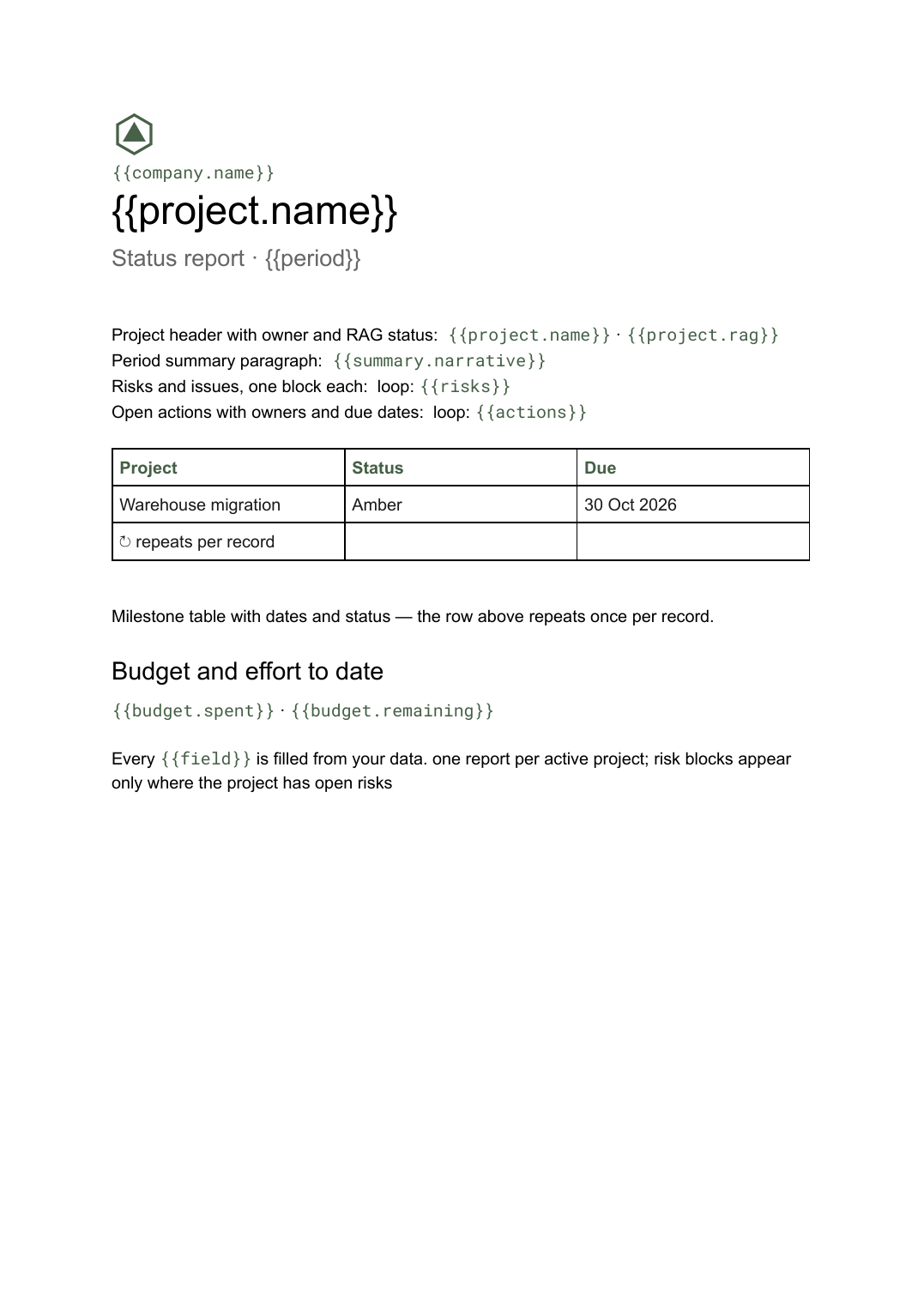 Google Docs
Project status report template
A per-project status write-up covering progress, milestones, risks and open actions, generated one per project from your tracker.
View template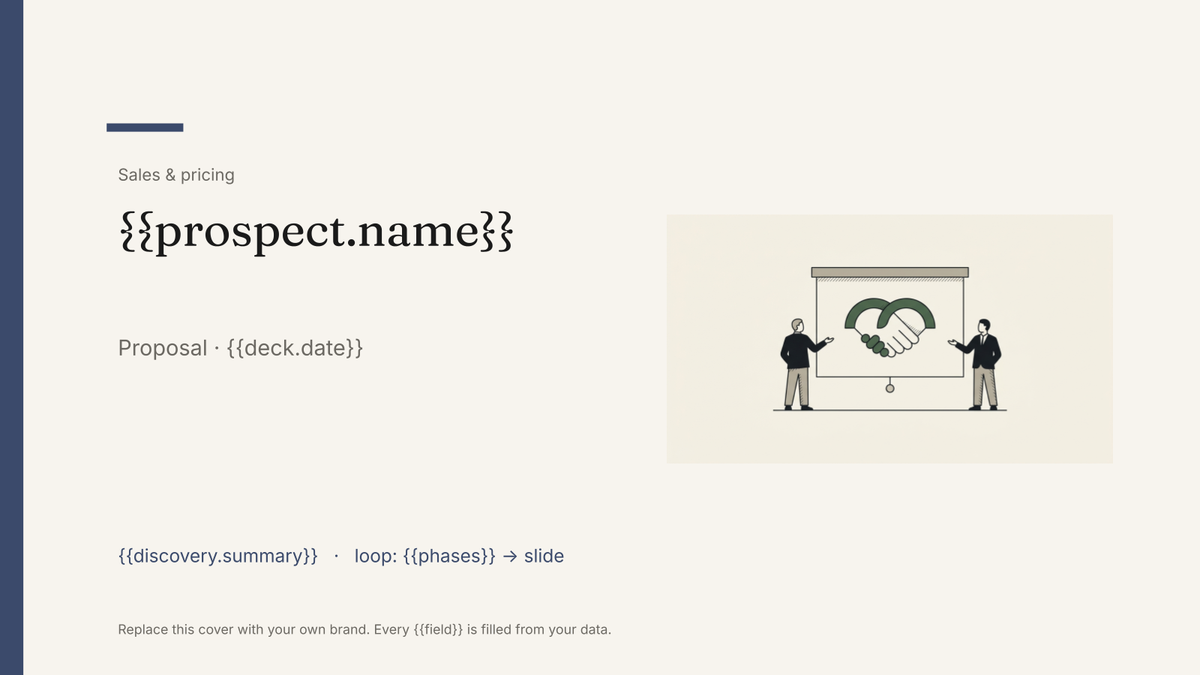 Google Slides
Sales proposal deck template
A presented sales proposal in deck form, generated one per opportunity from your CRM and pricing data.
View template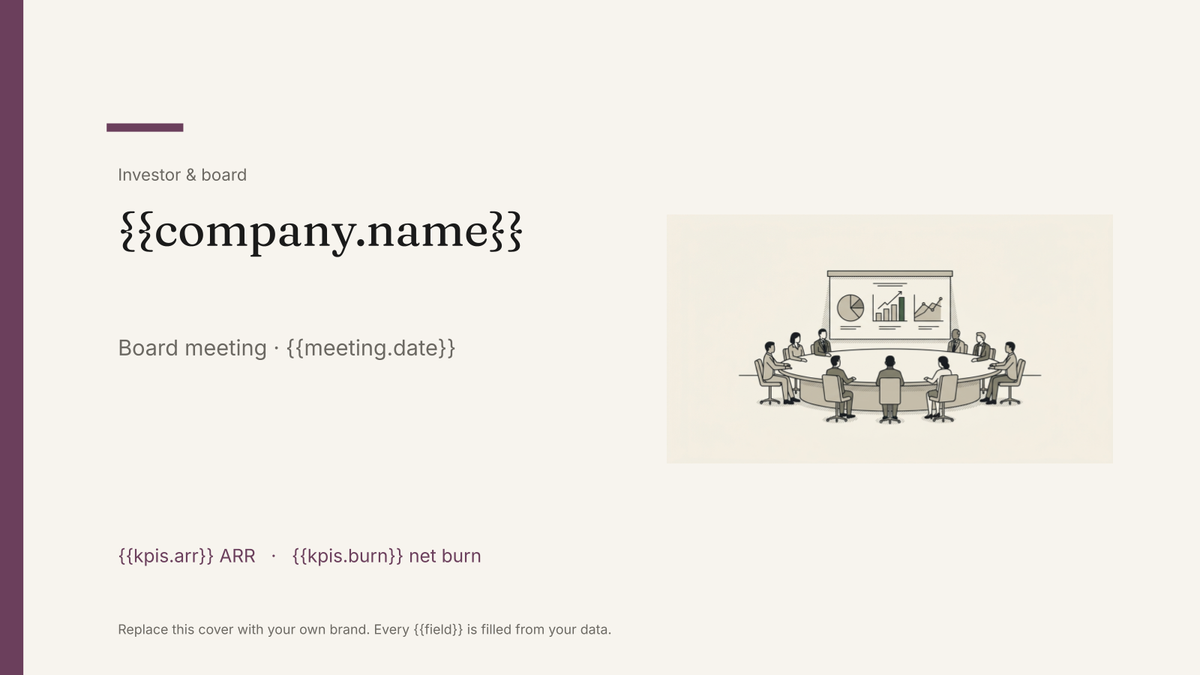 Google Slides
Board deck template
The presented version of the board pack, built in Google Slides and generated each cycle from your KPI and financial data.
View template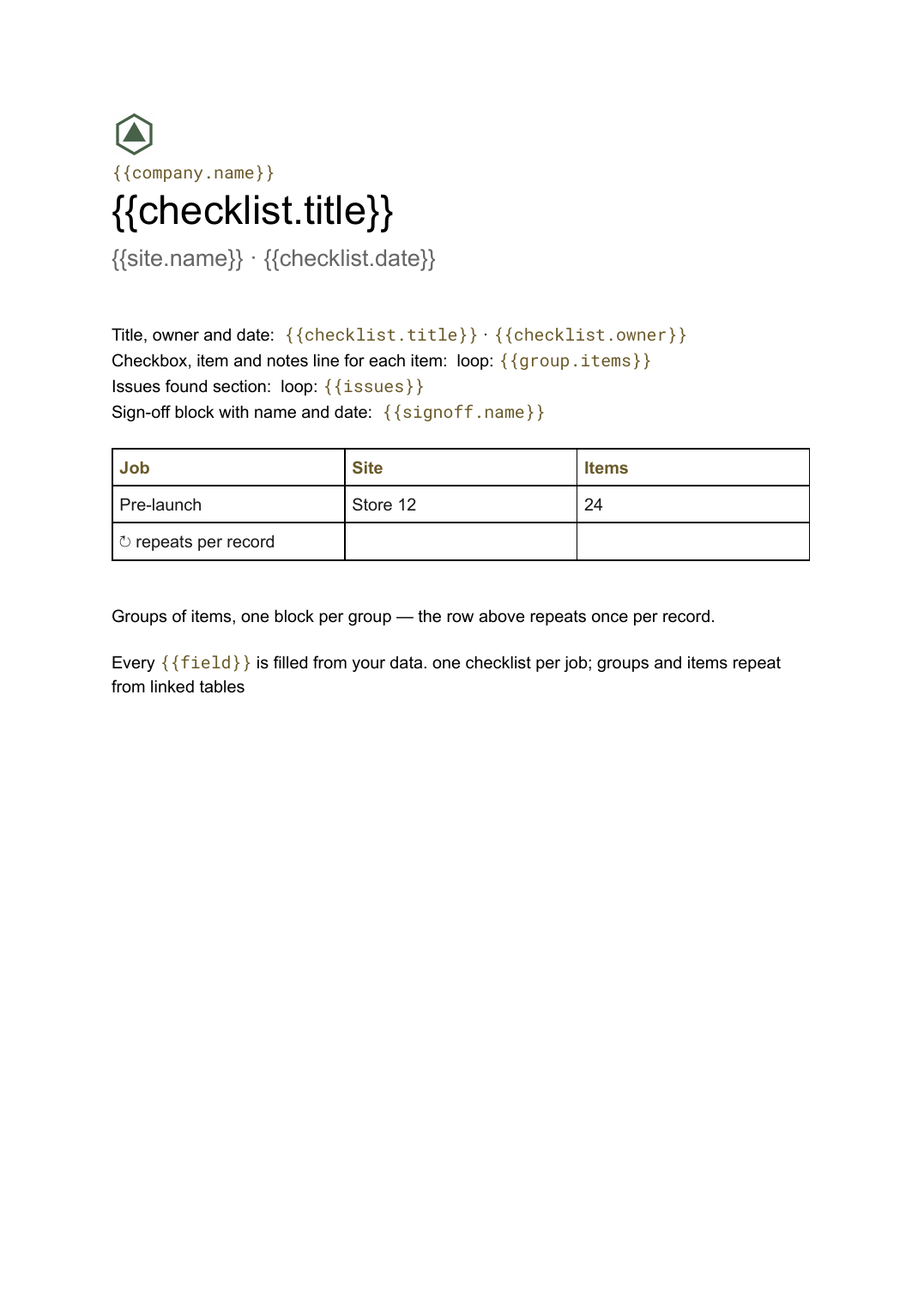 Google Docs
Checklist template
A grouped checklist with checkboxes, notes and sign-off, generated one per job, inspection or client from your task data.
View templateCommon questions, answered
Does the timeline redraw when dates change? +
One deck per project? +
Can I use our own design? +
Is this timeline template free? +
Can I download this timeline template as a PDF or PowerPoint file? +
Generate this document from your data
Start on the free plan, connect Airtable, Google Sheets or a CSV, and export a real Google Slides file. No watermark, no credit card.