Weekly status report template
A short weekly write-up of progress, blockers and next steps, generated one per team or project from your task tracker.
Free plan, no credit card. Bring your own design or start from this layout.
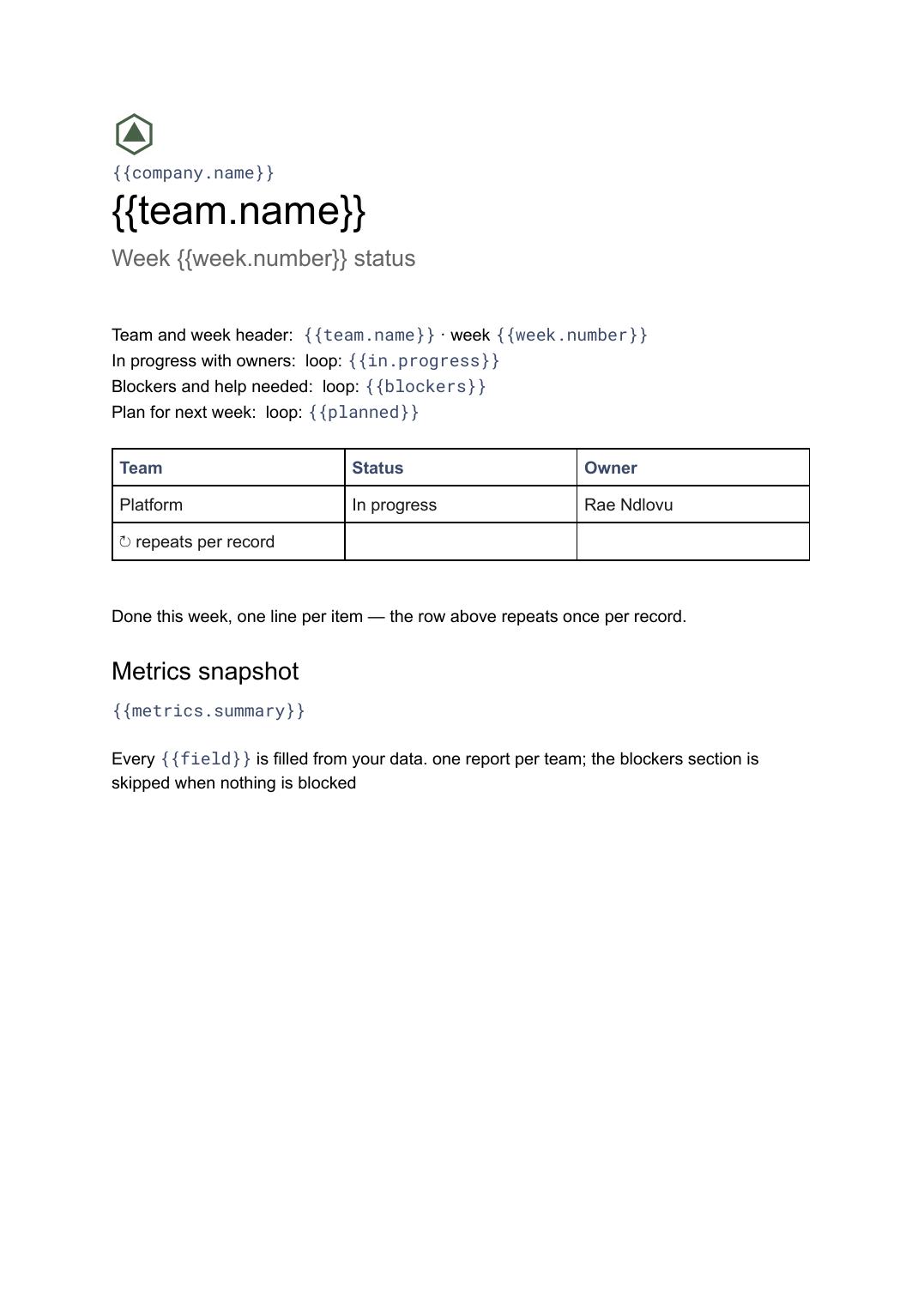
What’s in this template
Every block is bound to a field in your data. The layout stays exactly as designed; only the values change from one run to the next.
- Team and week header {{team.name}} · week {{week.number}}
- Done this week, one line per item loop: {{completed}}
- In progress with owners loop: {{in.progress}}
- Blockers and help needed loop: {{blockers}}
- Plan for next week loop: {{planned}}
- Metrics snapshot {{metrics.summary}}
How this template fills itself
Connect Airtable, Google Sheets, a SQL database, a CSV or a REST API, map each field to a placeholder, and generate. One run can produce a single document or one per matching record.
Tasks · Google Sheets
Template: Google Slides or Docs
{{team.name}}
Week {{week.number}} status
loop: {{completed}} → bullet
loop: {{blockers}} → bullet
{{metrics.summary}}
one report per team; the blockers section is skipped when nothing is blocked
Generated output
DocsPDFPlatform
Week 36 status
9 items completed
1 blocker: warehouse access still pending
Cycle time down to 3.1 days
Who uses this template
Engineering and product teams
Send the weekly update from the tracker people already move cards in, rather than writing it again from memory.
Read the guideOperations managers
Get the same short document from every team each week, in a format that can be read side by side.
Read the guideAgencies reporting weekly
Keep clients current between monthly reports without an account manager writing five emails on a Friday.
Read the guideThe weekly status update is short, low-stakes and written from scratch about fifty times a year, usually late on a Friday from memory. Almost all of it already exists in the tracker: what closed, what moved, what is stuck. The writing adds nothing that the data does not already know.
Bind each section to a filtered view, not a person’s recall
Define the sections as queries once — closed in the last seven days, in progress with an owner, flagged blocked, due next week — and the report becomes a picture of the tracker rather than an account of it. This has a side effect worth having: when the report is generated, the tracker has to be accurate, so people keep it accurate. Keep a single free-text field per team for the sentence a manager should read first, and leave everything else to the loops. A run then produces every team’s update at the same moment, in the same shape, which is what makes them comparable.
Related templates
All reports →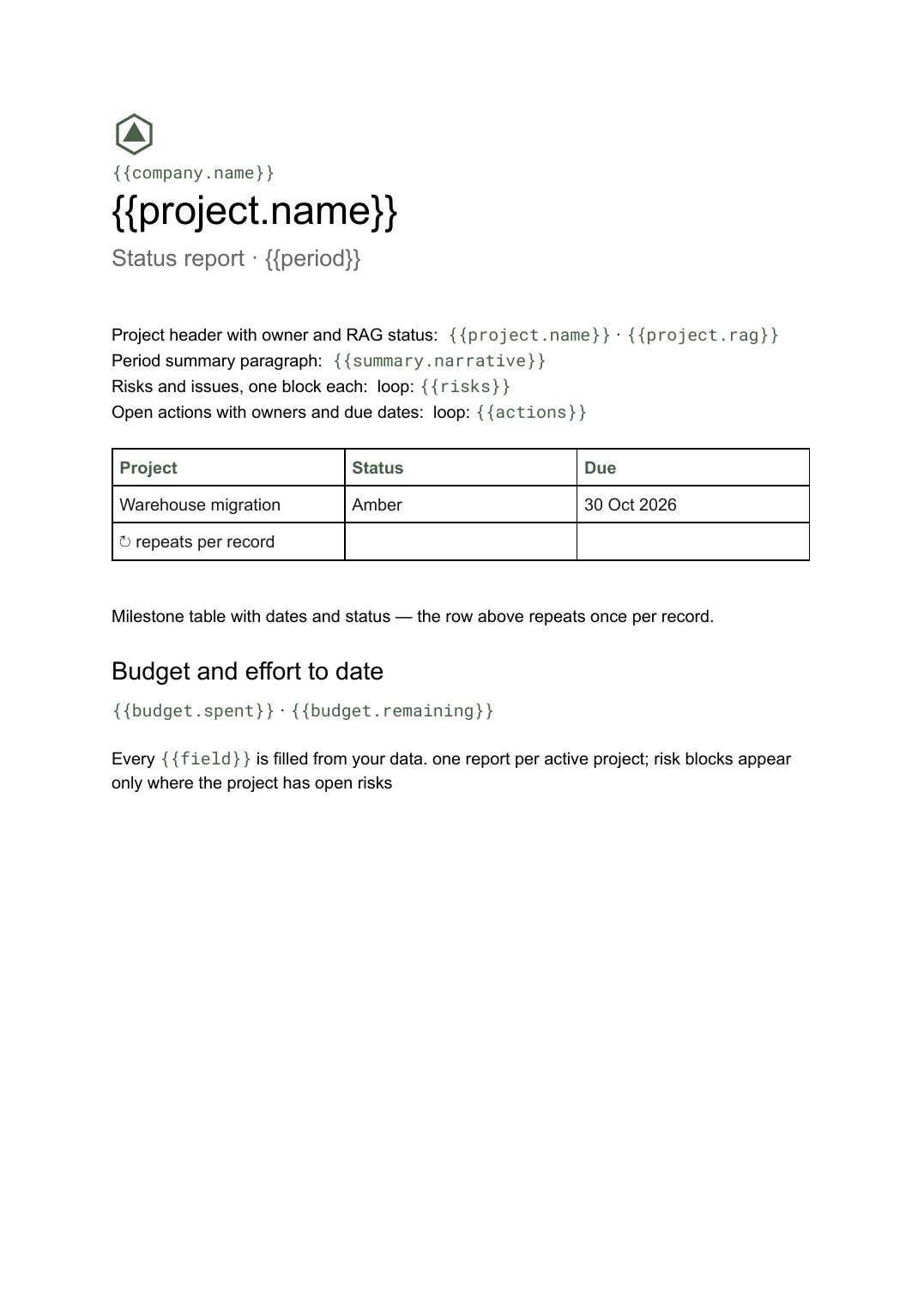 Google Docs
 Project status report template
A per-project status write-up covering progress, milestones, risks and open actions, generated one per project from your tracker.
View template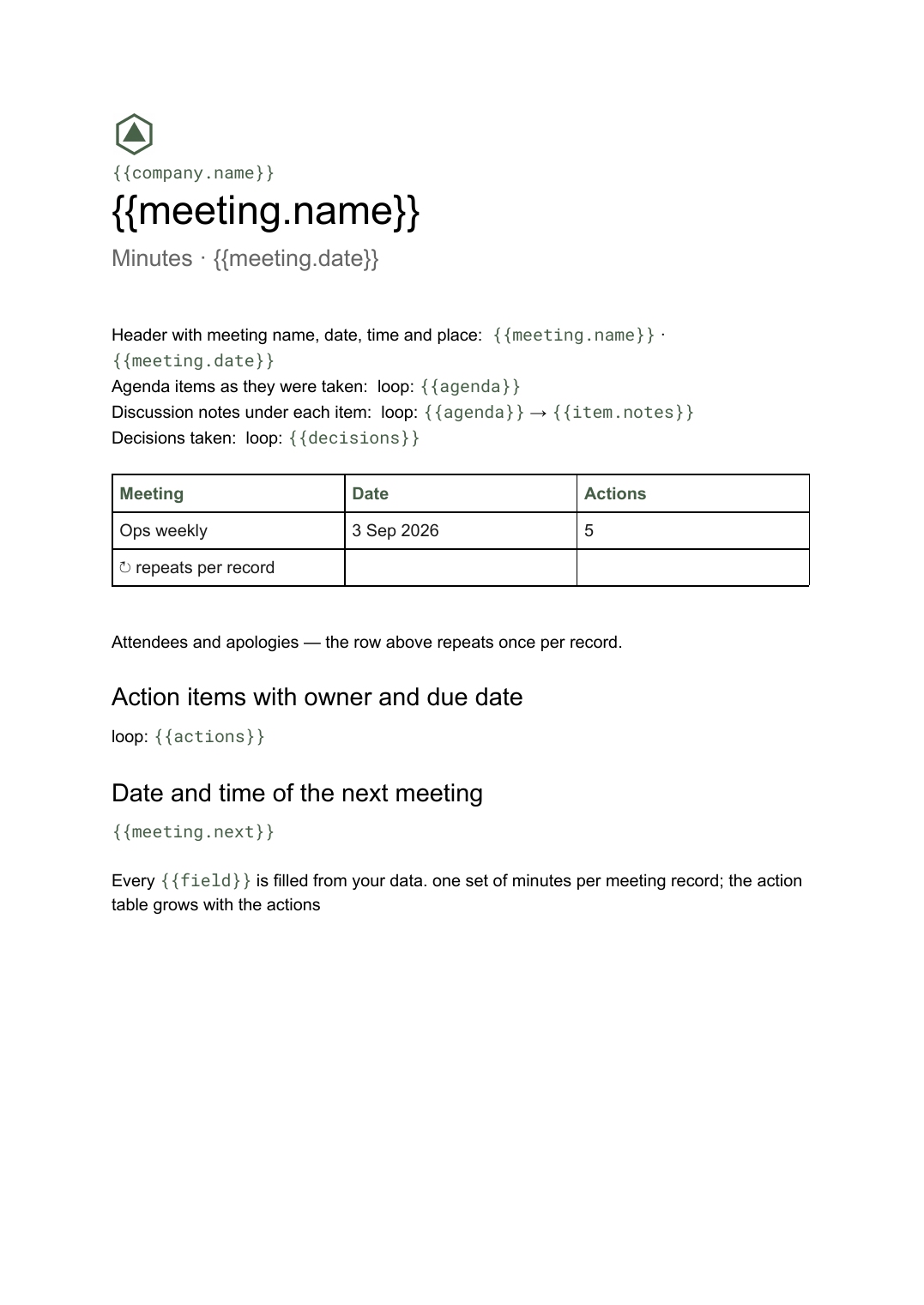 Google Docs
 Meeting minutes template for Google Docs
A formal record of a meeting listing attendees, decisions taken and action items with owners, generated one document per meeting from your data.
View template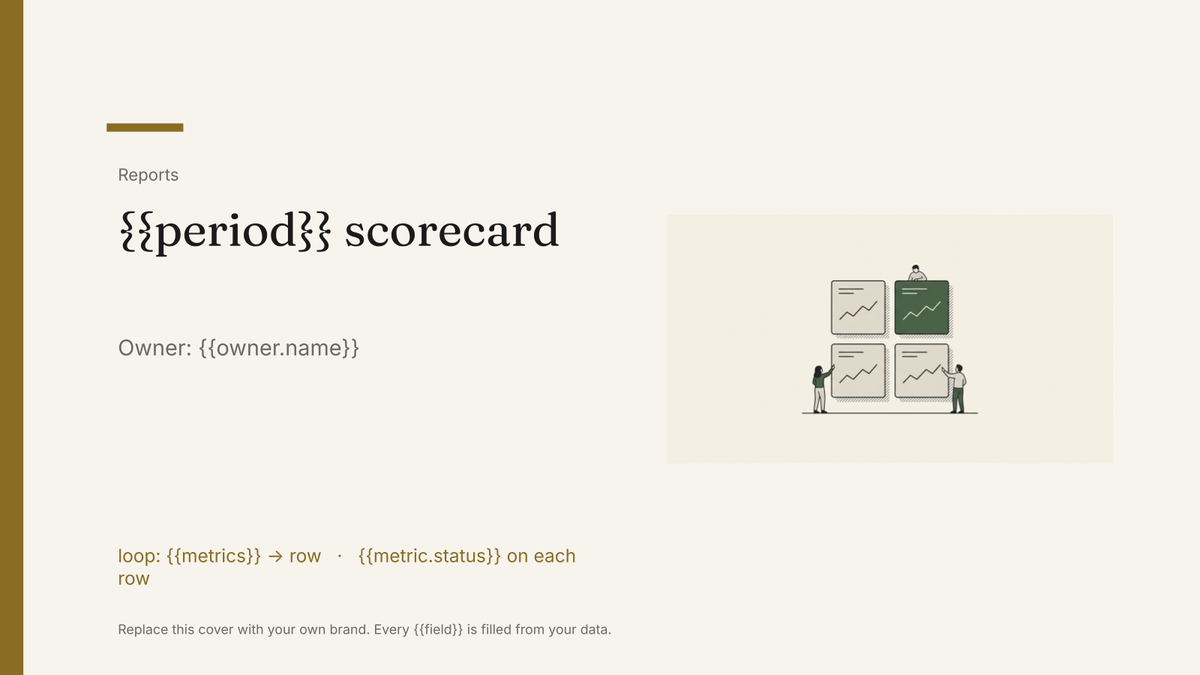 Google Slides
 KPI scorecard template
A one-page KPI scorecard showing target, actual and variance per metric, generated each period from your reporting data.
View template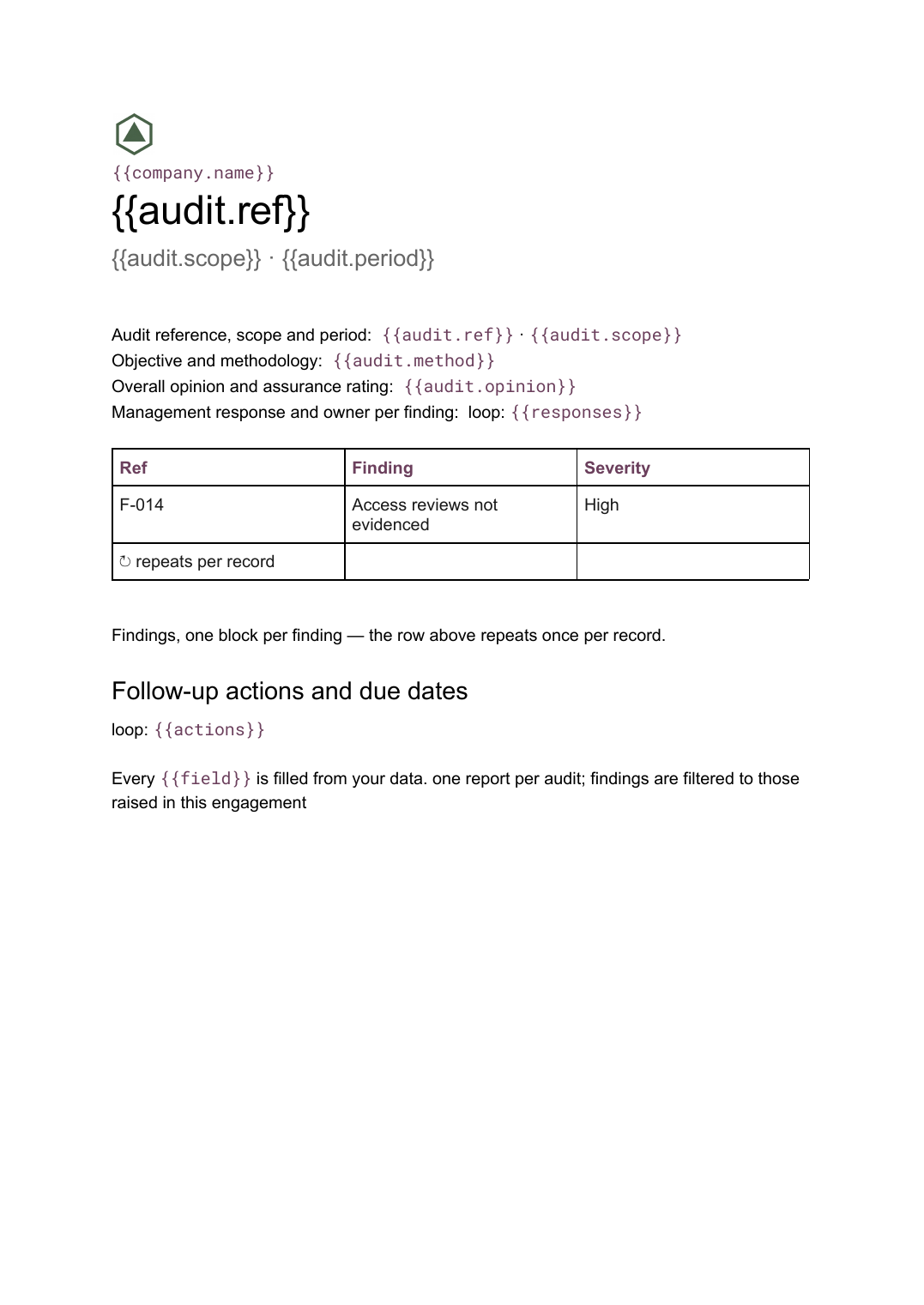 Google Docs
 Audit report template
A per-audit report setting out scope, findings with severity and management responses, generated from your findings register.
View templateCommon questions, answered
Can it run automatically every Friday? +
Where do the items come from? +
What happens when a team has nothing blocked? +
Can I use our own weekly update format? +
Generate this document from your data
Start on the free plan, connect a data source, and export a real Google Docs document. No watermark, no credit card.